
Design professional backgrounds with AI
Easily create custom backgrounds for your designs with our free AI image generator. Choose from various styles and colors.
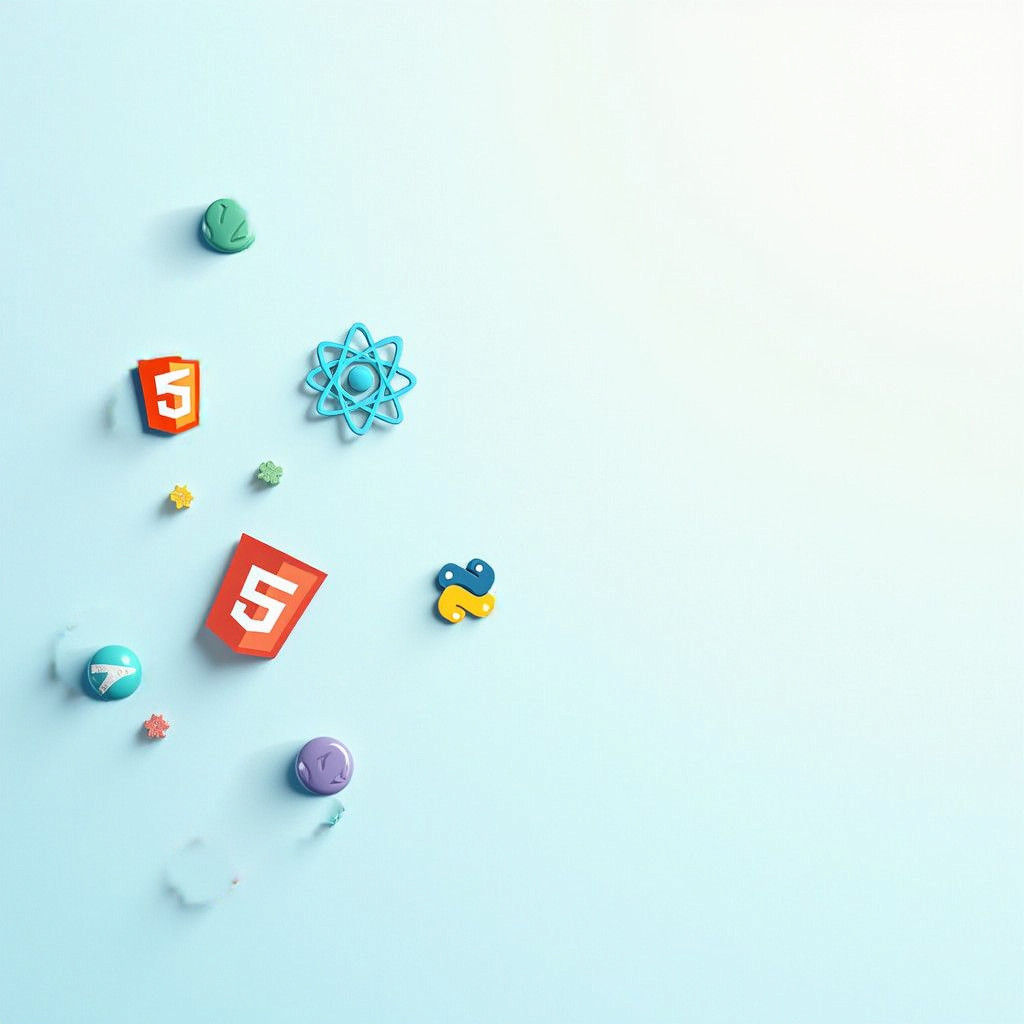

Background: Use a solid color background, such as a light blue or soft gray, to maintain a professional appearance. Alternatively, you could...
Erstellt vor 2 years ago · 2 kommentare· 0 Likes
 Flux
Flux
Modern Tech Banner with Varied Icons and Colors
This image showcases a professional banner featuring a mix of icons for HTML, CSS, JavaScript, React, and Python, spread across a solid light blue background, adding depth and visual interest.
Erstellt von Anonymous User am Nov 21, 2024 unter Verwendung des Flux KI-Bildgenerator-Modells.
2 Kommentare
An der Unterhaltung teilnehmen
Kreationseinstellungen
- Text-Prompts
- Background: Use a solid color background, such as a light blue or soft gray, to maintain a professional appearance. Alternatively, you could use a subtle texture, like a linen or a gradient that transitions from light blue to white. Icons Placement: Randomly spread the icons for HTML, CSS, JavaScript, ...Weight: 1
- Modell
 CKPT
CKPT- Anfangsauflösung
Medium
- Seitenverhältnis
1:1
- Laufzeit
Short
- Gesamt-Prompt-Gewicht
50%
Selektive Bearbeitungseinstellungen
- Prompts
"Background: Use a solid color background, such as a light blue or soft gray, to maintain a professional appearance. Alternatively, you could use a subtle texture, like a linen or a gradient that transitions from light blue to white. Icons Placement: Randomly spread the icons for HTML, CSS, JavaScript, React, and Python across the banner. Ensure that the icons vary in size slightly to create depth and interest, but keep them within a consistent size range to maintain coherence. Color Palette: Use different colors for each icon to add emphasis: HTML: Use a bright red or orange. CSS: Opt for a vibrant blue. JavaScript: Choose a yellow or gold. React: Use a light teal or cyan. Python: Choose a green or a soft purple. Visual Balance: Make sure to spread the icons evenly to avoid clustering in one area. Aim for a balanced look where the icons draw the eye without overwhelming the viewer. ratio 4:1"
Gewicht: 1
- Inpainting Typ
Inpainting
- Startbild (maskiert)


