

- Galerien
- Nightmare Before Christmas Drawing Gallery
Nightmare Before Christmas Drawings - AI Generated
Discover a gallery of AI-generated Nightmare Before Christmas drawings. Get inspired by the spooky and whimsical art, then create your own unique characters and scenes.

Erstellen Sie Ihre eigenen Nightmare Before Christmas Drawings - AI Generated-Bilder
Entdecken Sie die Magie der Text-zu-Bild-KI, indem Sie Ihre eigenen einzigartigen Bilder erstellen. Bearbeiten Sie den Prompt unten, um Ihre Kreation anzupassen.
No payment or credit card required.
Wie gesehen in








Nightmare Before Christmas Drawing Gallery


Nicht das gefunden, wonach Sie gesucht haben? Erstellen Sie unten Ihre eigenen!

Spooky & Whimsical Creations
Explore Unique Nightmare Before Christmas Art
Dive into a unique collection of AI-generated art inspired by the iconic style of 'A Nightmare Before Christmas'. Each piece captures the eerie charm and gothic fantasy that fans adore. Use these fascinating Nightmare Before Christmas drawings as a springboard for your own imagination, or simply marvel at the dark, delightful creativity brought to life by AI.
Create Your Own Nightmare Before Christmas Art
Schritt 1
Describe Your Spooky Vision
Begin by describing your desired 'Nightmare Before Christmas' inspired artwork in the prompt box. Be specific about characters, settings, mood, and artistic style to guide the AI in creating a unique piece that captures the gothic fantasy and eerie charm you envision.
Schritt 2
Generate Your Macabre Masterpiece
After refining your prompt, click the 'Generate' button. The AI will then process your input and create a one-of-a-kind drawing in the beloved 'Nightmare Before Christmas' aesthetic, bringing your macabre ideas to life.
Schritt 3
Download and Share Your Creation
Once your artwork is ready, you can download it in high resolution to use as you wish. Feel free to share your creation with the community or on your social media to showcase your AI-generated 'Nightmare Before Christmas' art!

Bring Your Spooky Vision To Life
Generate Nightmare Before Christmas Art With AI
Unleash your inner Tim Burton and generate your own unique Nightmare Before Christmas Art. Our advanced AI tools allow you to craft original characters, spooky scenes, and fantastical landscapes in the beloved aesthetic. Whether you're a seasoned artist or a curious beginner, easily Generate Nightmare Before Christmas Art with AI and bring your most imaginative, macabre visions to life.
Mehr Galerien
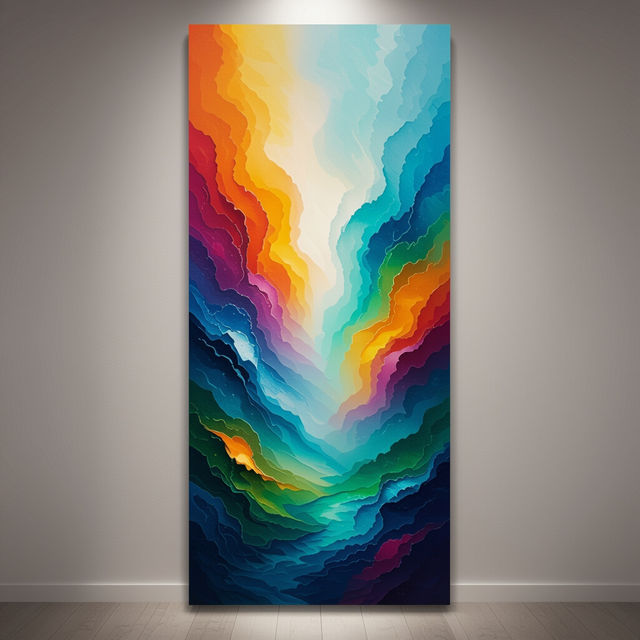
Vertical Wall Art - AI Generated
Discover a curated collection of AI-generated vertical wall art. Perfect for adding a unique and artistic touch to any room. Browse now and find your next statement piece.
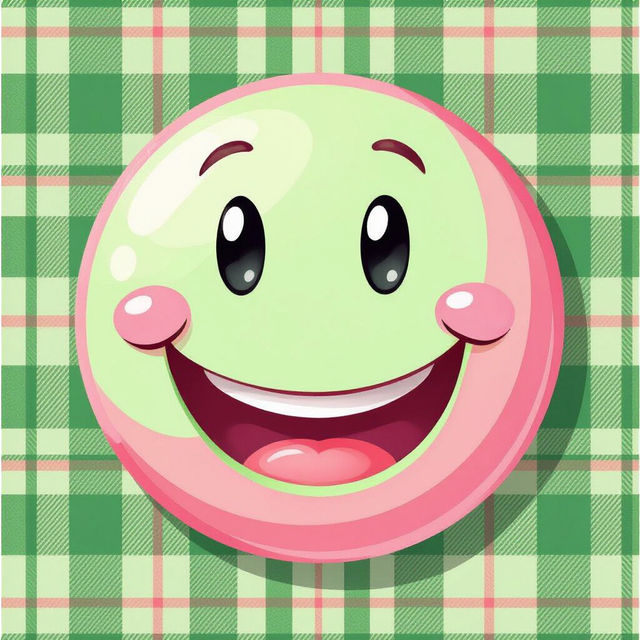
Preppy Smiley Face Wallpaper
Explore a vibrant gallery of preppy smiley face wallpapers. Perfect for adding a touch of fun and style to your devices. Create your own unique preppy designs with AI.
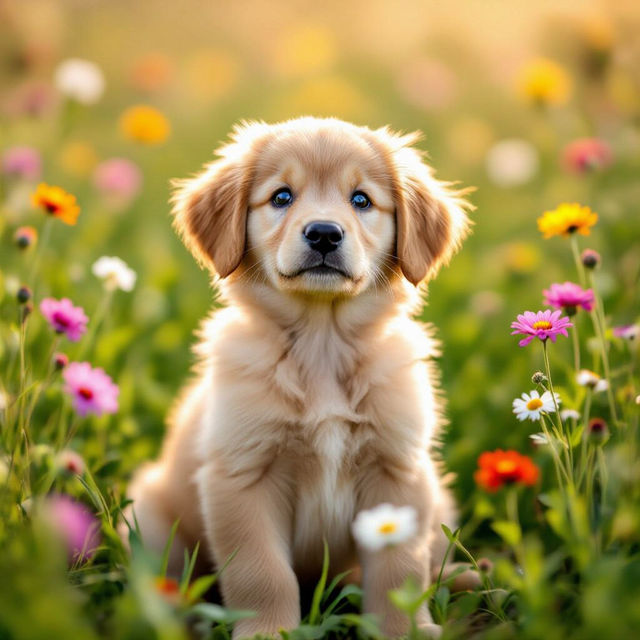
Cute Puppy Dog Wallpapers
Discover an adorable collection of AI-generated puppy dog wallpapers. Find the perfect cute dog wallpaper to brighten your screen and bring joy to your day.
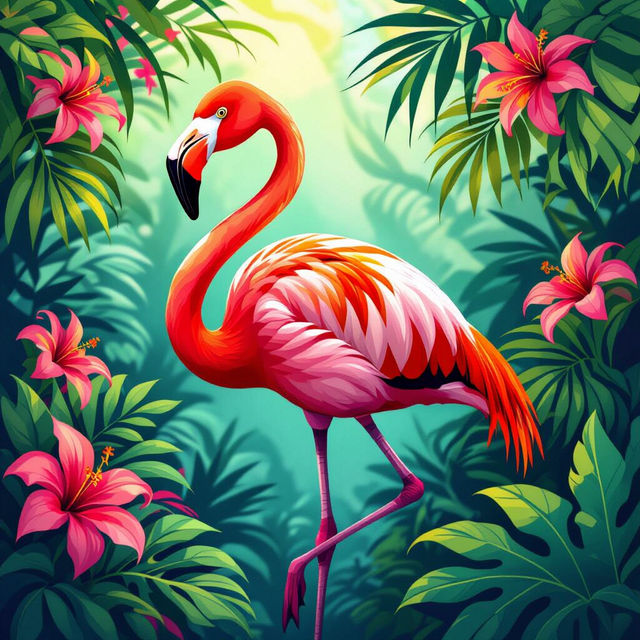
Flamingo Clip Art
Explore a vibrant collection of Flamingo Clip Art created with AI. Find unique designs for your projects or get inspired to generate your own tropical-themed artwork.
Häufig gestellte Fragen
Your Questions About Creating Nightmare Before Christmas AI Art, Answered