

- Galerien
- Windows 11 Wallpaper Gallery
Windows 11 Wallpapers - AI Generated
Explore a gallery of unique Windows 11 wallpapers created by AI. Find the perfect aesthetic for your desktop or generate your own custom Windows 11 wallpaper.

Erstellen Sie Ihre eigenen Windows 11 Wallpapers - AI Generated-Bilder
Entdecken Sie die Magie der Text-zu-Bild-KI, indem Sie Ihre eigenen einzigartigen Bilder erstellen. Bearbeiten Sie den Prompt unten, um Ihre Kreation anzupassen.
No payment or credit card required.
Wie gesehen in








Windows 11 Wallpaper Gallery


Nicht das gefunden, wonach Sie gesucht haben? Erstellen Sie unten Ihre eigenen!

Elevate Your Desktop Aesthetic
Stunning Windows 11 Wallpaper Designs
Discover a breathtaking collection of Windows 11 wallpaper designs, meticulously crafted by artificial intelligence. Each piece offers a unique visual narrative, transforming your desktop into a personalized digital canvas. Find the perfect aesthetic that resonates with your style and makes your computing experience truly your own. This Wallpaper Windows 11 gallery offers endless inspiration.
Create Your Unique Windows 11 Wallpaper
Schritt 1
Describe Your Dream Wallpaper
Start by describing the aesthetic you envision for your Windows 11 wallpaper in the prompt box. Think about colors, themes, styles (e.g., abstract, minimalist, nature), and any specific elements you'd like to see. The more detail you provide, the better the AI can capture your vision.
Schritt 2
Generate Your Custom Wallpaper
Once you've crafted your prompt, click the 'Generate' button. Our AI will process your description and create a stunning, unique Windows 11 wallpaper tailored to your specifications.
Schritt 3
Download and Personalize Your Desktop
After your wallpaper is generated, you can download it in high resolution to use on your Windows 11 device. Feel free to share your creation with others or generate more variations!

Your Vision, AI's Creation
Generate Unique Windows 11 Backgrounds With AI
Tired of generic backgrounds? Our AI empowers you to Generate Unique Windows 11 Backgrounds with AI. Simply input your ideas, and watch as our advanced models bring them to life in stunning detail. Create personalized Windows 11 Backgrounds that perfectly match your mood, profession, or passion. Unleash your creativity and make your desktop truly stand out.
Mehr Galerien
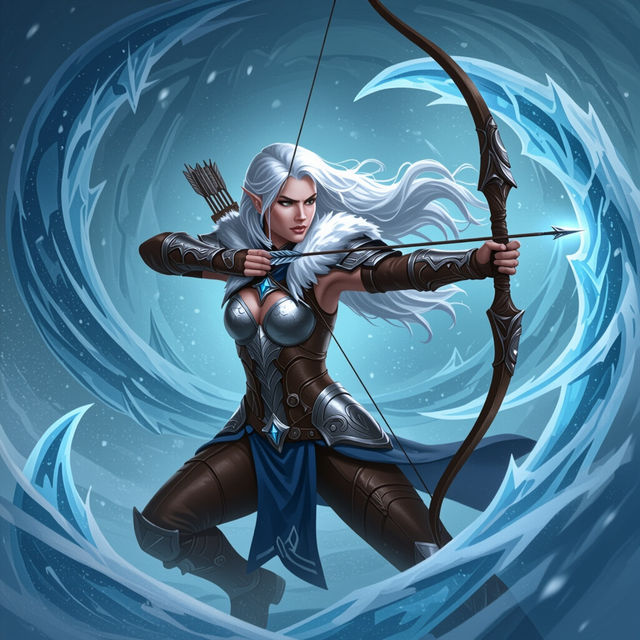
Ashe Concept Art
Discover stunning AI-generated concept art of Ashe. Browse unique character designs and get inspired to create your own Ashe-inspired art with NightCafe's powerful AI.
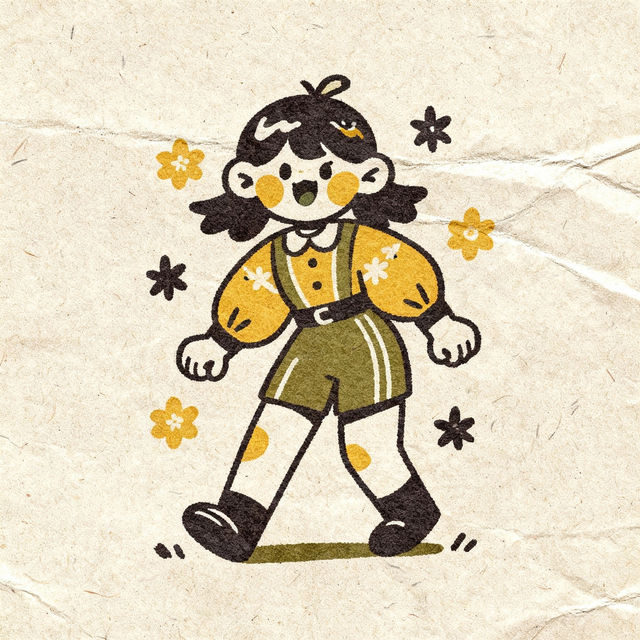
Old School Drawing Art
Discover the charm of old school drawing. Our AI generator brings classic artistic styles to life, perfect for unique illustrations and nostalgic designs. Create your own today!
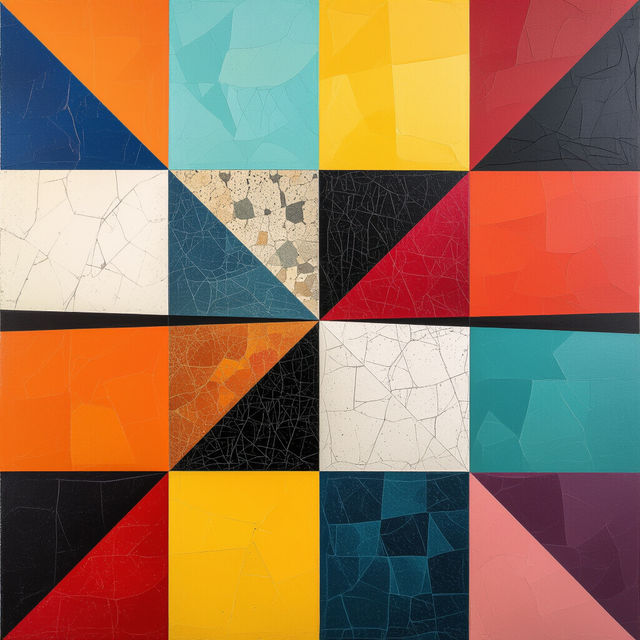
Quarter Image Designs
Discover the art of the quarter image. Browse unique AI-generated quarter images and get inspired to create your own eye-catching designs with NightCafe.
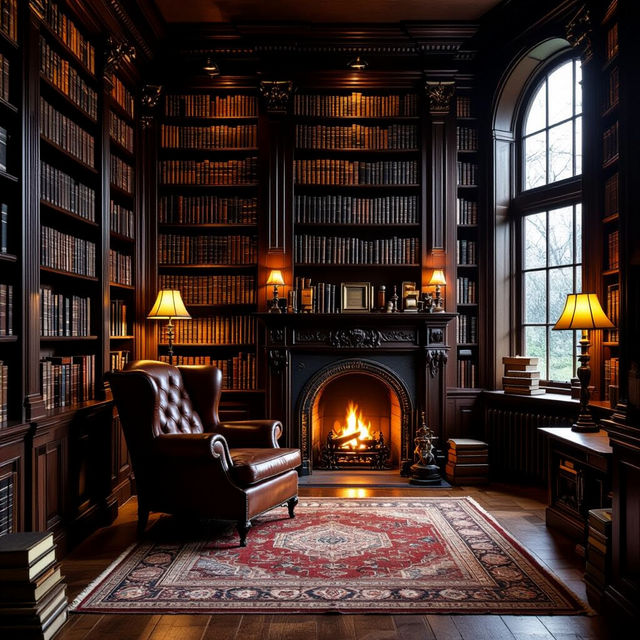
Bookcase Wallpaper - AI Generated
Discover a vast collection of AI-generated bookcase wallpaper. Perfect for adding a touch of literary charm to your digital space. Create your own unique designs with NightCafe.
Häufig gestellte Fragen
Your Questions About AI Windows 11 Wallpapers, Answered