KI-Kunstgeneratoren
Erstellen
Anonymous User

Photorealistic Portrait Generator

The photorealistic portrait generator creates lifelike, detailed AI portraits instantly using the built-in Photorealistic Portrait Generator template. Simply fill in the fields for your subject, mood, lighting style, and camera settings to generate realistic faces in seconds. You can choose from over 30 AI models, including GPT Image, Flux, and Seedream, to control skin detail and atmosphere. It is free to try with daily credits, and no download is required. Beginnen Sie jetzt mit der geführten Vorlage unten.

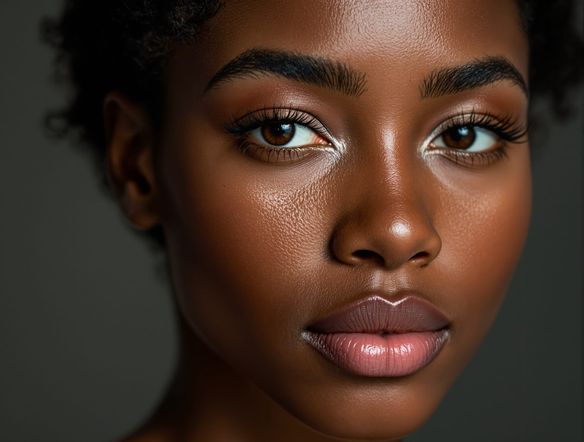
Create a photorealistic portrait of a fictional person with detailed skin texture, natural studio lighting, catchlights in the eyes, shallow depth of field, and a neutral background. Cinematic and lifelike, rendered with careful attention to facial detail.

Erstellen

Text-Prompt

Beschreiben Sie, was der KI erzeugen soll.

KI-Modell

Wählen Sie, welches KI-Bild-Generator verwendet werden soll.

Startbild(er)

Dieses Modell unterstützt Prompt-to-Edit und Multi-Image-Fusion.

Diese Kreation wird anderen Nutzern im Feed für Neulinge sichtbar sein.

Wie gesehen in

msn.com
mashable.com
forbes.com
bbc.co.uk
techcrunch.com
vice.com
aol.com
news.yahoo.com
Show a side-by-side mood board of three photorealistic AI portrait styles: one with warm golden-hour lighting, one with cool blue studio rim lighting, and one with dramatic chiaroscuro shadows. Each face is fictional and distinctly lit.

Studio quality, any style

Free AI Portrait Generator Online

NightCafe gives you access to 30+ models including GPT Image, Flux, and Seedream so you can compare how each renders skin tone, hair detail, and lighting in a single session. Dial in a moody low-key look, soft natural window light, or a bold editorial feel. Each model handles micro-detail and color grading differently, so the right portrait for your project is always within reach.

AI-Bilder erstellen

How to Use the Photorealistic Portrait Generator

Schritt 1

Open the template

No account is required to start. Open the Photorealistic Portrait Generator template directly on this page to begin customizing your image.

Schritt 2

Fill in the details

Complete the fields for your subject, mood and expression, lighting style, and camera lens to automatically structure a high-quality prompt.

Schritt 3

Choose a model and generate

Select from over 30 AI models, including GPT Image, Flux, or Seedream, then hit generate to compare lifelike details and save your portrait.
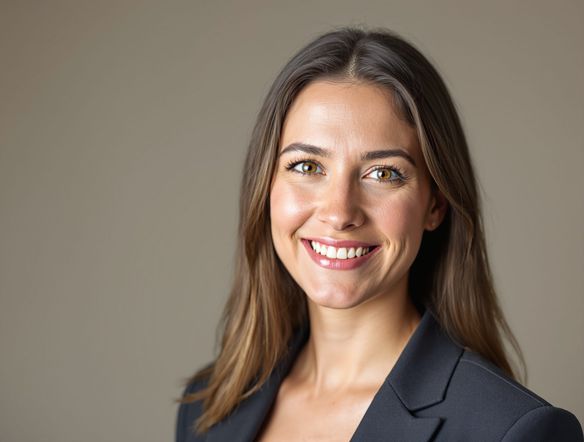
Illustrate a hyper-realistic AI-generated character portrait used as a fantasy book cover: a fictional warrior with detailed armor, expressive eyes, dramatic lighting, and a painted-yet-photographic rendering quality.

Start from a reference

Create Realistic AI Headshots and Character Art

Upload a reference image and use image-to-image to preserve a composition, costume, or pose while pushing realism further. Adjust strength so the AI refines detail without losing what you started with. This makes the photorealistic portrait generator ideal for book cover characters, trading card art, or avatar creation where consistency matters.

Brauchen Sie Inspiration?

Sehen Sie sich einige der besten Kreationen an, die von der NightCafe-Community erstellt wurden.

312
Golden Spiral Staircase
122
4
The art of ballet
247
May I have this dance
302
2
Chewboxa
451
3
198
Playing for Faithful Friends
111
Man and Daughter in Golden Hour at Old Greenhouse
Mehr erkunden

Verwandte Werkzeuge

Na'vi  Character Maker-Werkzeug

Na'vi  Character Maker

Create stunningly realistic Na'vi characters with our AI generator. Design your unique photorealistic female Na'vi or a compelling realistic avatar character portrait for your next project.
Neon Cyber Noir Generator-Werkzeug

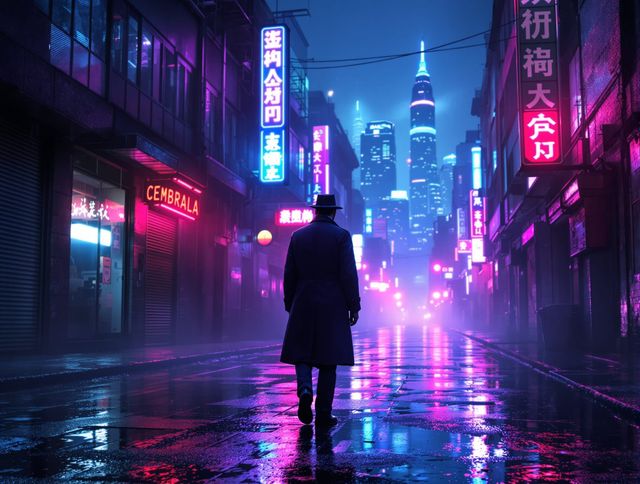
Neon Cyber Noir Generator

Dive into the shadows with our Neon Cyber Noir AI generator. Craft striking cyberpunk noir visuals, perfect for artists and storytellers seeking atmospheric, futuristic art.
Swiss Style Graphic Generator-Werkzeug

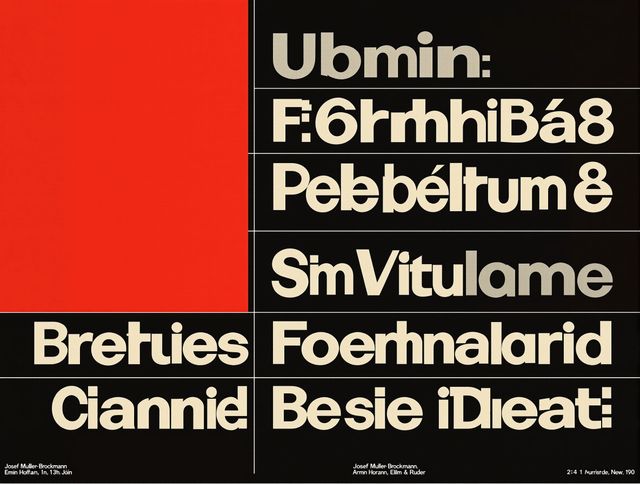
Swiss Style Graphic Generator

Effortlessly create striking Swiss Style graphic design with our AI generator. Ideal for posters, layouts, and branding, it's your go-to International Typographic Style generator.
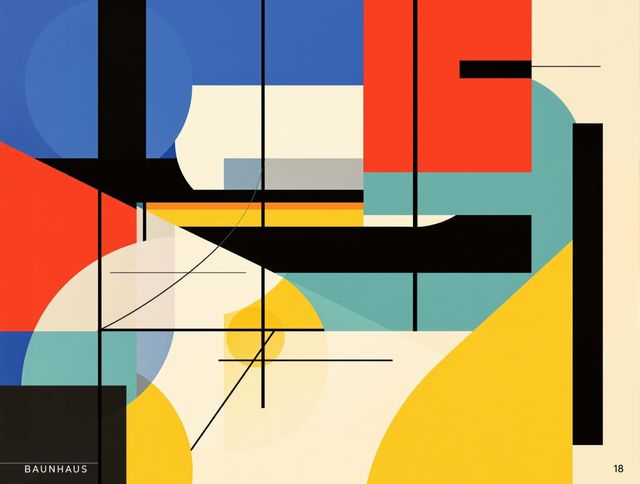
Bauhaus Poster Design Generator-Werkzeug

Bauhaus Poster Design Generator

Explore the iconic Bauhaus aesthetic with our AI Bauhaus design tool. Effortlessly generate unique Bauhaus posters, combining geometric shapes and bold colors for striking visual impact.

Häufig gestellte Fragen

Common questions about photorealistic portrait generation on NightCafe

Is the photorealistic portrait generator free to use?

Yes. NightCafe gives you free daily credits so you can generate realistic portraits without entering a card. Paid plans offer more daily credits and premium features if you want to create at higher volume or access priority generation.

Which AI models produce the most realistic portraits?

NightCafe offers 30+ models including GPT Image, Flux, and Seedream. GPT Image excels at natural lighting and fine skin detail, while Flux handles sharp edges and cinematic color grading well. Seedream often produces strong stylized realism. Trying a few models side-by-side is the fastest way to find your preferred result.

Can I use AI-generated portraits commercially?

Yes, including on the free plan. NightCafe transfers copyright assignment to you as the creator, so you own the output and can use it commercially for book covers, album art, avatars, or other projects. If you upload reference images, you must own or have permission to use them. AI copyright law is still evolving and varies by country, so checking local laws is worthwhile.

Do I need to create an account to generate a portrait?

No account is needed to start. You can use the Photorealistic Portrait Generator template directly on this page to begin creating immediately. Signing up for a free account lets you save your creations, access your generation history, and share portraits with the NightCafe community.

How does NightCafe compare to Midjourney for realistic portraits?

NightCafe gives you 30+ models in one place, so you are not locked into a single output style the way you are on Midjourney. You can run the same portrait prompt across GPT Image, Flux, and Seedream in one session and pick the best result. NightCafe also has a social community built in, making it easier to share work and get feedback without leaving the platform.

Can I generate a portrait from a reference photo?

Yes. The image-to-image feature lets you upload a reference photo and use it as a starting point. You can preserve the composition or pose while the AI pushes detail, lighting, and realism further. Adjust the strength slider to control how closely the output follows your reference.