
Design professional backgrounds with AI
Easily create custom backgrounds for your designs with our free AI image generator. Choose from various styles and colors.
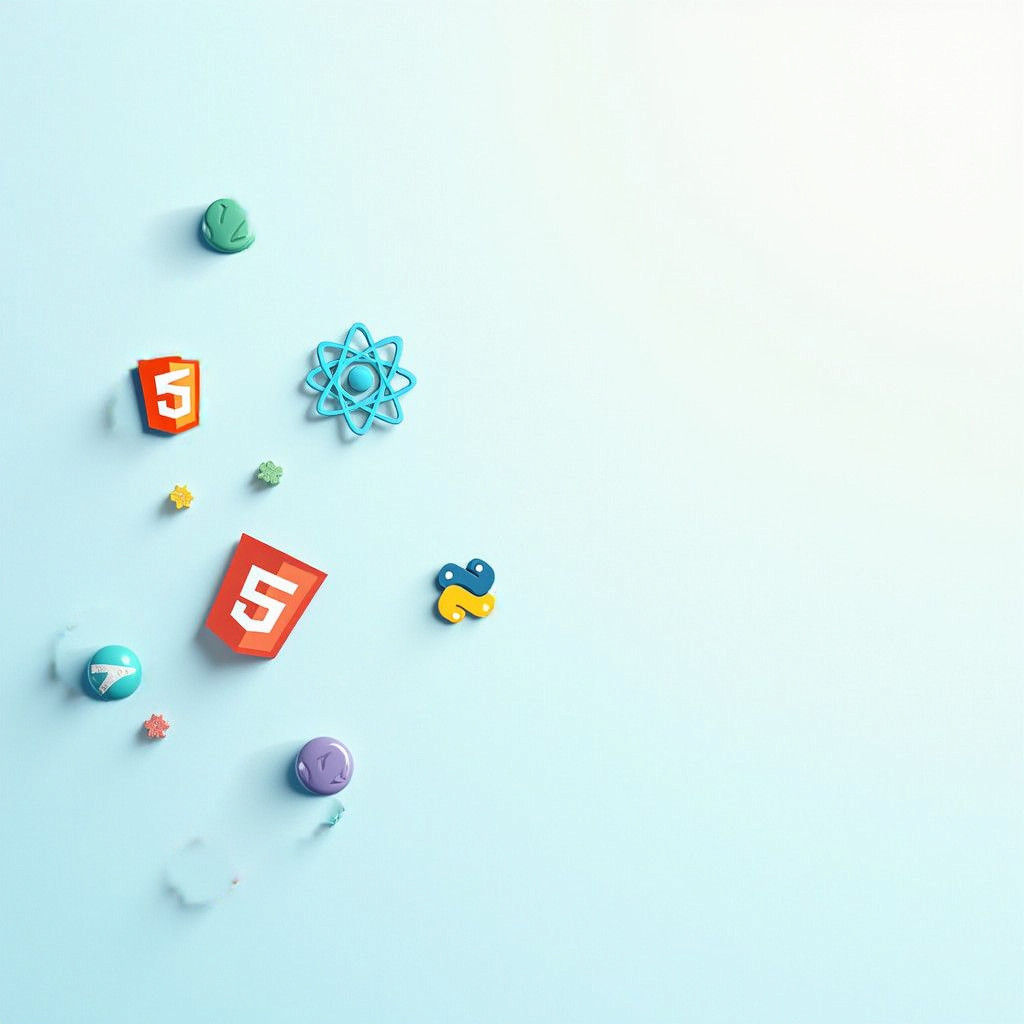

Background: Use a solid color background, such as a light blue or soft gray, to maintain a professional appearance. Alternatively, you could...
Créé 2 years ago · 2 commentaires· 0 j'aime
 Flux
Flux
Modern Tech Banner with Varied Icons and Colors
This image showcases a professional banner featuring a mix of icons for HTML, CSS, JavaScript, React, and Python, spread across a solid light blue background, adding depth and visual interest.
Créé par Anonymous User le Nov 21, 2024 en utilisant le modèle générateur d'images AI Flux.
2 Commentaires
Rejoindre la conversation
Paramètres de Création
- Prompts textuels
- Background: Use a solid color background, such as a light blue or soft gray, to maintain a professional appearance. Alternatively, you could use a subtle texture, like a linen or a gradient that transitions from light blue to white. Icons Placement: Randomly spread the icons for HTML, CSS, JavaScript, ...Weight: 1
- Modèle
 CKPT
CKPT- Résolution initiale
Medium
- Rapport d'aspect
1:1
- Durée d'exécution
Short
- Poids de l'invite globale
50%
Paramètres d'édition sélective
- Invites
"Background: Use a solid color background, such as a light blue or soft gray, to maintain a professional appearance. Alternatively, you could use a subtle texture, like a linen or a gradient that transitions from light blue to white. Icons Placement: Randomly spread the icons for HTML, CSS, JavaScript, React, and Python across the banner. Ensure that the icons vary in size slightly to create depth and interest, but keep them within a consistent size range to maintain coherence. Color Palette: Use different colors for each icon to add emphasis: HTML: Use a bright red or orange. CSS: Opt for a vibrant blue. JavaScript: Choose a yellow or gold. React: Use a light teal or cyan. Python: Choose a green or a soft purple. Visual Balance: Make sure to spread the icons evenly to avoid clustering in one area. Aim for a balanced look where the icons draw the eye without overwhelming the viewer. ratio 4:1"
poids : 1
- Type d'inpainting
Inpainting
- Image de départ (masquée)


