

- Galeries
- iOS 17 Wallpaper 4K Gallery
Ios 17 Wallpaper 4k
Browse AI-generated iOS 17 wallpaper examples in 4K quality, from deep-focus bokeh florals to clean abstract gradients built for iPhone lock screens. Find a style you love, then create your own using 30+ AI models. Free daily credits, no download required.

Créez vos propres images Ios 17 Wallpaper 4k
Découvrez la magie de l'IA de conversion de texte en image en créant vos propres images uniques. Modifiez le prompt ci-dessous pour personnaliser votre création.
No payment or credit card required.
Vu dans








iOS 17 Wallpaper 4K Gallery


Vous n'avez pas trouvé ce que vous cherchiez ? Créez le vôtre ci-dessous !

Crisp, vivid, 4K ready
Free AI iOS 17 Wallpapers in 4K
NightCafe lets you generate ultra-sharp iPhone wallpapers using models like Flux, GPT Image, Seedream, and Nano Banana without paying upfront. Each model handles color depth and fine detail differently, so you can compare a Flux gradient abstract against a Seedream hyper-real floral in seconds and pick whichever suits your lock screen palette best.
How to Create iOS 17 Wallpapers in 4K
Étape 1
Browse the gallery for ideas
No account needed to look around. Scroll through the iOS 17 wallpaper examples above to spot a style, color palette, or composition that fits your iPhone's lock screen or home screen.
Étape 2
Describe your perfect wallpaper
Open the creator and type your scene: mention colors, depth-of-field style, subject matter (floral, abstract, landscape), and any iOS 17 depth-effect friendly composition details you want. Select portrait orientation for a native iPhone fit.
Étape 3
Generate, refine, and download
Hit generate and compare results across different AI models. Tweak the prompt until the image is exactly right, then download your 4K wallpaper or share it with the NightCafe creative community.

Designed for the lock screen
iOS 17 Lock Screen Wallpaper Ideas
iOS 17 introduced layered depth effects that place the clock behind foreground subjects on the lock screen. AI-generated images with clear subject-background separation, such as a single bold flower against a blurred bokeh field or a silhouetted mountain against a gradient sky, work especially well for this effect. Experiment with prompt phrasing like 'isolated subject with soft bokeh background' to get compositions that play nicely with iOS 17 widgets and depth layers.
Plus de Galeries
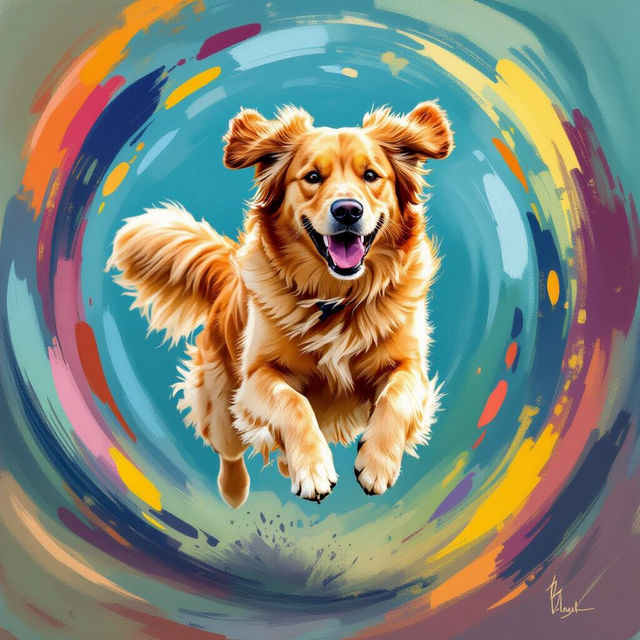
Art In Motion Pets
Explore vibrant 'Art In Motion Pets' that capture the liveliness of your animal companions. Generate captivating animated pet art to bring your beloved pets to life with AI.
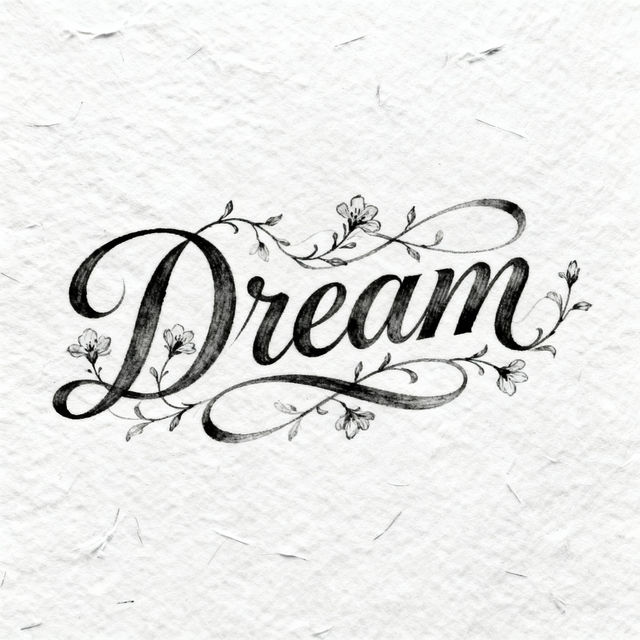
Script Drawings - AI Generated
Discover the art of AI-generated script drawings. Explore a gallery of unique designs and learn how to create your own captivating script art with NightCafe.
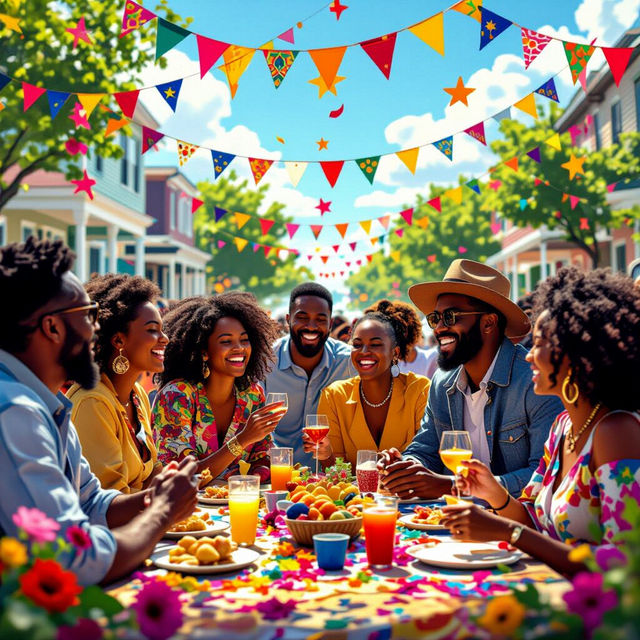
Happy Juneteenth 2025 Images
Discover vibrant and meaningful Happy Juneteenth 2025 Images. Our AI generator helps you create unique celebratory art. Explore inspiring visuals and express freedom and heritage.
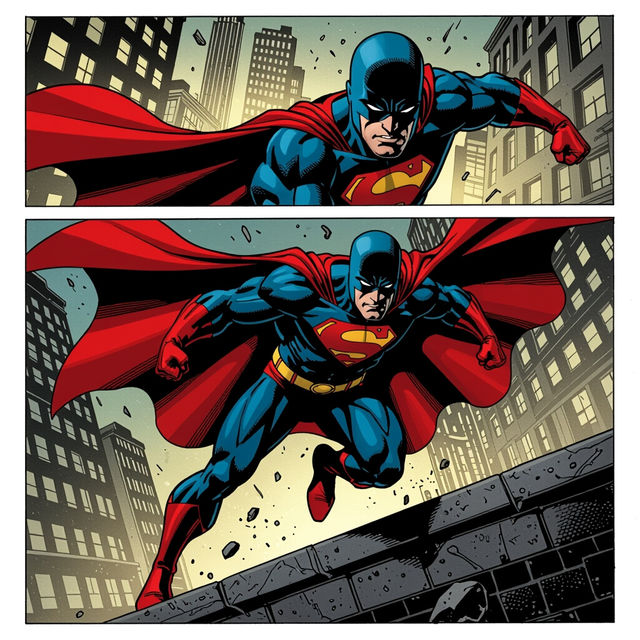
John Cassaday Art
Discover stunning AI-generated art inspired by the iconic style of John Cassaday. Browse unique pieces and create your own masterpieces with NightCafe.
Questions Fréquemment Posées
Common questions about iOS 17 wallpapers in 4K on NightCafe