
DreamShaper v8
A "does it all" model by Lykon. Particularly good at art.
Model specifications
Art
Realism
Cost
$$$$$
Prompting
Typography
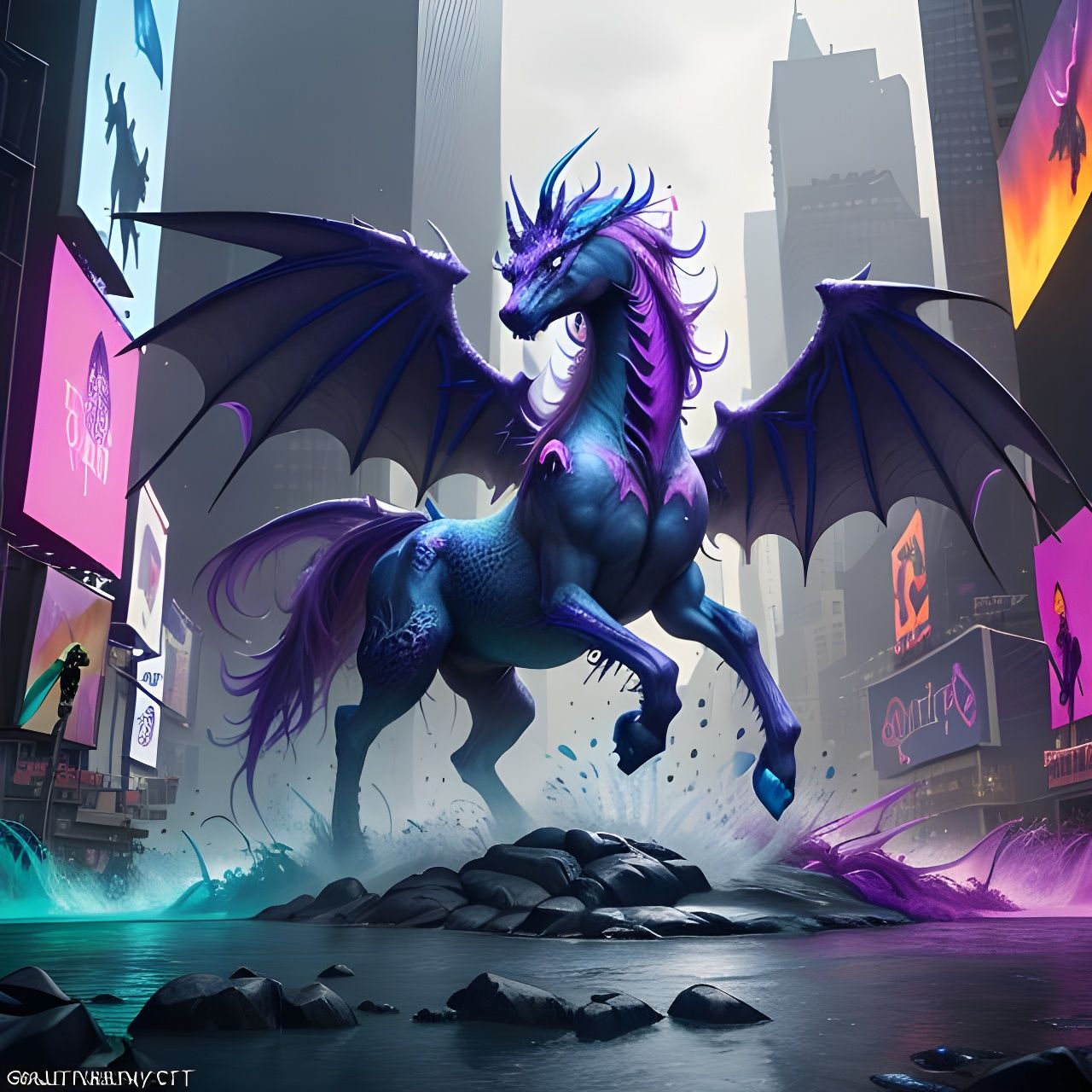
DreamShaper V8, created by Lykon, is a Stable Diffusion model fine-tuned on runwayml/stable-diffusion-v1-5, released in October 2024. Designed as an open-source alternative to proprietary models like MidJourney, it aims to be a “does it all” solution, blending photorealism, anime, and illustrative art with high quality.
On NightCafe, DreamShaper V8 supports runtime options (Short, Medium, Long) and aspect ratios (1:1, 16:9, 9:16, 3:4, 4:3), excelling in creating detailed portraits, fantastical scenes, and vibrant illustrations. It uses the DEISMultistepScheduler with 25 inference steps for balanced speed and detail, though it may struggle with photorealism or anime compared to specialized models.
Ideal for artists, hobbyists, and marketers, DreamShaper V8 offers NightCafe users creative flexibility, with strong community support.


Frequently asked questions
What is DreamShaper V8?
DreamShaper V8 is Lykon’s versatile AI model, fine-tuned from Stable Diffusion for high-quality art, photorealism, and anime-style images.
What types of images can DreamShaper V8 create?
It generates artistic illustrations, photorealistic portraits, and anime visuals, supporting aspect ratios like 1:1 and 16:9 for diverse creative tasks.
How do runtime options affect DreamShaper V8?
Short, Medium, and Long runtimes on NightCafe adjust processing depth, with Long producing the most detailed, vibrant images.
Is DreamShaper V8 suitable for beginners?
Yes, its intuitive NightCafe interface allows beginners to create stunning visuals with descriptive prompts, no advanced skills needed.
What are DreamShaper V8’s limitations?
It may not match specialized models in photorealism or anime and can misinterpret complex prompts, requiring prompt refinement.


Generally avoid Asian faces. Too often falling into the same generic mold.
The term oily generally break DSv8.
The term that dealing with dappled shadow lighting seem to increase demand to process. Too complex, thus not recommended to use.
DSv8 also seem to have a subtle preference (bias) with freckles. Any word of the prompt that can lead to a freckle face, can do so.
The term A colossal, ancient ruin seem to get preference in DS v8. Just three words and it dominate the image. Even change ratio, change composition, and it still get priority to get described than actor. I think there's other terms as well, just I havent run into them.
Macro Photography seem to work a treat with DSv8. I've run pose prompt, and portrait prompt on this combo and it come out well. At the very least, the face come out okay, even if without Long runtime it cant process all the details in background.
If you have a face set up straight from start, it's more likely to be done normal. That's most of my normal faces are. If the face is tilted somewhat, yeah, consider your creations screwed from get go. At least, that's how DSv8 act with me~
The facial features are what break most of my DS v8 creation~ Very rare I got one face looking normal, I dont dare asking for "following prompt". Just normal is all I ask.

Comments