एआई आर्ट जेनेरेटर्स
क्रिएट करें
Anonymous User

Embroidery Art Generator

The embroidery art generator creates images that look like hand-stitched textile art using AI, in seconds. With the built-in AI Embroidery Art Generator template, you can easily turn any idea or photo into beautiful hand-stitched textile art by filling in simple fields like subject, fabric background, and frame style. Choose from over 30 models including Flux and GPT Image, upload an optional reference photo, and watch your design come to life as a richly threaded, fabric-style illustration. NightCafe offers free daily credits, with no download or account required to start creating. नीचे दिए गए गाइडेड टेम्पलेट का उपयोग करके अभी शुरू करें।

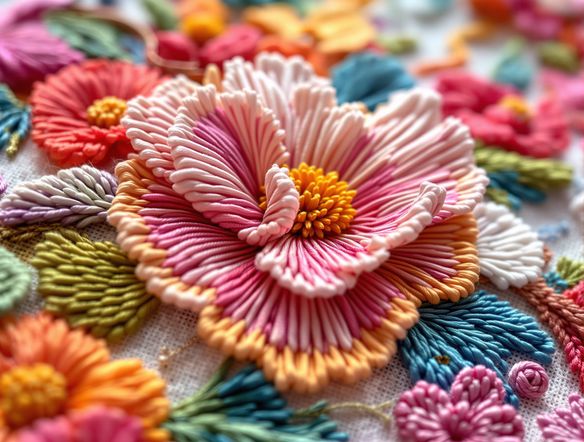
Create a detailed AI-generated embroidery art image of a floral bouquet rendered in a hand-stitched satin stitch style on cream linen fabric, with visible thread texture, rich jewel-toned colors, and a classic embroidery hoop framing the design.

क्रिएट करें

टेक्स्ट प्रॉम्प्ट

एआई से क्या बनवाना चाहते हैं, लिखें।

एआई मॉडल

कौन सा एआई छवि जेनरेटर का उपयोग करना है चुनें।

प्रारंभिक छवि(एं)

यह मॉडल प्रॉम्प्ट-से-संपादित और मल्टी-इमेज फ्यूज़न का समर्थन करता है।

यह निर्माण नए उपयोगकर्ताओं की फीड में अन्य उपयोगकर्ताओं के लिए दिखाई देगा।

जैसा देखा गया

msn.com
mashable.com
forbes.com
bbc.co.uk
techcrunch.com
vice.com
aol.com
news.yahoo.com
Illustrate a grid of four embroidery-style AI art panels side by side: a fox in cross-stitch style, a botanical flower in satin stitch, a geometric mandala in needlepoint, and a small bird on a linen-textured background, each showing distinct thread and stitch character.

Many styles, one place

Free AI Embroidery Design Generator

NightCafe gives you access to 30+ AI models including Nano Banana, GPT Image, Flux, and Seedream, each rendering thread texture, fabric grain, and stitch density differently. Swap between models to find the look that suits your project, whether that is a dense cross-stitch grid, a loose crewelwork feel, or a folk-art patch aesthetic. No design software needed.

एआई इमेजेस क्रिएट करें

How to Use the Embroidery Art Generator

स्टेप 1

Open the AI Embroidery Art Generator

Launch the tool directly in your browser to access the built-in AI Embroidery Art Generator template. No account or download is required to start.

स्टेप 2

Fill in your design details

Describe your subject, choose a fabric background, and select your frame style. You can also upload an optional reference photo to guide the composition and colors of the stitched pattern.

स्टेप 3

Generate, refine, and share

Click Create to watch the AI weave your design. You can experiment with different models like Flux or GPT Image, save your textile art, and share it with the NightCafe creative community.
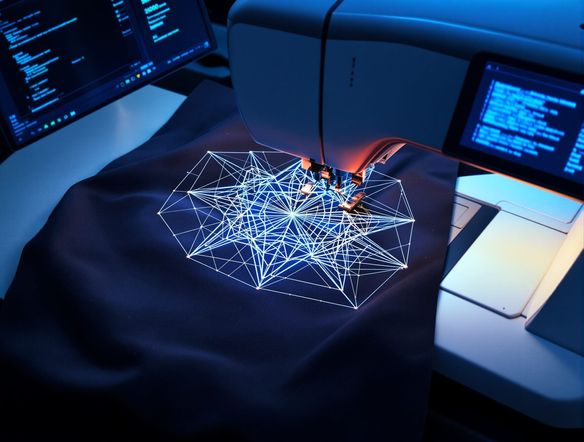
Show a portrait of a golden retriever dog reinterpreted as a detailed embroidery art piece on navy fabric, with warm thread colors, visible stitch lines, and a circular hoop frame, in a realistic handcrafted textile style.

Start from a photo

Turn Any Photo Into Embroidery Art

Upload a reference image and use NightCafe's image-to-image feature to reinterpret it as stitched textile art. Adjust the influence strength to keep recognizable shapes like a pet portrait or landscape while the AI drapes the composition in thread, fabric texture, and stitch patterning. Great for custom hoop art prints, tote bag designs, and personalised patch artwork.

प्रेरणा चाहिए?

NightCafe समुदाय द्वारा बनाई गई शीर्ष रचनाओं को देखें।

303
AI Art: Concerned Corn Asks Popcorn About Summer Day
543
2
A Tiny Fairy Plays With a Unicorn in Winter Light
363
3
Bo Peep Confronts Wolf in Whimsical Fairytale
Chewboxa
454
3
307
2
198
Playing for Faithful Friends
120
Man and Daughter in Golden Hour at Old Greenhouse
और देखें

संबंधित टूल्स

Na'vi  Character Maker टूल

Na'vi  Character Maker

Create stunningly realistic Na'vi characters with our AI generator. Design your unique photorealistic female Na'vi or a compelling realistic avatar character portrait for your next project.
Neon Cyber Noir Generator टूल

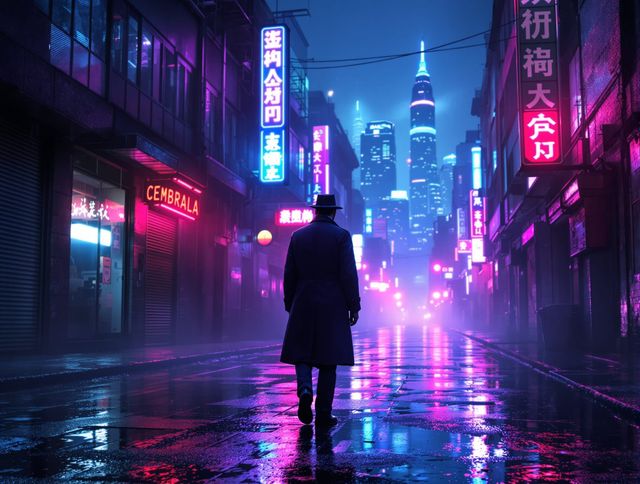
Neon Cyber Noir Generator

Dive into the shadows with our Neon Cyber Noir AI generator. Craft striking cyberpunk noir visuals, perfect for artists and storytellers seeking atmospheric, futuristic art.
Swiss Style Graphic Generator टूल

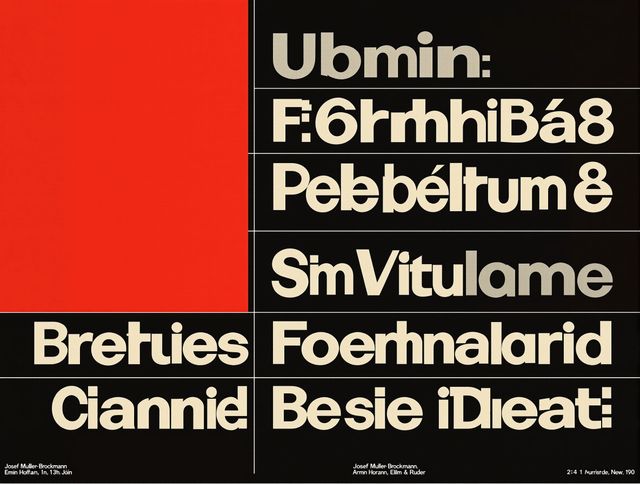
Swiss Style Graphic Generator

Effortlessly create striking Swiss Style graphic design with our AI generator. Ideal for posters, layouts, and branding, it's your go-to International Typographic Style generator.
Bauhaus Poster Design Generator टूल

Bauhaus Poster Design Generator

Explore the iconic Bauhaus aesthetic with our AI Bauhaus design tool. Effortlessly generate unique Bauhaus posters, combining geometric shapes and bold colors for striking visual impact.

अक्सर पूछे जाने वाले प्रश्न

Common questions about creating embroidery art with AI on NightCafe

Is the embroidery art generator free to use?

Yes. NightCafe provides free daily credits so you can generate embroidery-style art without entering payment details. Paid plans offer more daily credits and premium features if you want to create in higher volume or access priority generation.

Which AI models work best for generating embroidery-style art?

NightCafe offers 30+ models including GPT Image, Flux, Nano Banana, and Seedream. When you use the AI Embroidery Art Generator template, your inputs are automatically optimized for these models. GPT Image renders realistic thread textures, while Flux produces sharp, high-contrast stitch details. You can easily switch models to see how they interpret your template choices.

Can I use my AI embroidery art commercially?

Yes, including on the free plan. NightCafe assigns copyright of generated outputs to you, the creator, so you can use the art on merch, prints, patch designs, greeting cards, or other commercial products. If you uploaded a reference photo, you must own or have permission to use it. AI copyright law is still evolving and varies by country, so check the rules in your jurisdiction.

Do I need to sign up or download anything?

No download or installation is required. You can use the AI Embroidery Art Generator template directly on this page in your web browser. Simply fill in the template fields to start creating. Signing up for a free NightCafe account unlocks daily credits and lets you save your designs, but you can try the tool first without an account.

What kinds of projects is AI embroidery art good for?

The stitched textile aesthetic suits a wide range of creative projects: hoop art prints, iron-on patch designs, tote bag and apparel graphics, greeting cards, book covers with a craft aesthetic, and decorative posters. Because NightCafe lets you iterate quickly across multiple models, it is especially useful for one-off or small-run creative work where hiring a textile illustrator is not practical.

How does NightCafe compare to other AI art tools for embroidery style?

Most standalone AI art tools give you one or two models. NightCafe brings 30+ models together on one platform so you can compare embroidery-style outputs side by side, share results with a creative community, and iterate without switching apps. The social and community layer also means you can draw inspiration from other creators working in textile and craft aesthetics.