एआई आर्ट जेनेरेटर्स
क्रिएट करें
Anonymous User

Graffiti Stencil Art Generator

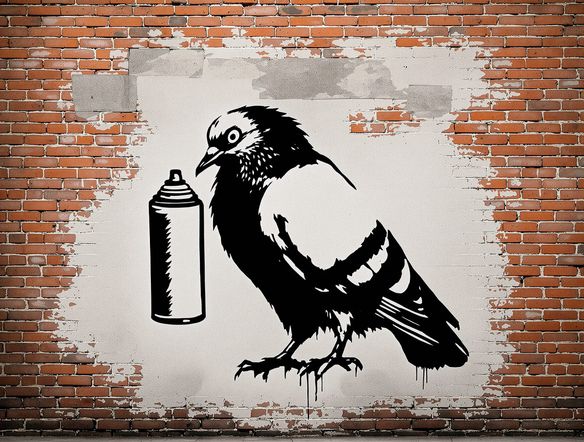
The graffiti stencil art generator creates bold, high-contrast stencil-style artwork from a text prompt in seconds. Choose from 30+ AI models to nail the look you want, from crisp single-layer cuts to layered spray paint compositions. Free daily credits, no software download required.

No payment or credit card required.

Create a striking graffiti stencil artwork showing a hooded figure holding a spray can, rendered in high-contrast black and white with rough spray-paint edges, peeling layers, and an urban concrete wall texture.

जैसा देखा गया

msn.com
mashable.com
forbes.com
bbc.co.uk
techcrunch.com
vice.com
aol.com
news.yahoo.com
Illustrate a classic two-layer graffiti stencil of a prowling cat, bold black silhouette on aged white plaster, with spray-paint overspray bleeding at the edges and visible stencil bridges.

Stencil style, your way

Free Graffiti Stencil Generator Online

Generate sharp, high-contrast stencil art without Illustrator or design training. NightCafe gives you access to 30+ models including Flux, Nano Banana, and Seedream, each handling edge crispness and spray texture differently. Dial in monochrome cut-outs, duotone layers, or grungy multi-color spray effects, then compare results side by side before saving your favourite.

एआई इमेजेस क्रिएट करें

How to Use the Graffiti Stencil Art Generator

स्टेप 1

Open and start creating

No account needed. Open the graffiti stencil art generator in your browser and start immediately with free daily credits.

स्टेप 2

Describe your stencil concept

Type your subject, choose a style (monochrome, duotone, spray drips), or upload a photo for image-to-image stencil conversion.

स्टेप 3

Refine and share

Switch models, tweak contrast or colour layers, then save your stencil art or post it to the NightCafe creative community.
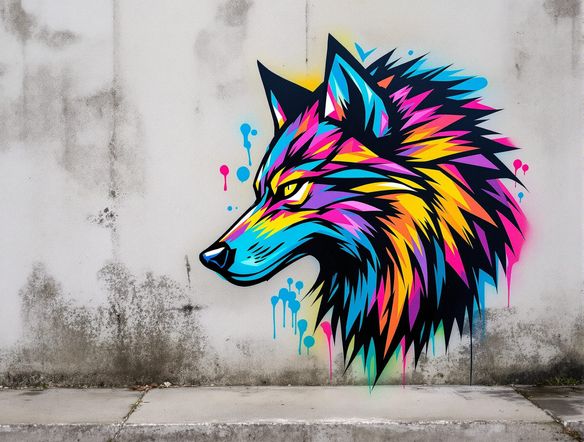
Show an urban street art stencil scene on a brick wall featuring bold lettering above a fist raised in the air, rendered in red and black spray paint with drip marks and rough overspray halos.

From photo to street art

Make Spray Paint Street Art with AI

Upload a reference photo and use image-to-image conversion to transform it into a printable stencil composition. Adjust style strength to keep recognizable shapes while the AI strips the image back to bold spray-paint layers. Works well for portrait stencils, typography overlays, and event poster art where the source image needs to read clearly at a distance.

प्रेरणा चाहिए?

NightCafe समुदाय द्वारा बनाई गई शीर्ष रचनाओं को देखें।

303
AI Art: Concerned Corn Asks Popcorn About Summer Day
543
2
A Tiny Fairy Plays With a Unicorn in Winter Light
362
3
Bo Peep Confronts Wolf in Whimsical Fairytale
Chewboxa
454
3
307
2
198
Playing for Faithful Friends
118
Man and Daughter in Golden Hour at Old Greenhouse
और देखें

संबंधित टूल्स

Na'vi  Character Maker टूल

Na'vi  Character Maker

Create stunningly realistic Na'vi characters with our AI generator. Design your unique photorealistic female Na'vi or a compelling realistic avatar character portrait for your next project.
Neon Cyber Noir Generator टूल

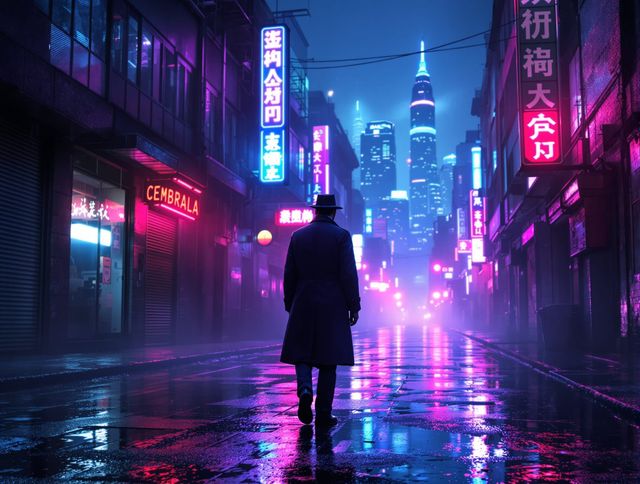
Neon Cyber Noir Generator

Dive into the shadows with our Neon Cyber Noir AI generator. Craft striking cyberpunk noir visuals, perfect for artists and storytellers seeking atmospheric, futuristic art.
Swiss Style Graphic Generator टूल

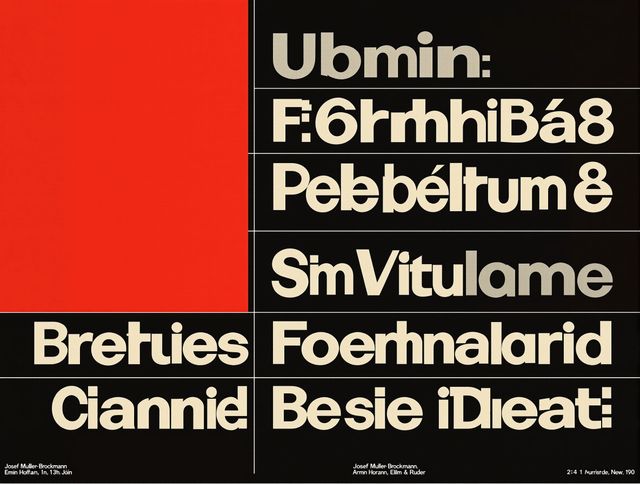
Swiss Style Graphic Generator

Effortlessly create striking Swiss Style graphic design with our AI generator. Ideal for posters, layouts, and branding, it's your go-to International Typographic Style generator.
Bauhaus Poster Design Generator टूल

Bauhaus Poster Design Generator

Explore the iconic Bauhaus aesthetic with our AI Bauhaus design tool. Effortlessly generate unique Bauhaus posters, combining geometric shapes and bold colors for striking visual impact.

अक्सर पूछे जाने वाले प्रश्न

Common questions about the AI graffiti stencil art generator

Is the graffiti stencil art generator free to use?

Yes. NightCafe provides free daily credits so you can generate stencil art without entering payment details. Paid plans offer more daily credits and access to premium features if you need to produce artwork in larger volumes.

Can I use my stencil art for commercial projects like merch or event posters?

Yes, commercial use is permitted on all plans including the free tier. NightCafe assigns copyright of the generated artwork to you, the creator. If you used a reference image, make sure you own or have permission to use it. AI copyright law is still evolving in some countries, so checking the rules in your own jurisdiction is a good idea.

Which AI models work best for graffiti stencil art?

It depends on the look you want. Flux tends to produce very crisp, well-defined edges ideal for printable cut stencils. Seedream and Nano Banana can add more textural, hand-sprayed character. NightCafe lets you run the same prompt through multiple models so you can compare results before committing.

Can I turn a photo into a stencil with this tool?

Yes. Use the image-to-image feature to upload any photo and convert it into a stencil-style composition. Adjust the style strength slider to control how much of the original photo structure is preserved versus how heavily the AI stylises it into spray-paint layers.

How does NightCafe compare to doing stencil art in Photoshop or Illustrator?

Photoshop and Illustrator require manual tracing, threshold adjustments, and layer masking to build a stencil from scratch. The NightCafe graffiti stencil art generator produces ready-made stencil compositions from a text description or photo in seconds, making it faster for ideation, concept art, and one-off creative projects.

Can I print or cut the stencil art I generate?

The generated images are digital files you can download and use as references, prints, or design assets. For physical cutting (vinyl plotters, laser cutters), you may want to bring the high-contrast output into a vector tool to clean up paths, but the AI output gives you a solid starting point.