
Make your own 'Undercover Brother' image
Create your own funny spy and detective images! It's free and easy with our AI image generator.

3 years ago
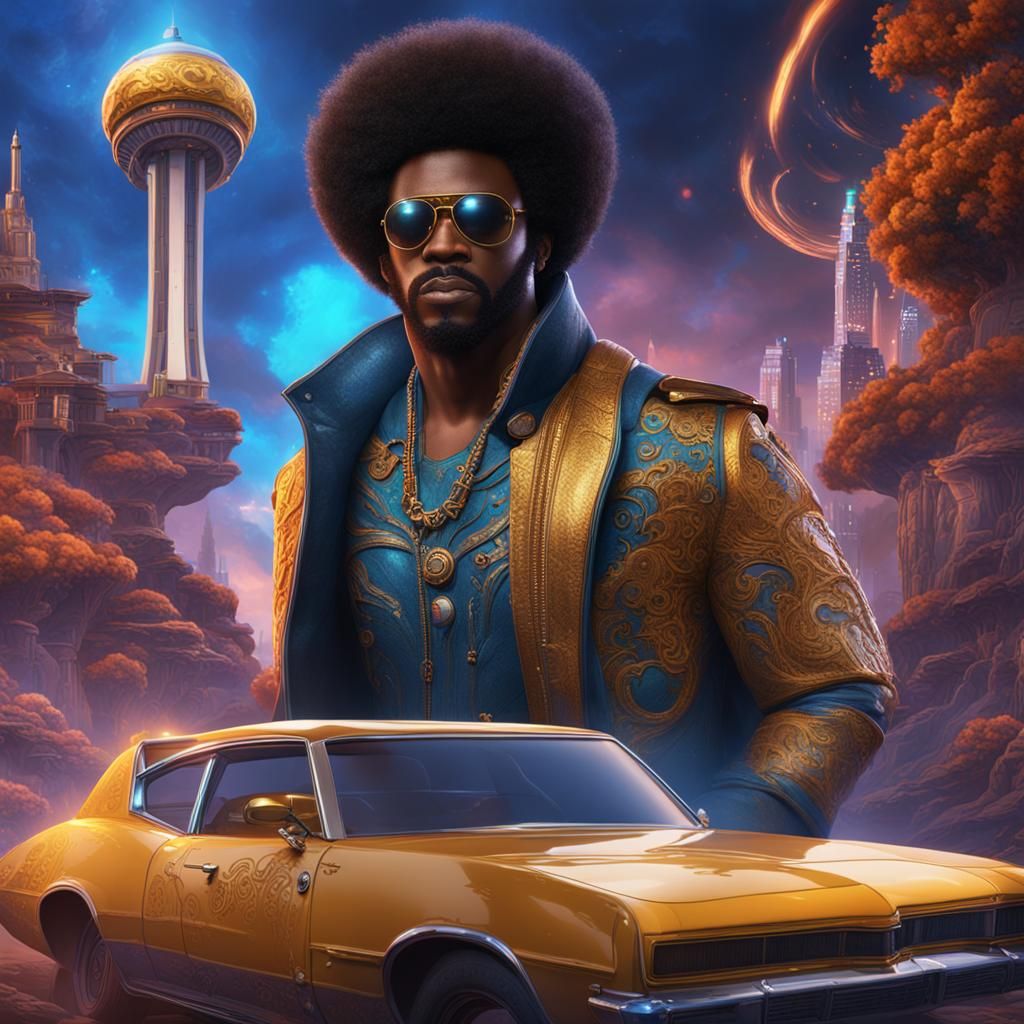
Undercover Brother
Criado 3 years ago · 2 comentários· 0 curtida
 SDXL 1.0
Resumo da criação por Vincent
Undercover Brother in Detailed Matte Painting
This image shows Undercover Brother in disguise. The digital matte painting features deep, complementary colors and intricate details in a fantasy concept art style.
Criado por HereditaryWarlord em Feb 29, 2024 usando o modelo SDXL 1.0 gerador de imagens AI.
2 Comentários
Junte-se à conversa

Dawnstrider @Dawnstrider
That movie slays! I need to watch it again soon.
2024-04-01T22:32:34.916ZReply
Configurações de Criação
- Estilo Predefinido
NightCafe
- Prompts de texto
- Undercover Brother goes undercoverWeight: 1detailed matte painting, deep color, fantastical, intricate detail, splash screen, complementary colors, fantasy concept art, 8k resolution trending on Artstation Unreal Engine 5Weight: 0.9
- Modelo
 CKPT
CKPT- Resolução inicial
Medium
- Proporção
1:1
- Tempo de execução
Short
- Peso Geral do Prompt
50%
- Peso do Refinador
50%
- Método de amostragem
K_DPMPP_2M


