

Neon Tunnel Illustration Generator
The neon tunnel illustration generator creates glowing, perspective-driven corridor art from a text description in seconds. Choose from 30+ AI models, dial in your color palette from electric violet to hot pink, and produce immersive tunnel art ready for wallpapers, posters, or game backgrounds. Free daily credits, no download required.
No payment or credit card required.

Como visto em








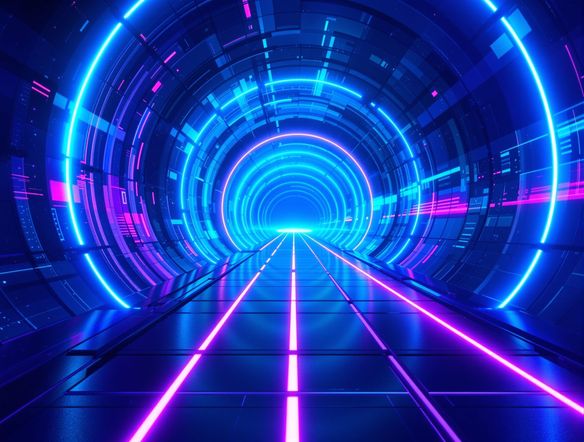
Every neon palette imaginable
Free AI Neon Tunnel Art Generator
Generate synthwave pink-and-purple corridors, cyberpunk green-and-gold passages, or abstract prismatic tunnels by switching between Nano Banana, Flux, GPT Image, Seedream, and more inside NightCafe. Each model handles glow bloom and perspective differently, so running the same prompt across models reveals dramatically different moods. Compare results side by side and keep the one that hits.
How to Use the Neon Tunnel Illustration Generator
Passo 1
Open and start instantly
No account required. Launch the neon tunnel illustration generator in your browser and start creating right away.
Passo 2
Describe your tunnel scene
Type your colors, mood, and style: try 'blue and gold neon corridor, wet reflective floor, cyberpunk, cinematic perspective.'
Passo 3
Iterate, save, and share
Switch models, adjust your prompt, or upload a reference to refine results. Save your favorites or share them with the NightCafe community.
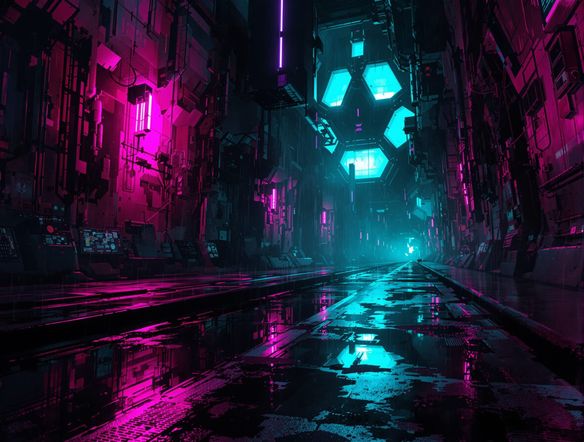
Built for wallpapers and game art
Create Cyberpunk Tunnel Wallpapers and Backgrounds
Switch aspect ratio to 16:9 for desktop wallpapers, 9:16 for phone screens, or 1:1 for social posts without leaving the generator. Upload a reference image and use image-to-image to preserve your existing composition while adding neon glow and a tunnel perspective. Ideal for game background art, album visuals, and poster projects.
Precisa de inspiração?
Confira algumas das principais criações feitas pela comunidade do NightCafe.


Ferramentas relacionadas

Na'vi Character Maker
Create stunningly realistic Na'vi characters with our AI generator. Design your unique photorealistic female Na'vi or a compelling realistic avatar character portrait for your next project.

Neon Cyber Noir Generator
The Neon Cyber Noir Generator creates moody, rain-soaked AI art blending neon-lit cyberpunk cityscapes with classic noir atmosphere. Choose from 30+ AI models, describe your scene or character, and get dark, atmospheric art in seconds. Free daily credits, no download required.

Swiss Style Graphic Generator
The Swiss Style Graphic Generator creates crisp, grid-based designs inspired by the International Typographic Style: bold geometry, primary color palettes, and clean modernist composition. Choose from 30+ AI models, describe your layout or subject, and refine until the design clicks. Free daily credits, no download required.

Bauhaus Poster Design Generator
The Bauhaus poster design generator creates bold, geometric AI art in the classic modernist tradition: primary colors, clean sans-serif typography, and balanced form. Choose from 30+ AI models, describe your composition, and iterate until it looks exhibition-ready. Free daily credits, no download or design software required.
Perguntas frequentes
Common questions about creating neon tunnel illustrations on NightCafe