
Create Social Media Posts with AI
Easily design your own social media posts with our free AI image generator. No design experience needed!
3 years ago
How To Post
Creado hace 3 years ago · 10 comentarios· 0 Me gusta
Uploaded
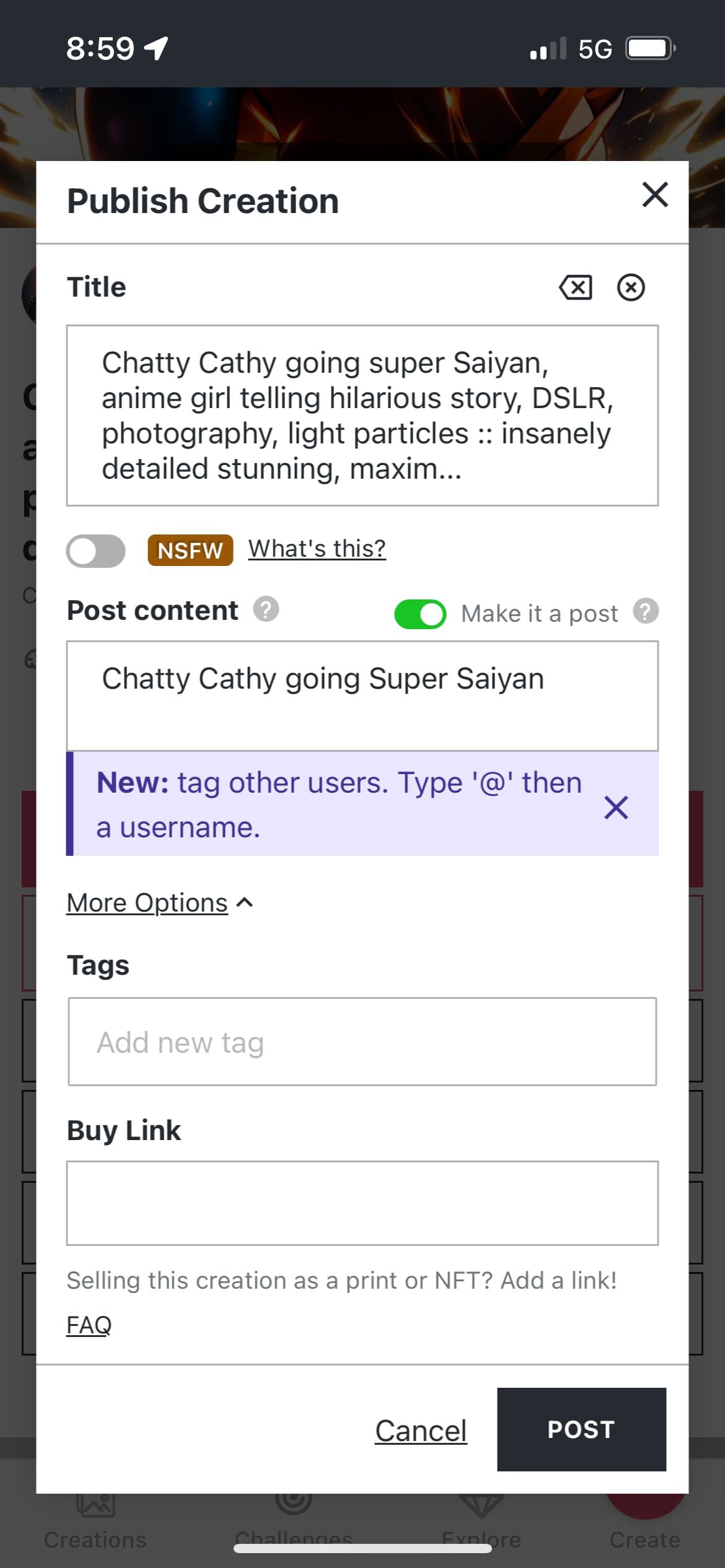
How To Post: Tap the big Publish button. In the dialog, toggle the Post switch available inside. If you only have a title, that will be overlayed on the Post. If there’s any description, that will be displayed instead.
10 comentarios
Únete a la conversación

Marcos Gabler @gabler
How to post a creation made outside of nightcafe studio?
2024-09-11T13:20:11.780ZReply
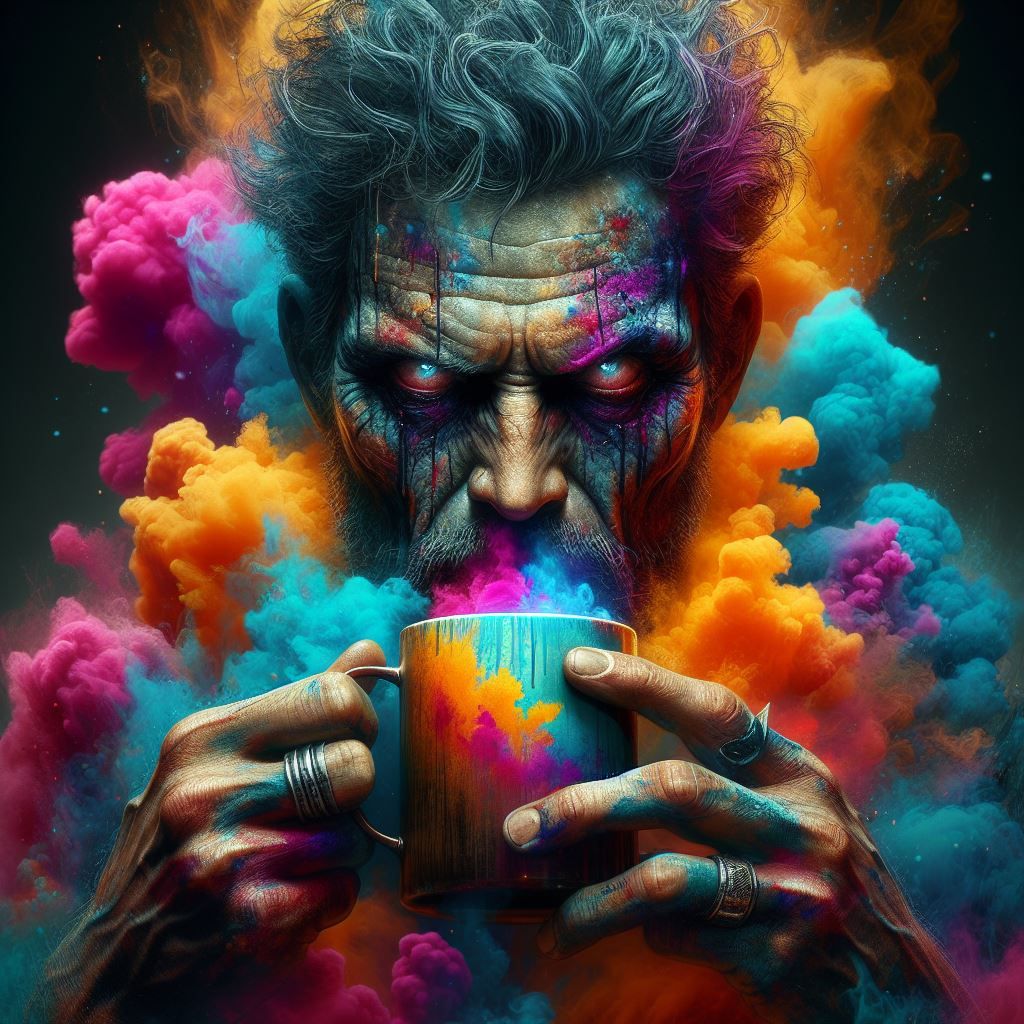

if you set the title and leave the descrition empty it will have the same effect when you publish as post 😉


Configuraciones de Creación
Esta creación no fue hecha en NightCafe.
- Modelo
Night Café
- Prompts
- N/A
- Flujo de trabajo
- Screenshot


