

Marbling (paper) Art Generator
The marbling art generator creates fluid, swirling ink-on-water designs using AI in seconds. Describe a color palette and pattern style, choose from 30+ models, and watch layered veins and combed swirls appear instantly. Free daily credits included, no download required.
No payment or credit card required.

Visto En








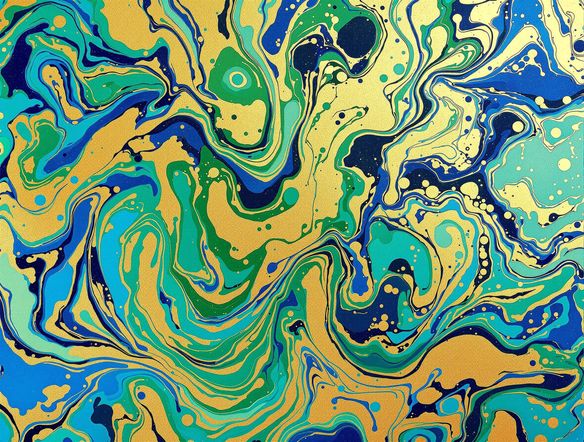
Every style of swirl
Free Marbling Art Generator Online
NightCafe gives you access to 30+ AI models including Flux, GPT Image, Nano Banana, and Seedream, each rendering marbled ink patterns with a distinct character. Tight comb patterns, broad peacock swirls, and loose stone-effect marbling all behave differently across models, so you can compare results and pick the one that captures your exact aesthetic without starting over.
How to Use the Marbling Art Generator
Paso 1
Open and start free
No account required. Open the marbling art generator in your browser and start creating immediately with free daily credits.
Paso 2
Describe your pattern
Type a color palette, swirl style, and mood — try 'peacock feather swirls in copper and teal on cream paper' for a detailed result.
Paso 3
Refine and share
Switch models, adjust your prompt, or tweak the palette, then save your marbled design or share it with the NightCafe community.
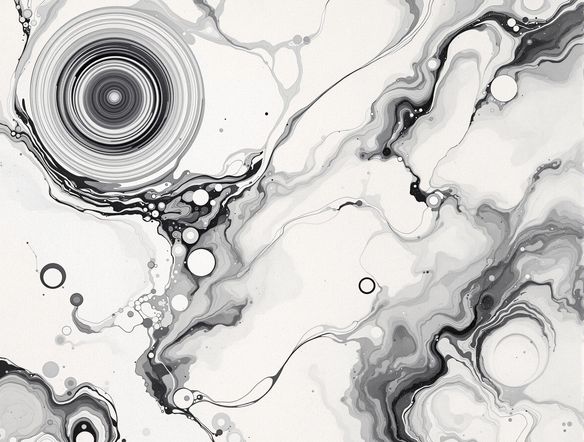
Real creative projects
Create Swirling Ink and Fluid Marbled Patterns
Marbled designs translate directly into book cover backgrounds, album artwork, stationery, and trading card borders. Generate at the aspect ratio that fits your project, then iterate on color palettes and swirl density until the composition is right. NightCafe's community regularly shares marbled art as finished pieces, so you can browse what others have made for fresh inspiration.
¿Necesitas inspiración?
Descubre algunas de las mejores creaciones hechas por la comunidad de NightCafe.


Herramientas relacionadas

Na'vi Character Maker
Create stunningly realistic Na'vi characters with our AI generator. Design your unique photorealistic female Na'vi or a compelling realistic avatar character portrait for your next project.

Neon Cyber Noir Generator
The Neon Cyber Noir Generator creates moody, rain-soaked AI art blending neon-lit cyberpunk cityscapes with classic noir atmosphere. Choose from 30+ AI models, describe your scene or character, and get dark, atmospheric art in seconds. Free daily credits, no download required.

Swiss Style Graphic Generator
The Swiss Style Graphic Generator creates crisp, grid-based designs inspired by the International Typographic Style: bold geometry, primary color palettes, and clean modernist composition. Choose from 30+ AI models, describe your layout or subject, and refine until the design clicks. Free daily credits, no download required.

Bauhaus Poster Design Generator
The Bauhaus poster design generator creates bold, geometric AI art in the classic modernist tradition: primary colors, clean sans-serif typography, and balanced form. Choose from 30+ AI models, describe your composition, and iterate until it looks exhibition-ready. Free daily credits, no download or design software required.
Preguntas frecuentes
Common questions about creating marbling art with AI