🎉 Annual PRO Sale: 50% Off! 🎉 Get 6 months FREE →
Make your own AI Portraits
Create your own stunning portraits with AI. It's free and easy to generate realistic or stylized images.

3 years ago
Portrait
Created 3 years ago · 35 comments· 0 likes
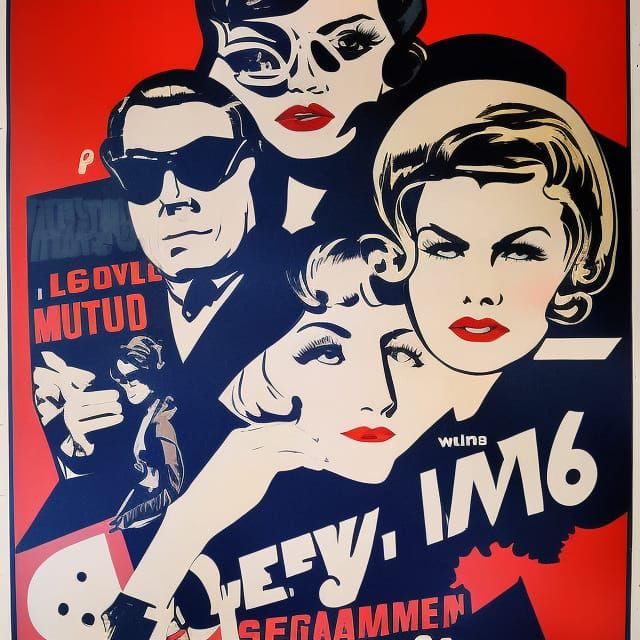
 Stable Inpainting 2.0
Lace series continues - made this on Clipdrop a few weeks ago - inpainting to remove watermark
35 Comments
Join the conversation


Bites Crocodile Booty @BitesCrocodileTails
Thanks alot for the info, over in my profile. Feel free to delete it btw, because I've caught it.
I've been chockers busy after work - huge backyard job and bunch of other stuff. I'll check out a couple of those other options.
Re: being able to transfer here, to your NC profile. Your easiest option is probably import to say Lightroom first, try a global resize first (when saving) to 7000px on the longest side. If you're still hovering over the 10mb cut off, 6500/6250/6000 will do the trick. I'm often importing weighty files though, because they've been edited. So you might not have to go down so far.
For example I imported a rather extravagantly edited image from LR. Originally it was max enhanced SD1.5 piece. Final edited file was 23mb. Had to knock it down to 5500px (longest size) to squeeze it back in. Got the original size back after the max enhance, following the initial mask transfer.
2023-08-01T07:16:23.541ZReply

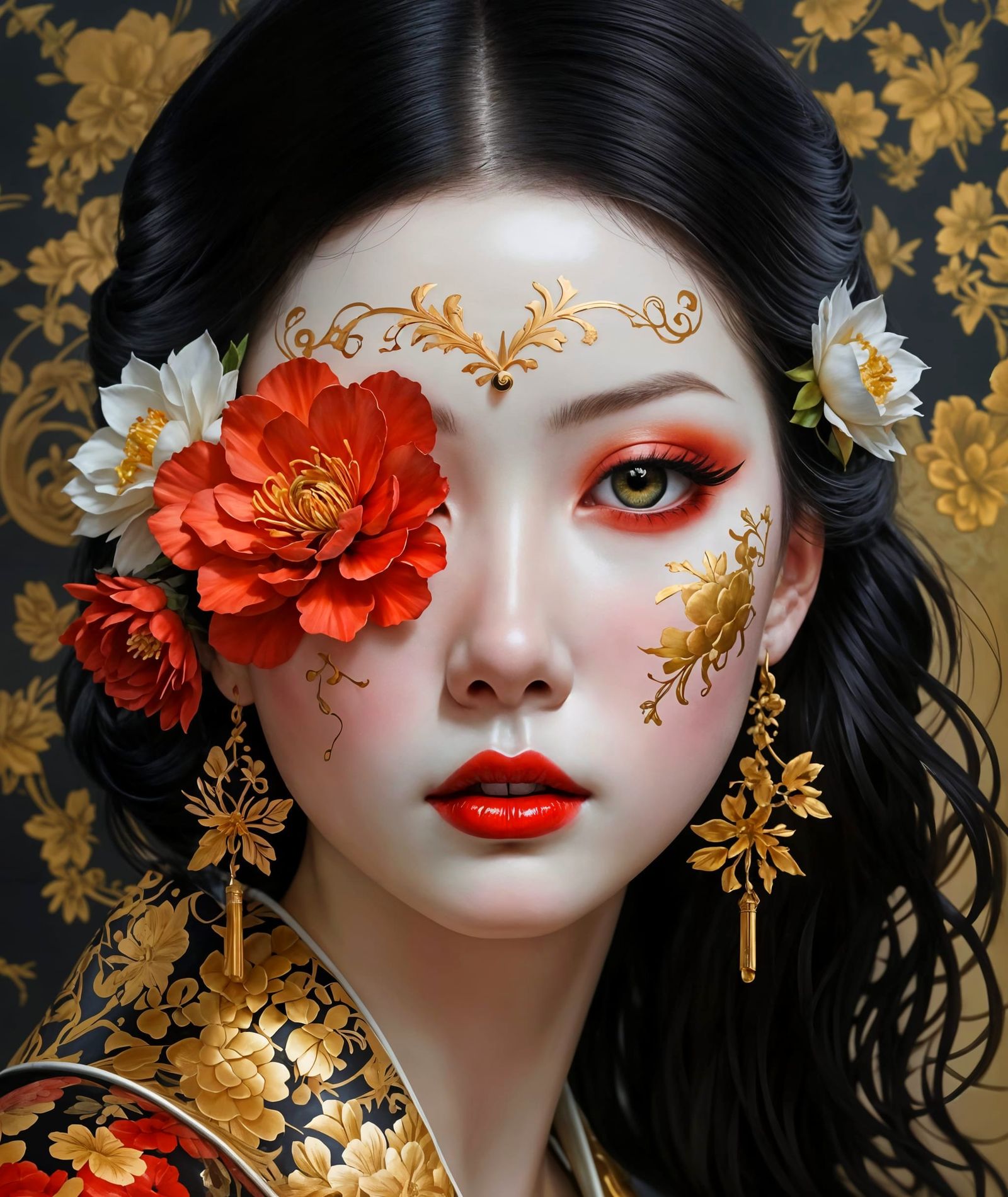
I love it!!! Lovely macro effect, beautiful composition 😍🤍🤍
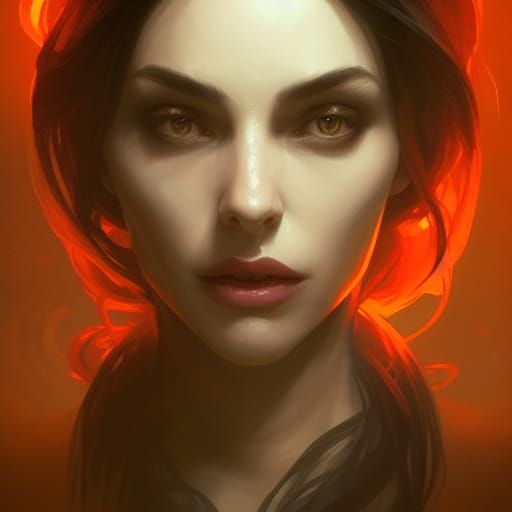
Just so beautiful and amazing!! Your lace series is so wonderful and unique!!! I love this!!!💛🤗👏🌹🥰🌟🌟🌻❤️
Creation Settings
- Text Prompts
Multitrak has hidden the prompt
- Model
- Initial Resolution
Low
- Aspect Ratio
1:1
- Runtime
Short
- Overall Prompt Weight
60%
- Sampling method
K_LMS