Make Your Own Anime Art with AI
Create your own anime art with our free AI image generator. It's easy and fun!

4 years ago
How I Make AI Art of Anime Ladies
Created 4 years ago · 9 comments· 0 likes
 Stable Diffusion 1.52x
This is how I (an AI art noob) have gotten the best results out of making semi-realistic anime-inspired characters. Remember, these are guidelines, not rules. Experiment and practice in order to make this your own ✊
Step 1: Pick a good start image
I usually use something I've made using Picrew (cosplays also work). Here's a few I've gotten good results out of:
https://picrew.me/image_maker/1272810 ↗️
https://picrew.me/image_maker/456652 ↗️
Step 2: Write your prompts
Feel free to use any prompts on my posts for inspiration. A lot of much smarter, more experienced people than me have written about this in the NightCafe discord server. Here's some of my fave threads:
- Negative Prompts for Making Beautiful Women: https://discord.com/channels/943306099019370566/1050331567207219261 ↗️
- Anime Prompt Ideas: https://discord.com/channels/943306099019370566/1052035496550863019 ↗️
Step 3: Set weights
I usually set prompt weight to 60-70% and noise weight to 30-40%.
Step 4: Create Pretty Anime Lady
Creation Summary by Vincent
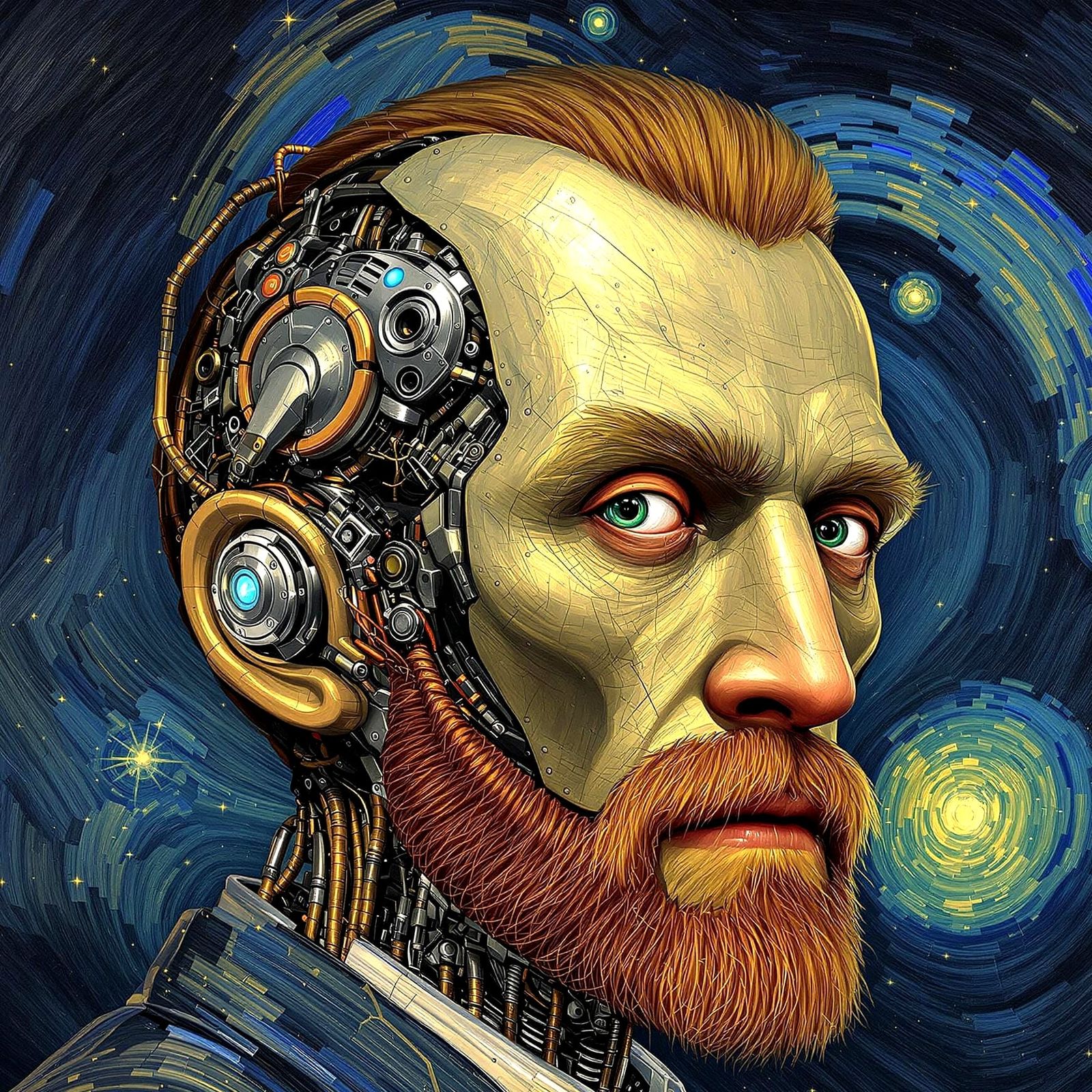
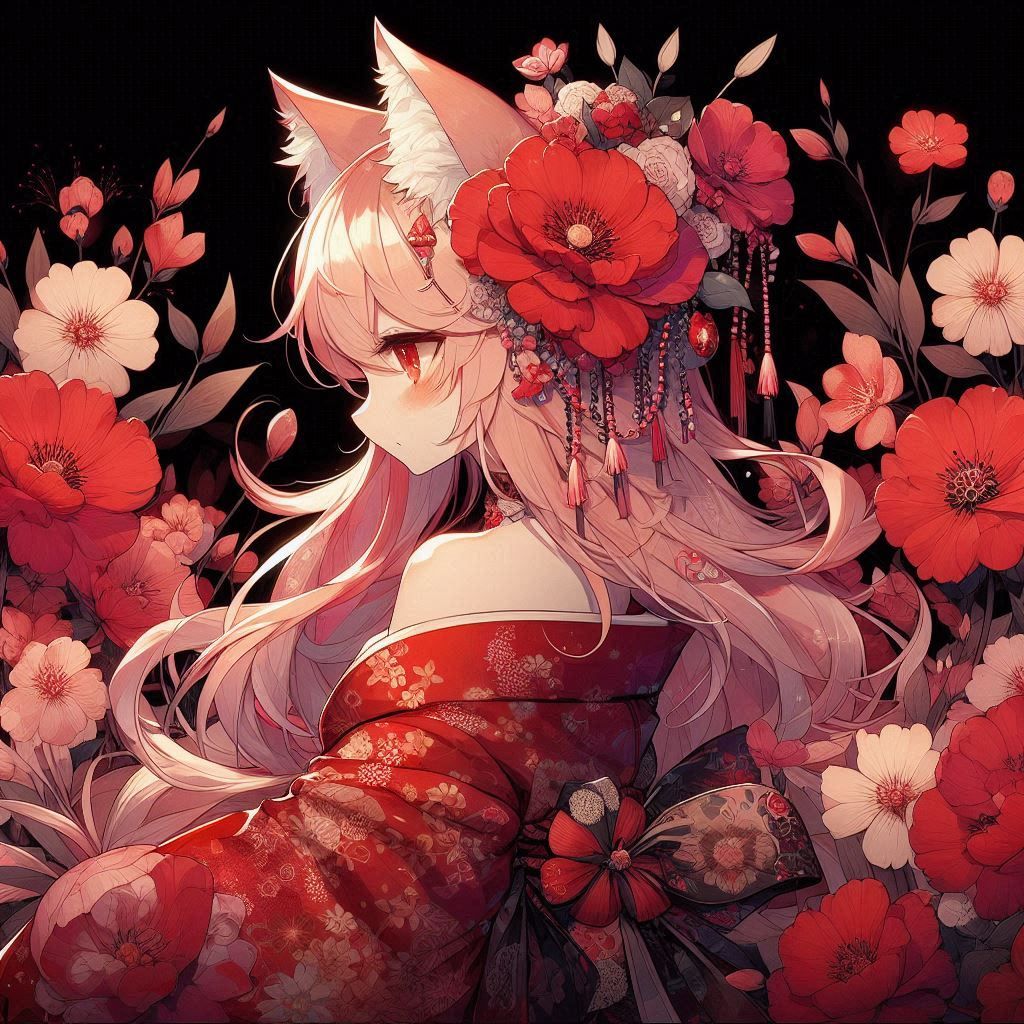
Evil Anime Girl with Werewolf Ears, Digital Art
This image shows a beautiful anime girl with blue hair and werewolf ears, her orange eyes filled with murderous intent. A digital illustration with intricate details and triadic colors.
Created by Chlo on Dec 21, 2022 using the Stable Diffusion 1.5 AI image generator model.
9 Comments
Join the conversation


Luh @the_shippah_girl
nice
2023-01-09T00:58:12.094ZReply
Artist
Footnote on prompts:
I usually have three-ish prompts per post.
- The thing I actually want to make
- The art style, lighting, etc. I want the art to be
- Negative prompts, stuff I want the art to not be
Artist
If you have any questions, please let me know. Will be happy to answer as best I can 😄
Creation Settings
- Text Prompts
- beautiful cute evil crazy psychotic murderous euphoric smiling humanoid anime girl, intricately designed face, long wavy blue hair with bangs covering right eye, long side air bangs, blue werewolf ears, hyperdetailed glowing orange eyes filled with murderous intent, sinister smile, blood on cheek, white ...Weight: 18k resolution digital illustration concept art portrait taken on Nikon D750 by Greg Rutkowski, Anna Nikonova, Artgerm, WLOP, Alphonse Mucha :: natural lighting, dynamic lighting, volumetric lighting :: hyperdetailed, intricately detailed :: triadic colors, varied hues :: beautiful composition :: Splash ...Weight: 0.8ugly, tiling, poorly drawn hands, poorly drawn fingers, poorly drawn face, out of frame, uneven size nostrils, extra limbs, extra fingers, extra arms, disfigured, deformed, cross-eye, body out of frame, blurry, bad art, bad anatomy, blurred, text, watermark, grainyWeight: -1
- Model
- Initial Resolution
Thumb
- Aspect Ratio
1:1
- Runtime
Short
- Overall Prompt Weight
60%
- Noise Weight
40%
- Sampling method
K_LMS