
All the best AI models in one place
Nano Banana, GPT Image, Flux, Seedream, Seedance and more. Try it now for free!

2 years ago
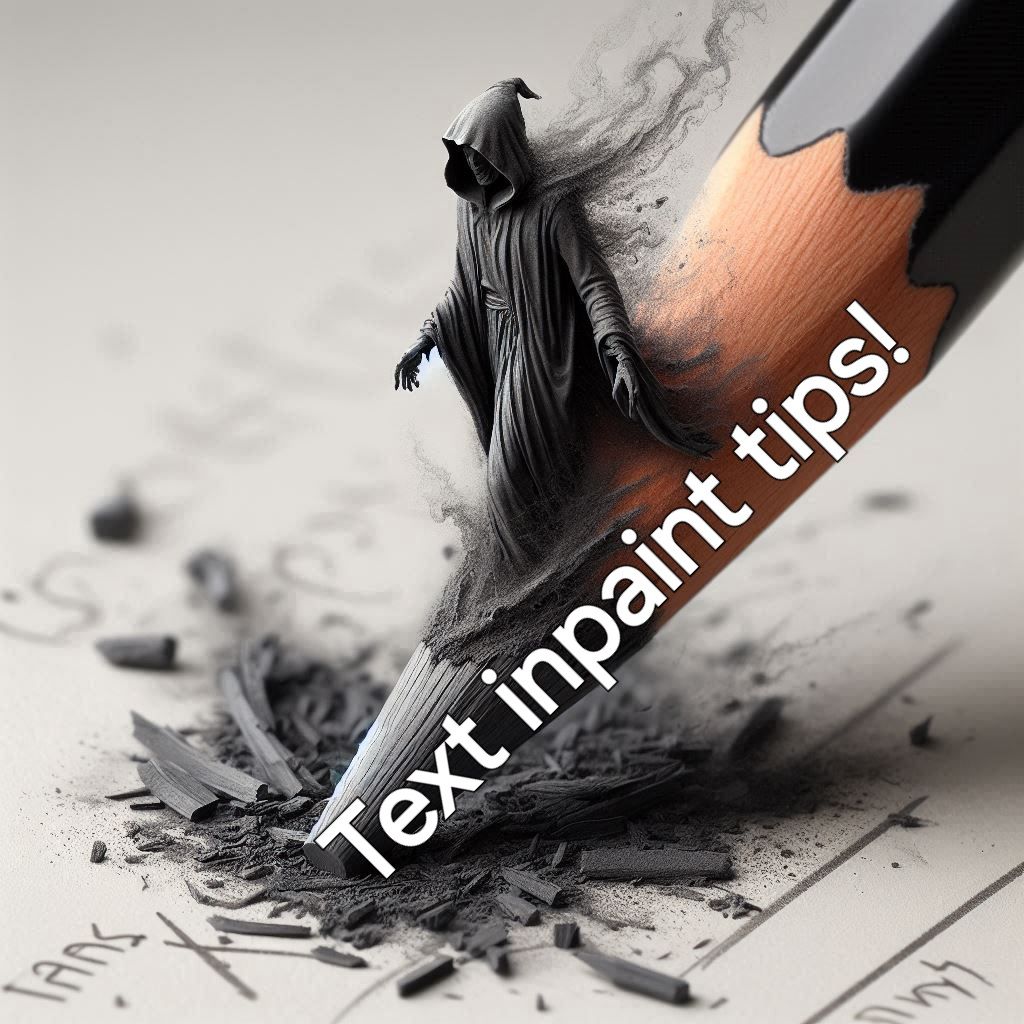
FIX INCOMPLETE/FAULTY TEXT!
Created 2 years ago · 187 comments· 0 likes·🪙💰💸 40
Uploaded
Don't you just hate it when your AI image with text turns out PERFECT, except that one stupid spelling error that ruins the whole image. I think I've cracked the code! Check out the gallery slide for example! 🫱Step 1: find the image you want to fix, and hit that evolve button. Step 2: chose Flux Schnell as model and leave the prompt as is. Step 3: create mask (see example in gallery slide). Step 4: Put the noise weight to 0%. Step 5: hit that create button. Now, this might take a few renders, but you'll get there! Best of luck! NB: make sure you have turned off "prompt magic"
187 Comments
Join the conversation


Paul @CamberwellCrafts
Any tips on removing extra limbs or fingers. Normally when I try it just replaces it with another slightly different additional limb etc.
2025-01-14T23:42:02.397ZReply
I love this but just no clue how you got the text there in the first place.

Wow, this actually works! Thank you for this tip :D


Thanks very much for the tip! Saved for later!



Creation Settings
This creation was not made on NightCafe.
- Model
DALL-E 3
- Prompts
Kolibri - NC Hype Crew Member has hidden the prompt
- Workflow
Not provided


