
All the best AI models in one place
Nano Banana, GPT Image, Flux, Seedream, Seedance and more. Try it now for free!

2 years ago
Inpaint tutorial - Combine the best of two models 🎨🖌
Created 2 years ago · 65 comments· 0 likes·🪙 1
Uploaded
Inpaint Tutorial - Combine the best of two models 🎨🖌
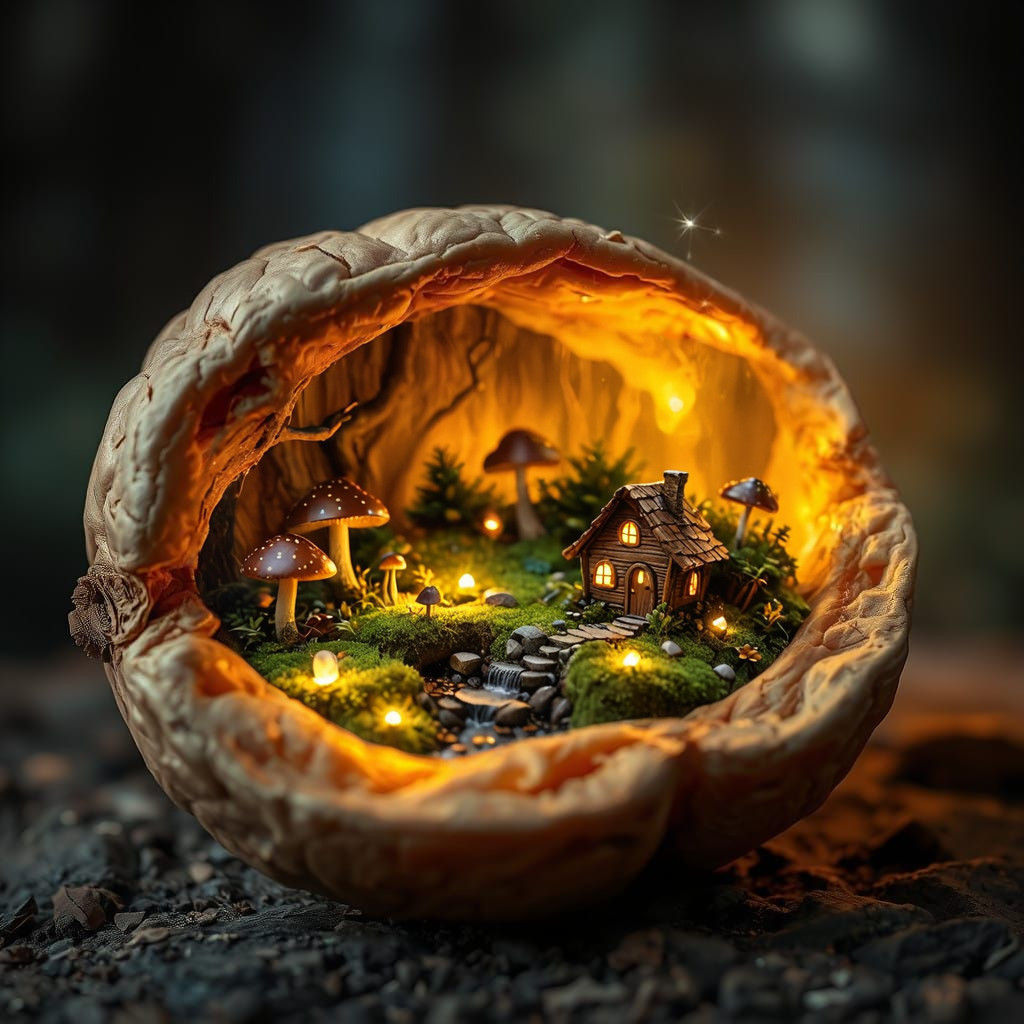
I have a little hack I wanted to share with you. Sometimes a creation, or parts of it, lacks that "je ne sais quoi". For example in my example image, I wanted a detailed and more realistic look on the scenery inside the nutshell, but the model I used couldn't give me what I wanted. Let me walk you through what I did.
Image 1: The result after inpaint.
Image 2: The original image made in Flux Schnell (prompt open - feel free to try 😊).
Image 3: Inpaint mask. I used the feathered tool for a smoother transition.
Inpaint recipe🎨🖌
Model: Dreamshaper XL Lightning.
Technique: Zoom to inpaint.
Prompt: The same as the original creation.
Noise weight: 80%.
Render time: Short.
**You can also use clarity upscale and/or color adjustment for even more oomph! 🥰
Original image link:
65 Comments
Join the conversation

Cris De R @CrisDeR_AI
Excellent work, great result!
2024-12-25T19:58:29.925ZReply

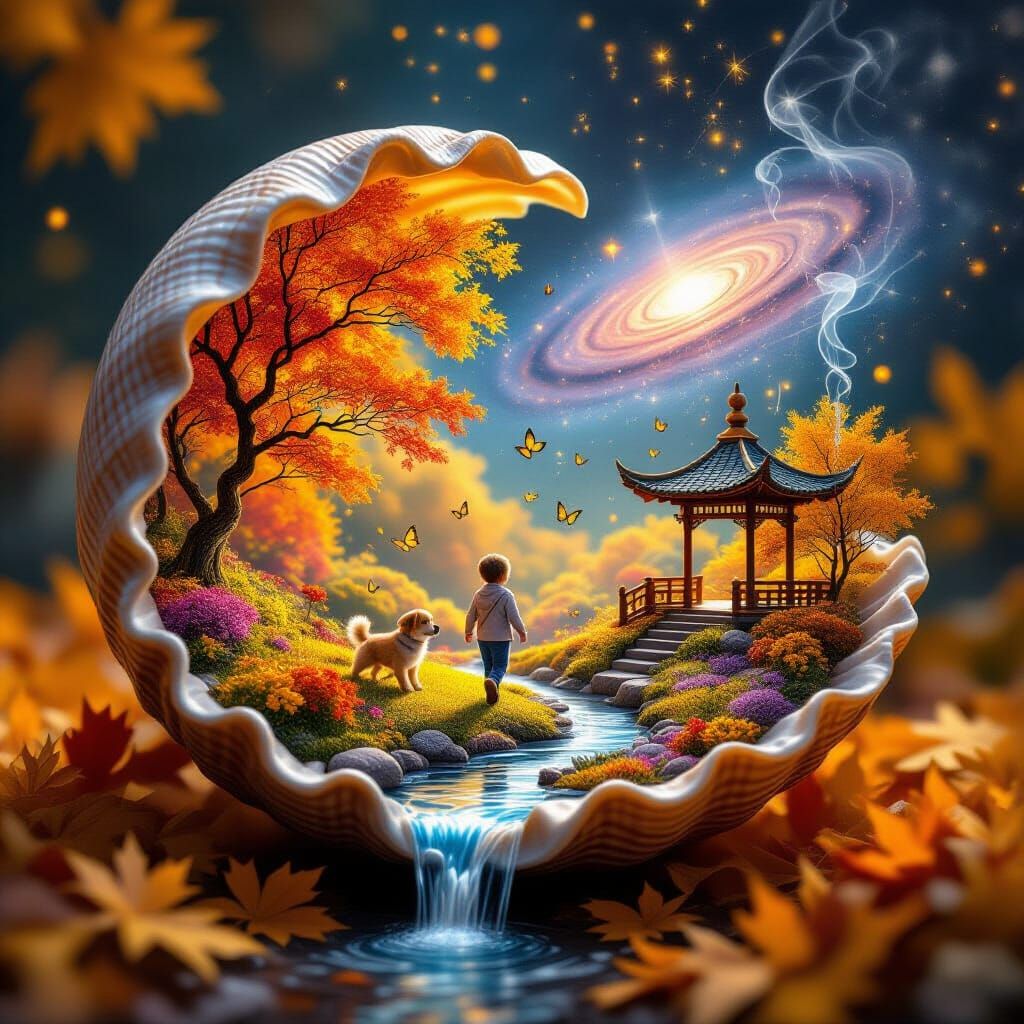
Thank you so much for sharing. I tried to use your method to edit my recently glass apple artwork and achieved better miniature scene, although I actually still not really sure how to make it better, I just try and error. Hopefully you will kindly share tip to teach us how to remove unwanted object or replace with another object, if you are fine with the suggestion. Thank you so much for your kindness, Kolibri.

Greetings and respect
It is really attractive, wonderful, unique and eye-catching design.
May I use your prompt here and elsewhere?

Thank You . Now for my brain to understand... 🤔 ... I'll let you know my outcome. Yours is stunning! 💕♥️💕
Creation Settings
This creation was not made on NightCafe.
- Model
Various (see description)
- Prompts
- A cracked walnut with an outer surface that is rough and natural, revealing an enchanting miniature fairy hideout inside. The interior glows warmly, illuminating a whimsical scene of tiny wooden homes made from twigs and flowers, surrounded by mossy hills and glowing mushrooms. A small sparkling stream ...
- Workflow
Not provided


