
Inpaint minor flaws in your images with AI
Fix imperfections easily with our free AI image editor - no experience needed

2 years ago
INPAINT TUTORIAL - FIX MINOR FLAWS WITH FLUX SCHNELL!
Created 2 years ago · 21 comments· 0 likes·🪙💰💸 26
Uploaded
INPAINT TIPS! 😍
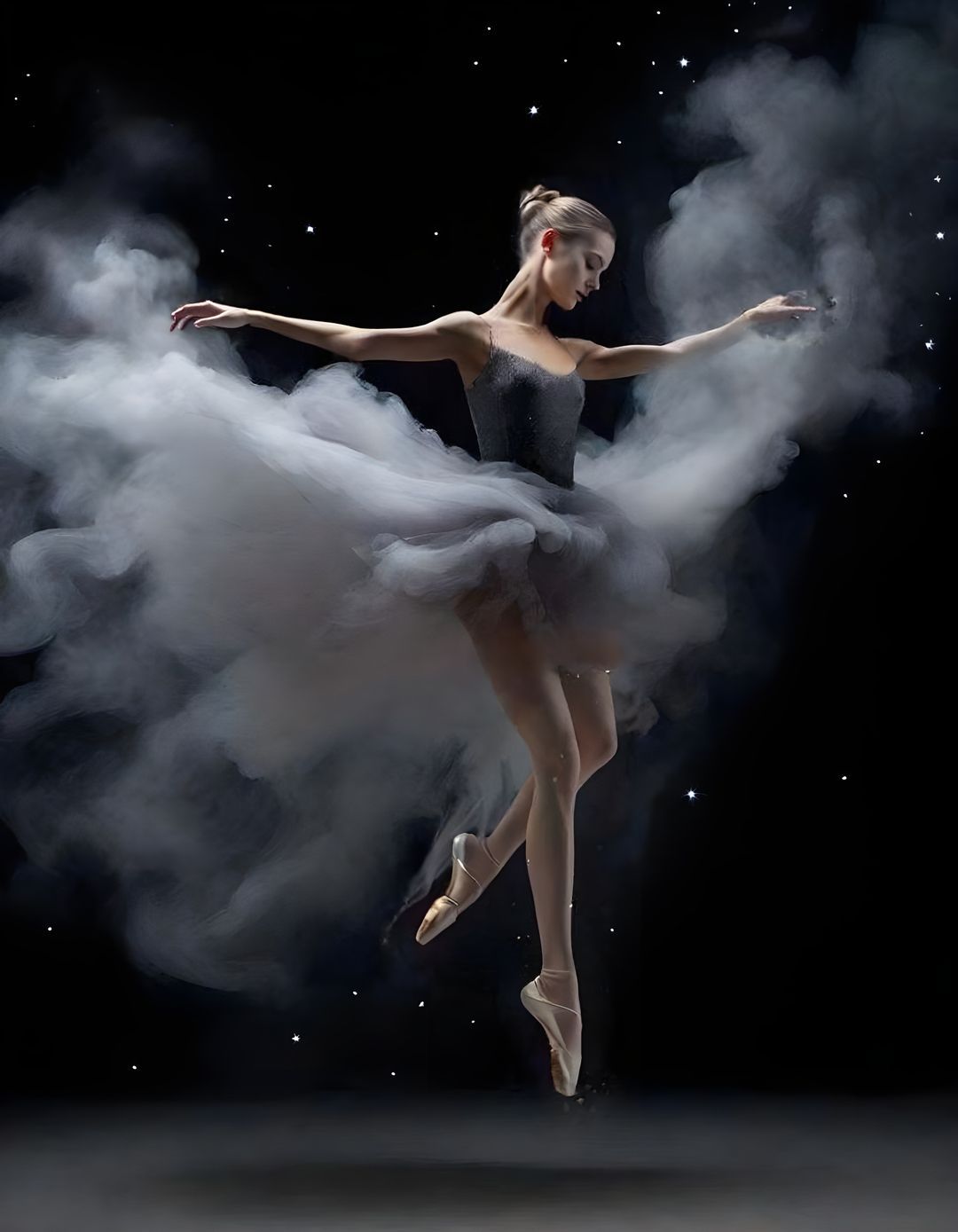
As you can see, the original image (image 3) made in SDXL LCM had minor flaws that I needed to fix. Inpaint with Flux Schnell is AMAZING to fix minor flaws. Important: Keep the original prompt, mask the area that needs to be fixed, one at a time (meaning I reccomend multiple steps if you need to fix e.g hands, face and feet, like in my examples) and use 0% noise weight 🥰 I fixed my image in 4 steps:
First I fixed the missing leg (image 5)
Next step I fixed the face (image 2)
After that I fixed the hands (image 4).As a bonus, I decided to add a more exciting background (image 1 - end result), like this;
I used the feather tool, masked the background as close to the smoke as possible. Then I chose Dreamshaper XL Lightning with 100% noise weight, "zoom to inpaint' and the prompt: "Glittery starry background against a black backdrop".
Original image (prompt open):
21 Comments
Join the conversation


thatgirlwholovesthebeach2much @heheheheheheheheheheh
THank you so much for sharing such a wonderful creation and such wonderful advice xx
2024-12-01T16:04:54.187ZReply





I'm so glad this came up in my feed! Thank you for these great tips!

Thank you so much for the tutorial! What excellent information😃
Creation Settings
This creation was not made on NightCafe.
- Model
SDXL LCM - Flux Schnell & DS XL Lightning
- Prompts
Kolibri - NC Hype Crew Member has hidden the prompt
- Workflow
Not provided


