

🎉 Annual PRO Sale: 50% Off! 🎉 Get 6 months FREE →
Create Images with Custom Aspect Ratios
Generate AI images with any aspect ratio for free. It's easy to customize your own unique creations.
a year ago
 Nano Banana
#8 - "Custom" Aspect Ratio using a Start Image
Tired of being stuck with 1:1 Squares in Gemini? Use a start image in another aspect ratio! Here's a workaround that will work for Daily Challenges:
Create an image in another model - one that does text well, like Ideogram.
Use this prompt:
Solid blue background, white text that says "REPLACE THIS IMAGE ENTIRELY WITH THE NEW ONE"An image with that text should be generated. You then use that creation as a start image in a Gemini Flash 2.5 creation. Below is the prompt format when using it:
Replace the provided image entirely with a new image, wipe it clean:
Your Prompt
Keep only the aspect ratio of the provided image.
Change
Your prompt to the prompt you want for the creation. Enjoy!1 Comment
Join the conversation

Creation Settings
- Text Prompts
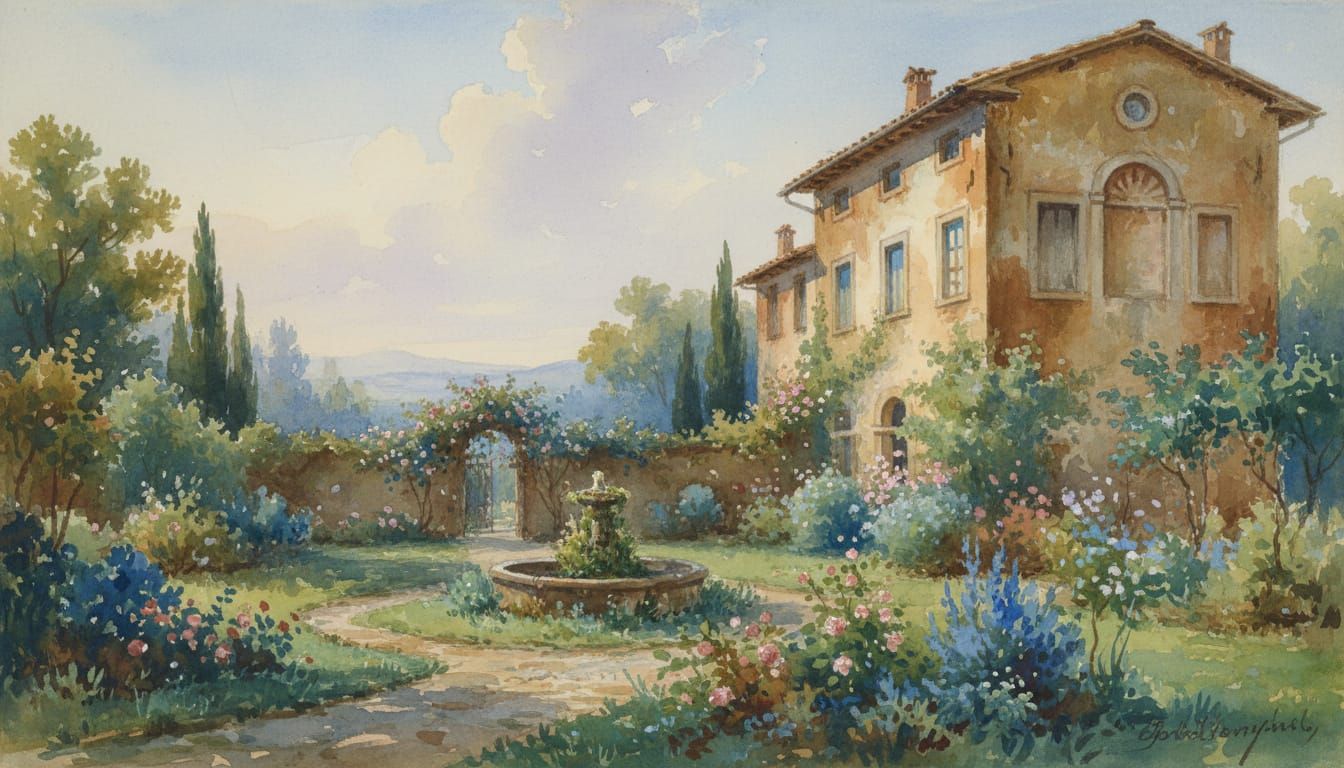
- Replace the provided image entirely with a new image, wipe it clean: beautiful wet-on-wet watercolor painting of a quiet hidden garden next to an Italian villa in the style of 18th Century Masters Keep only the aspect ratio of the provided image.Weight: 1
- Model
 CKPT
CKPT- Initial Resolution
Medium
- Aspect Ratio
1:1


