
All the best AI models in one place
Nano Banana, GPT Image, Flux, Seedream, Seedance and more. Try it now for free!


32 Comments
Join the conversation

Gery @kissgege
Fantastic
2026-05-28T06:38:30.393ZReply
I have found that Clarity Upscale tool often makes the image brighter and with less color. More pale. So I have needed to use the Adjust/Crop tool to drop the brightness, increase the contrast, and increase the color saturation to fix that.
Dear Friends! So happy to be here
Please consider joining the newest MAGICAL challenge below.
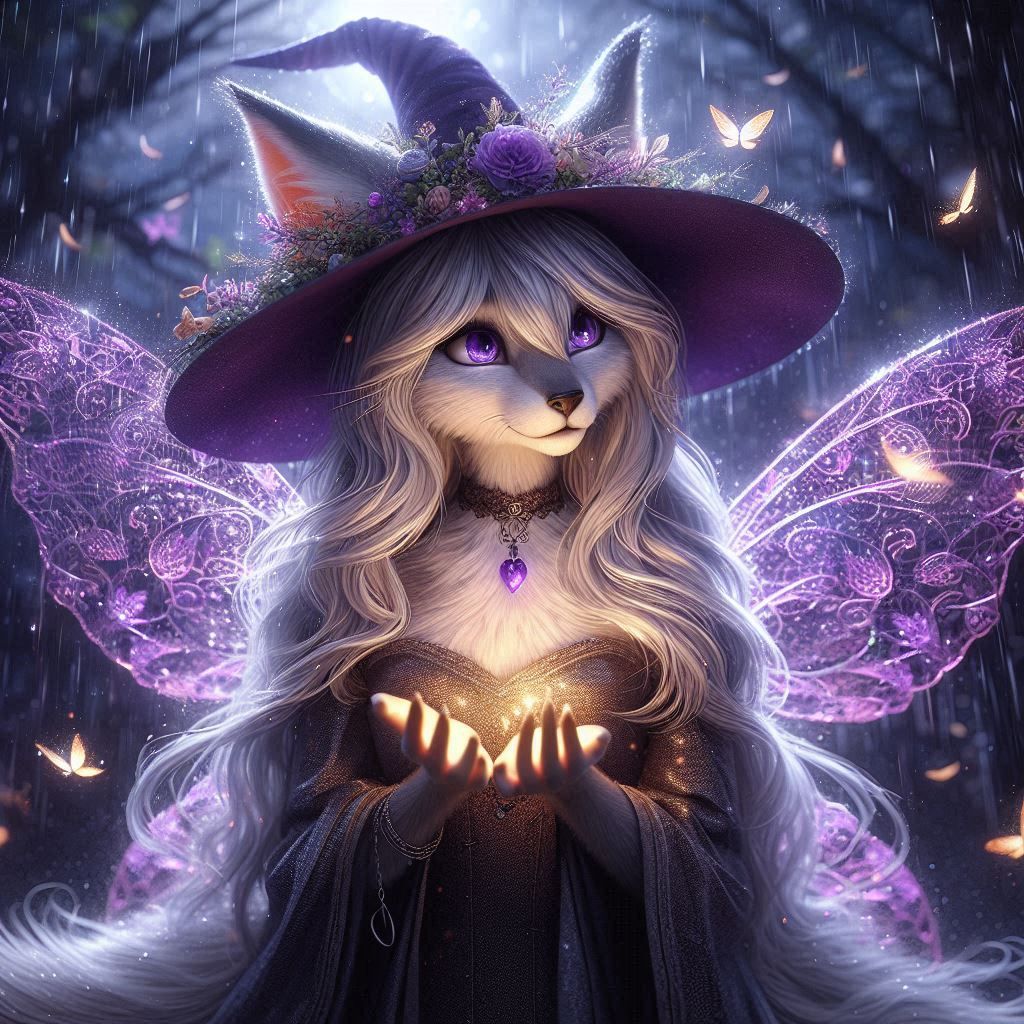
Thank you for joining my challenge!🤗 💖
All of the entries were 💞INCREDIBLE!!💞
💜 A new game starts soon! I hope you'll enter, and here are a few of my other games, too!💜
💛I hope to see you all there with new and exciting creations!💛
Have a wonderful day, and always remember: You are wonderful, so stay safe, because your creations are amazing, and you matter!🥰
Thank you for joining my challenge!🤗 💖
All of the entries were 💞INCREDIBLE!!💞
💜 A new game starts soon! I hope you'll enter, and here are a few of my other games, too!💜
💛I hope to see you all there with new and exciting creations!💛
Have a wonderful day, and always remember: You are wonderful, so stay safe, because your creations are amazing, and you matter!🥰
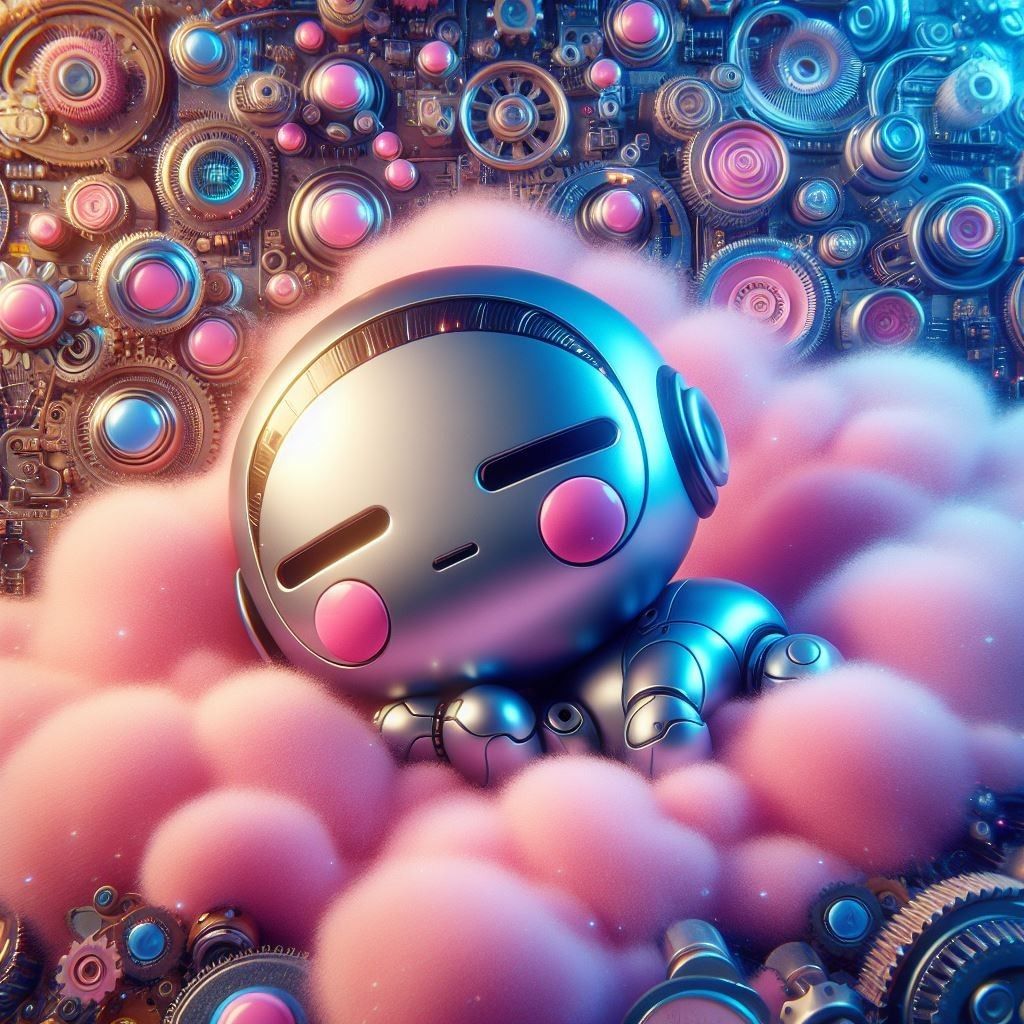


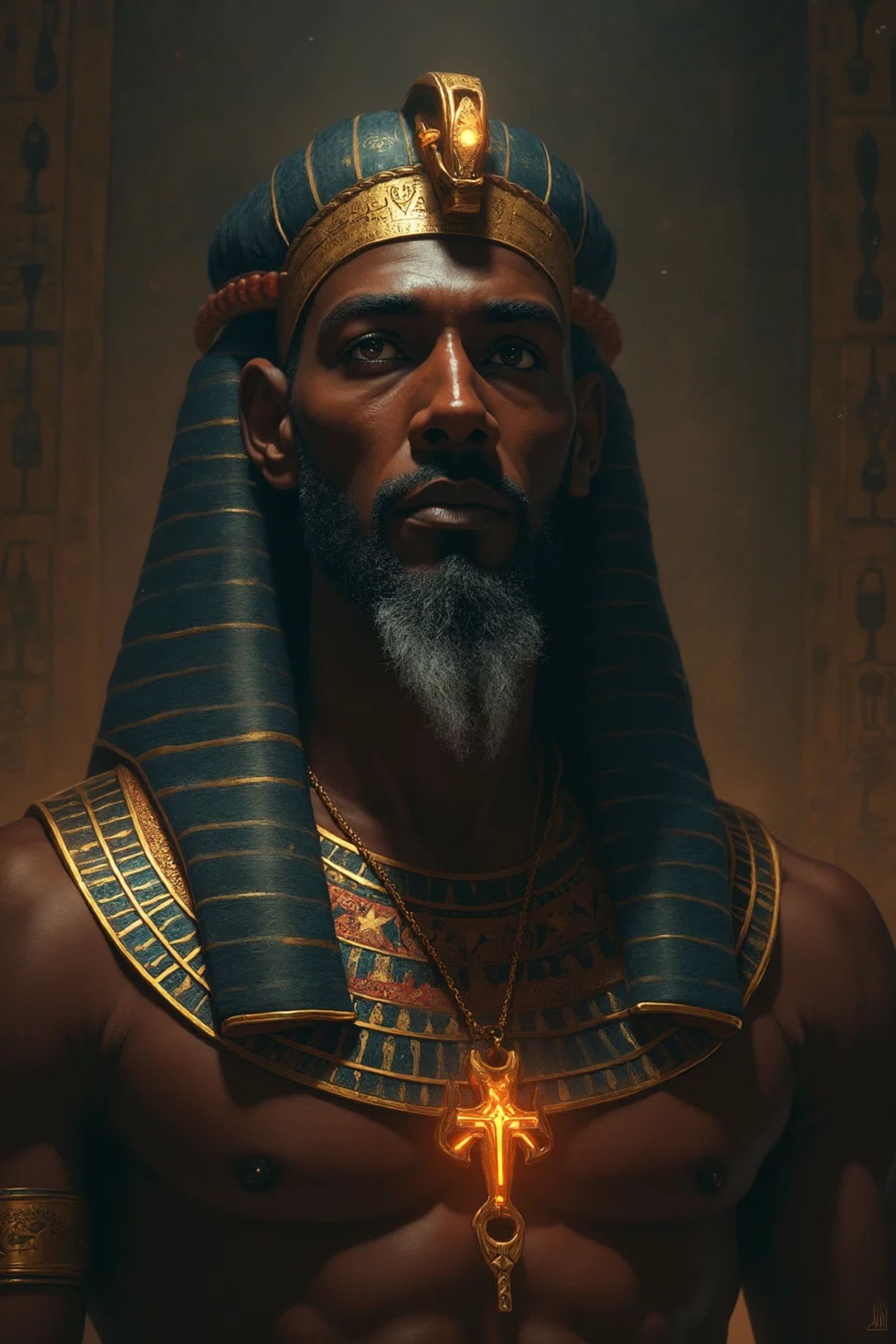
Creation Settings
- Model
 CKPT
CKPT- Start Image

- Upscale Prompt
- hd 16K
- Creativity
85%
Original Creation Settings
This creation was not made on NightCafe.
- Model
GPT
- Prompts
- Surreal painting with excessive detail. A beautiful witch flies across the moonlit, starry night on her magic broomstick, leaving a trail of cosmic dust, laughing heartily. Volumetric lighting, ultra-sharp focus, crystal-clear sharpness, extreme contrast, visual effects, ultra CGI rendering, 16K, bright, ...
- Workflow
Not provided


