

- Galleries
- LinkedIn Profile Picture Gallery
AI LinkedIn Profile Picture Generator
Create the perfect LinkedIn profile picture with our AI generator. Stand out and make a lasting impression with a professional, AI-generated image. Browse examples or create your own.

Create your own AI LinkedIn Profile Picture Generator images
Discover the magic of Text to Image AI by creating your own unique images. Edit the prompt below to customize your creation.
No payment or credit card required.
As Seen In








LinkedIn Profile Picture Gallery


Didn't find what you were looking for? Create your own below!

Stand Out From The Crowd
Create Professional Linkedin Profile Pictures With AI
Craft a compelling first impression with a professionally generated LinkedIn Profile Picture. Our AI creates high-quality, tailored images that reflect your personal brand and expertise. Enhance your online presence and make connections with a polished, AI-powered profile picture.
Create Your Perfect LinkedIn Profile Picture
Step 1
Describe Your Ideal Profile Picture
Start by entering a detailed description of your desired profile picture in the prompt box. Include specifics about your appearance, the background, the style you prefer (e.g., professional, modern, friendly), and any other relevant details. The more detail, the better the AI can tailor the image to your needs.
Step 2
Generate Your AI Profile Picture
After crafting your perfect prompt, click the 'Generate' button. Our AI will then process your request and create a unique, professional-looking profile picture based on your instructions. This might take a few moments, so please be patient.
Step 3
Download and Share Your New Picture
Once your AI-generated profile picture is ready, you can download it in high resolution. Use it to update your LinkedIn profile and other professional platforms. You can also share your creation with the NightCafe community and get feedback!

Boost Your Online Presence
Generate Professional Headshots For Social Media
Elevate your social media profiles with AI-generated Professional Headshots. Our tool helps you create consistent, high-quality images for all your social platforms. Showcase your professionalism and build a strong online identity across various networks. Generate Professional Headshots for Social Media easily.
More Galleries
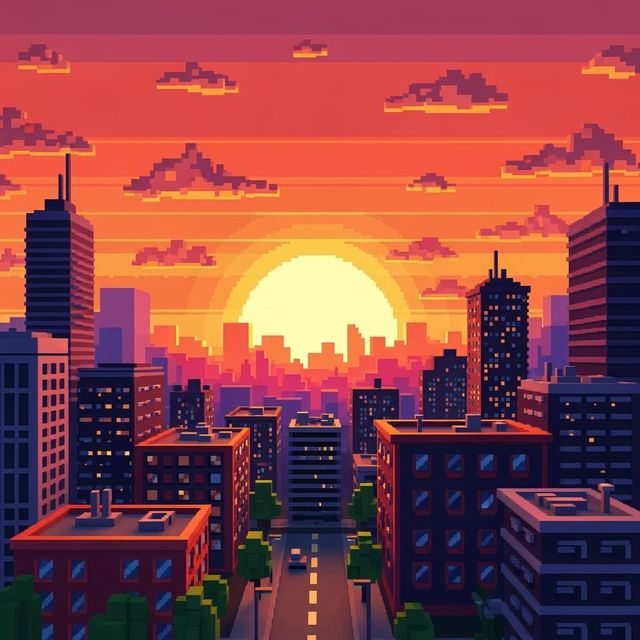
Create a Pixel Art Background
Create unique pixel art backgrounds with NightCafe AI Image Generator. Whether for games, websites, or digital art, our tool turns your ideas into stunning 8-bit visuals. Explore the gallery or start creating now.
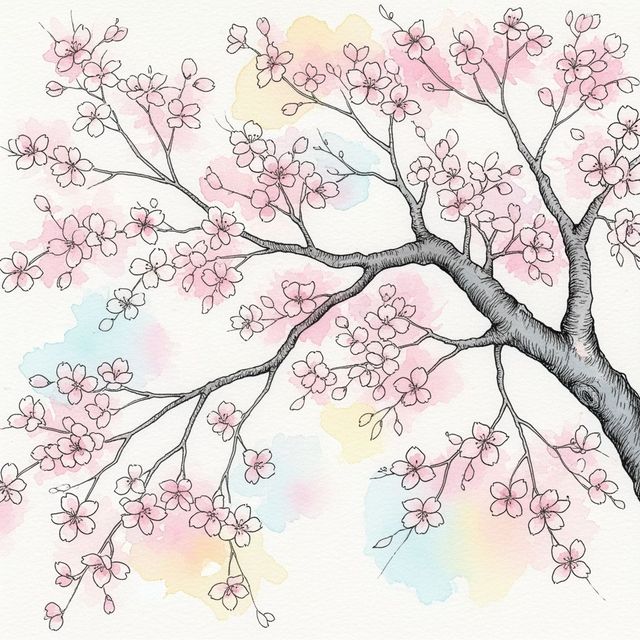
AI-Generated Cherry Blossom Tree Drawing
Explore the beauty of spring with AI-generated cherry blossom tree drawings. Transform simple prompts into stunning digital artwork. Create your own or browse the gallery.
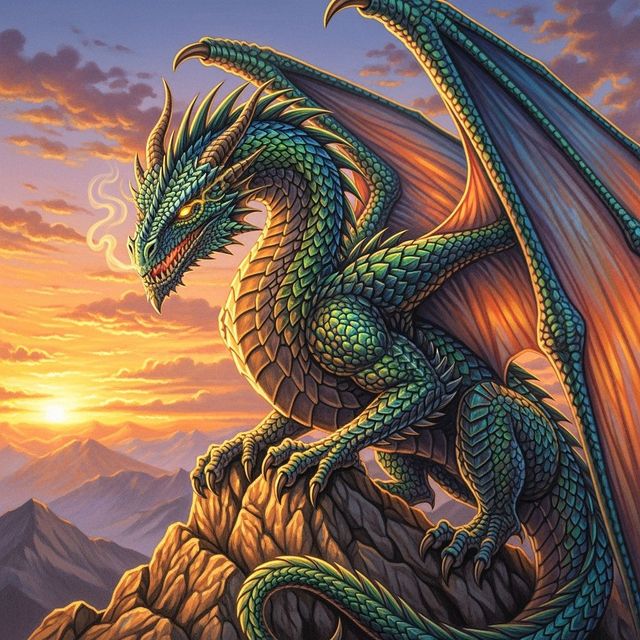
Generate a Realistic Dragon Drawing
Unleash your inner artist with NightCafe's AI Realistic Dragon Drawing generator. Create detailed and stunning dragon drawings that capture the imagination. Browse realistic dragon drawings or create your own.
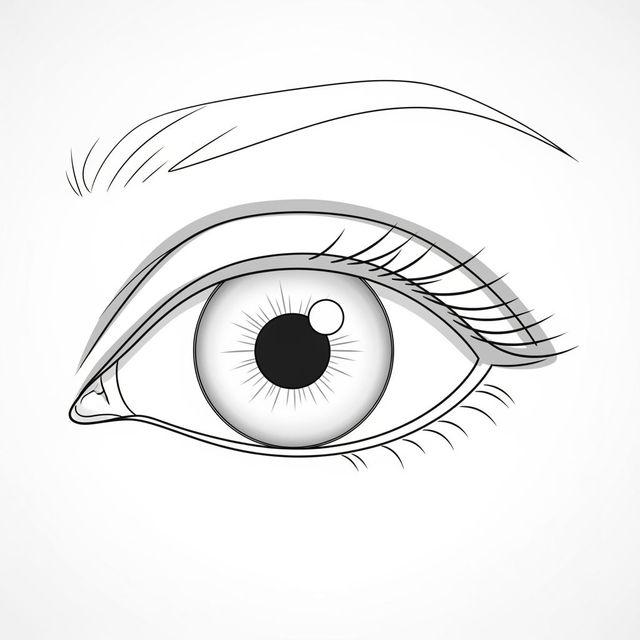
Easy Eye Drawing with AI
Create realistic and stylized eye drawings effortlessly with our AI-powered tool. Perfect for beginners, explore different techniques and styles to enhance your artistic skills with easy eye drawing.
Frequently Asked Questions
Everything You Need to Know About Generating LinkedIn Profile Pictures with AI