

- Galleries
- Paint By Number Pictures Gallery
Paint By Number Pictures
Browse AI-generated paint by number pictures spanning florals, animals, landscapes, and portraits, each rendered with clean segmented regions and bold outlines ready for inspiration. Find a style you love and create your own with 30+ AI models. Free daily credits, no download required. You can also use the guided Paint By Number Creator template on this page to easily design your own custom templates for free with no signup required.

Create your own Paint By Number Pictures images
Use the creator below to make your own Paint By Number Pictures images with our guided template.
Create
Text Prompt
AI Model
Choose which AI image generator to use.
Start Image(s)
This model supports prompt-to-edit and multi-image fusion.
This creation will be visible to other users in the newbie feed.
As Seen In








Paint By Number Pictures Gallery


Didn't find what you were looking for? Create your own below!

Patterns for every project
Free AI Paint by Number Pictures and Patterns
NightCafe lets you generate paint by number pictures using models like Flux, GPT Image, and Seedream, so you can compare a bold graphic floral pattern against a soft watercolor-style landscape segmented into numbered regions. Each model interprets color blocking and outline weight differently, giving you real variety before you commit to a subject. Access all 30+ models in one place with free daily credits.
How to Create Paint By Number Pictures on NightCafe
Step 1
Browse the gallery or start with the template
No account needed to start. Scroll through the paint by number picture examples above for inspiration, or use the guided Paint By Number Creator template directly on this page to begin your design.
Step 2
Fill in your subject and color palette
Use the template fields to specify your subject (like an orange tabby cat or a forest landscape) and choose a color palette. The template automatically formats your input into a clean, segmented design with bold outlines.
Step 3
Generate, refine, and share
Click generate to see your custom paint-by-number pattern. You can refine your inputs, try different models, and download your finished design or share it with the community.

From beginner to advanced
Paint by Number Design Ideas for Every Skill Level
Whether you want a simple five-color animal silhouette for a first-time painter or an intricate 40-region mountain vista for an experienced artist, the prompts you write on NightCafe can dial the complexity up or down. Describe your subject, mention a region count or color palette, and the AI returns a segmented design tuned to that difficulty. The NightCafe community regularly shares paint-by-number creations for extra inspiration.
More Galleries
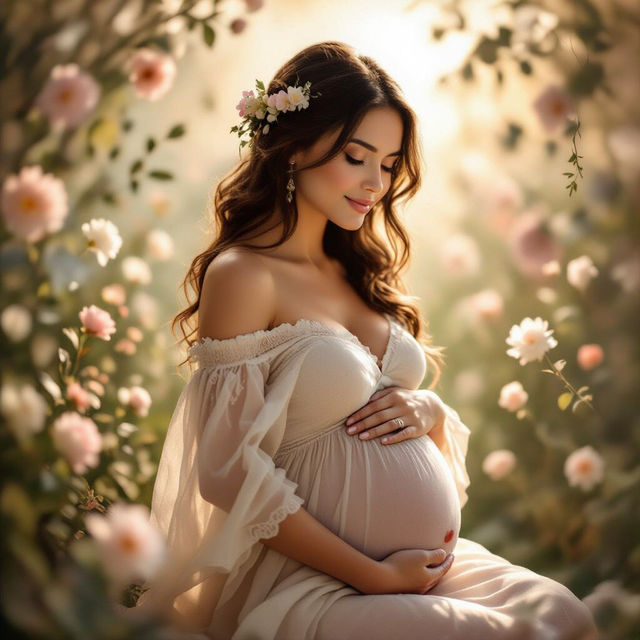
Pregnancy Art
Explore stunning AI-generated pregnancy art. Celebrate the journey of motherhood with unique visuals, perfect for inspiration or creating your own beautiful maternity artwork.
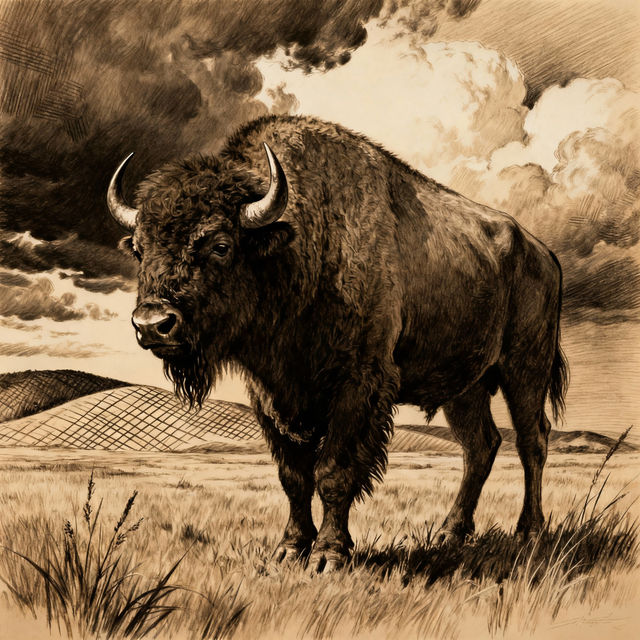
Bison Drawings - AI Generated Art
Discover intricate AI-generated bison drawings. Perfect for art enthusiasts and nature lovers, explore unique artistic interpretations of these majestic creatures.
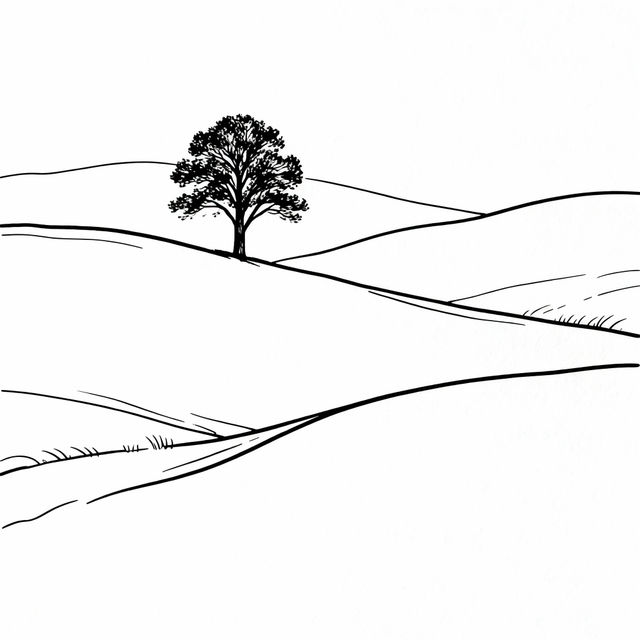
Contour Line Drawings - Made With AI
Discover the elegance of contour line drawings created by AI. Browse our gallery for inspiration and generate your own unique contour line art on NightCafe.
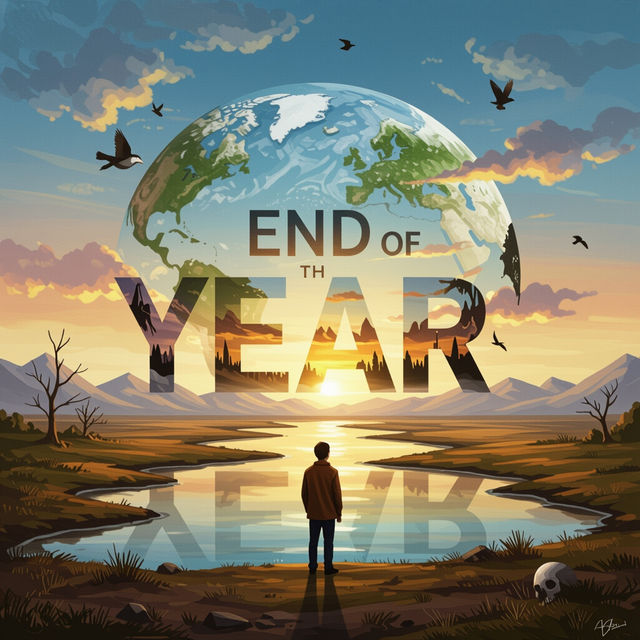
Goodbye 2024 Images
Explore evocative Goodbye 2024 images. Capture the essence of the year's end and welcome the new with unique AI-generated art. Create your own memories.
Frequently Asked Questions
Common questions about paint by number pictures on NightCafe