

AI Vector Generator
The AI vector generator creates clean, scalable vector-style artwork from a text prompt in seconds. Choose from 30+ AI models, describe your subject and style, and refine until the lines are exactly right. Great for logos, icons, illustrations, and print designs. Free daily credits, no download required.
No payment or credit card required.

As Seen In








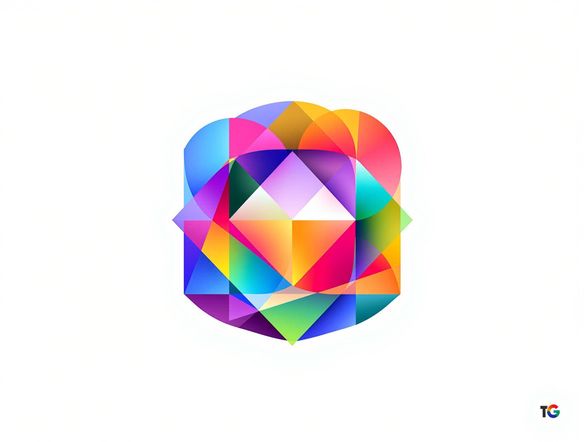
Every style, one place
Free AI Vector Art Generator Online
NightCafe gives you access to 30+ models including Nano Banana, GPT Image, Flux, and Seedream, each producing a different take on vector-style imagery. Switch between flat minimal, geometric, line-art, and retro badge aesthetics without touching a second app. Compare outputs side by side and pick the version with the sharpest, cleanest result for your project.
How to Use the AI Vector Generator
Step 1
Open and start instantly
No account required. Open the AI vector generator in your browser and start creating straight away with free daily credits.
Step 2
Describe your design
Type your subject, style notes (flat, geometric, line art), and color palette. Or upload a sketch for image-to-image vector conversion.
Step 3
Refine and share
Switch models, tweak your prompt, then save your vector-style art or share it with the NightCafe creative community.
Logos, icons, and prints
Create Vector Illustrations for Logos, Icons and Prints
Upload a rough sketch or reference image and use image-to-image to reshape it into polished vector-style art while keeping your original composition. Ideal for album artwork, book covers, trading card illustrations, and poster designs. Adjust style strength so the final result stays true to your concept while gaining that crisp, print-ready look.
Need inspiration?
Check out some of the top creations made by the NightCafe community.


Related Tools

Inspirational Quote Generator
The inspirational quote generator turns words that matter into beautifully styled AI art images in seconds. Type any motivational phrase, choose a visual mood, and let 30+ AI models render it as a poster, wallpaper, or shareable graphic. Free daily credits, no download or account required to get started.

Etsy Banner Generator
The Etsy banner generator creates polished, shop-ready header art from a simple text description in seconds. Choose from 30+ AI models, describe your shop's style and products, and refine until it fits your brand. Free daily credits, no download required.

Instagram Logo Generator
The Instagram logo generator creates polished, on-brand logos and profile images for your Instagram presence in seconds. Choose from 30+ AI models, describe your brand style, and refine until it looks exactly right. Free daily credits included, no download or design experience required.

Badge Generator
The badge generator creates custom badges, emblems, and achievement icons from a text description in seconds. Choose from 30+ AI models, describe your design, and refine the shape, style, and detail until it looks exactly right. Free daily credits, no download or account required to start.
Frequently Asked Questions
Common questions about AI vector art on NightCafe