

Astronaut Generator
The astronaut generator creates striking space explorer art from a text prompt in seconds. Choose from 30+ AI models to produce cinematic portraits, stylized illustrations, or cosmic wallpapers of suited figures floating among stars, nebulae, or alien worlds. Free daily credits, no download required.
No payment or credit card required.

As Seen In








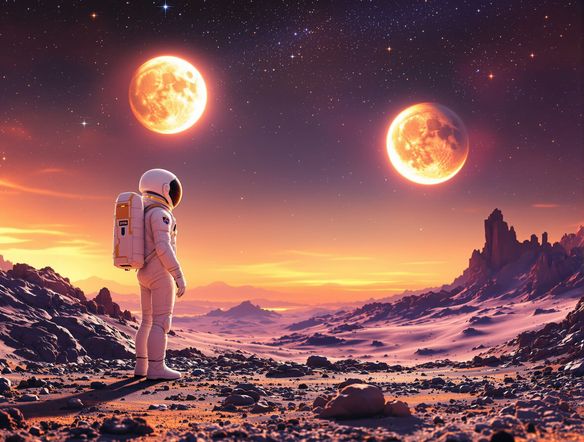
Every style, one place
Free AI Astronaut Art Generator
NightCafe gives you access to 30+ models including Nano Banana, Flux, GPT Image, and Seedream, so your astronaut art can range from hyper-realistic photography to painterly sci-fi illustration. Switch models without leaving the page and compare how each one handles light bouncing off a helmet visor or the glow of a distant star cluster.
How to Use the Astronaut Generator
Step 1
Open and start free
No account required. Launch the astronaut generator in your browser and start creating straight away with free daily credits.
Step 2
Describe your scene
Type your prompt: suit style, setting (moon surface, deep space, space station), mood, and any visual details you want.
Step 3
Refine and share
Try a different model or tweak your prompt, then save your astronaut art or share it with the NightCafe creative community.
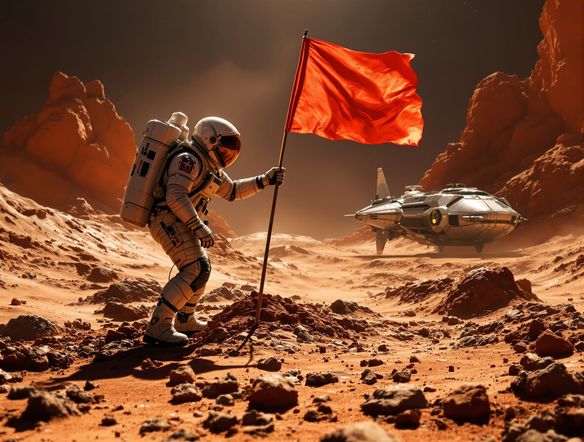
Make it yours
Create Custom Astronaut Characters Online
Go beyond generic space figures by describing suit markings, helmet details, environment, and mood in your prompt. Upload a reference image and use image-to-image to ground the composition in a specific pose or setting while the AI shifts it into a fully realised space scene. Great for profile pictures, trading card art, book covers, and sci-fi posters.
Need inspiration?
Check out some of the top creations made by the NightCafe community.


Related Tools

Na'vi Character Maker
Create stunningly realistic Na'vi characters with our AI generator. Design your unique photorealistic female Na'vi or a compelling realistic avatar character portrait for your next project.

Neon Cyber Noir Generator
The Neon Cyber Noir Generator creates moody, rain-soaked AI art blending neon-lit cyberpunk cityscapes with classic noir atmosphere. Choose from 30+ AI models, describe your scene or character, and get dark, atmospheric art in seconds. Free daily credits, no download required.

Swiss Style Graphic Generator
The Swiss Style Graphic Generator creates crisp, grid-based designs inspired by the International Typographic Style: bold geometry, primary color palettes, and clean modernist composition. Choose from 30+ AI models, describe your layout or subject, and refine until the design clicks. Free daily credits, no download required.

Bauhaus Poster Design Generator
The Bauhaus poster design generator creates bold, geometric AI art in the classic modernist tradition: primary colors, clean sans-serif typography, and balanced form. Choose from 30+ AI models, describe your composition, and iterate until it looks exhibition-ready. Free daily credits, no download or design software required.
Frequently Asked Questions
Common questions about creating astronaut art on NightCafe