AI Art Generators
Create
Anonymous User

Blueprint Illustration Generator

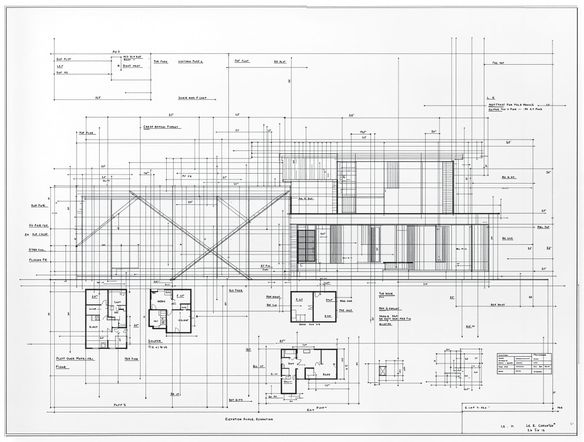
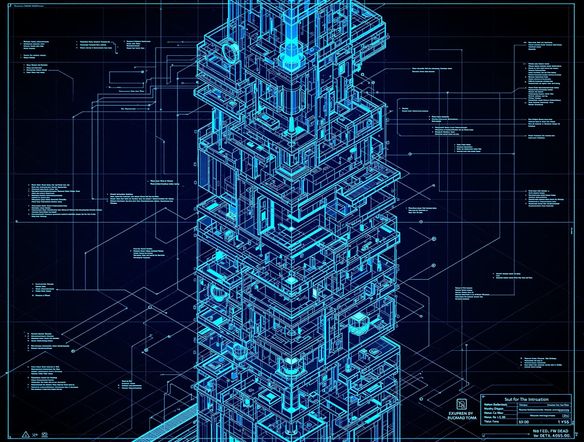
The blueprint illustration generator creates crisp, technical-drafting-style artwork from your text prompts in seconds. Choose from 30+ AI models to dial in the right balance of fine linework and aged-paper or glowing-cyan detail. Free daily credits, works in any browser, no download required.

No payment or credit card required.

Create a detailed blueprint illustration of a fantastical flying machine, rendered in classic white linework on deep Prussian blue drafting paper, with dimension annotations, cross-section callouts, and a precise architectural drafting aesthetic.

As Seen In

msn.com
mashable.com
forbes.com
bbc.co.uk
techcrunch.com
vice.com
aol.com
news.yahoo.com
Illustrate a detailed technical blueprint of a classic mechanical clock movement shown as an exploded diagram, white drafting lines on cobalt blue, with part labels and precise callout arrows in an engineering schematic style.

Control every detail

Free Blueprint Illustration Generator Online

NightCafe gives you access to 30+ AI models including Flux, GPT Image, Nano Banana, and Seedream, each handling linework density and tonal depth differently. Swap models to push from a clean modern CAD schematic to a worn vintage drafting-room feel, all without leaving the platform. Adjust your prompt language to add notation grids, section labels, or exploded views.

Create AI Images

How to Use the Blueprint Illustration Generator

Step 1

Open the tool

No account required. Launch the blueprint illustration generator in your browser and start creating instantly.

Step 2

Describe your subject

Type your subject with technical detail cues like 'exploded view', 'cross-section', or 'elevation diagram' for authentic drafting results.

Step 3

Iterate and share

Switch models, refine linework density in your prompt, then save your blueprint art or share it with the NightCafe creative community.
Show a vintage motorcycle reinterpreted as a precise engineering blueprint illustration, white technical linework on deep blue drafting paper, with dimension lines, side-elevation and top-view details, and a clean schematic composition.

From photo to schematic

Turn Any Idea Into Technical Blueprint Art

Upload a reference photo of any object, building, or vehicle and use image-to-image conversion to recast it as a blueprint schematic. Adjust the style strength to keep recognizable silhouettes while stripping the image down to crisp linework on a blue field. Perfect for product concept art, architectural posters, and custom illustration projects.

Need inspiration?

Check out some of the top creations made by the NightCafe community.

334
Caturday Cool-down
379
2
Where Passion Wore Gold
280
Spooky Tree
191
2
Untitled Creation
291
Journey to the old Fortress
163
The big stretch
126
2
Explore More

Related Tools

Na'vi  Character Maker tool

Na'vi  Character Maker

Create stunningly realistic Na'vi characters with our AI generator. Design your unique photorealistic female Na'vi or a compelling realistic avatar character portrait for your next project.

Neon Cyber Noir Generator tool

Neon Cyber Noir Generator

The Neon Cyber Noir Generator creates moody, rain-soaked AI art blending neon-lit cyberpunk cityscapes with classic noir atmosphere. Choose from 30+ AI models, describe your scene or character, and get dark, atmospheric art in seconds. Free daily credits, no download required.

Swiss Style Graphic Generator tool

Swiss Style Graphic Generator

The Swiss Style Graphic Generator creates crisp, grid-based designs inspired by the International Typographic Style: bold geometry, primary color palettes, and clean modernist composition. Choose from 30+ AI models, describe your layout or subject, and refine until the design clicks. Free daily credits, no download required.

Bauhaus Poster Design Generator tool

Bauhaus Poster Design Generator

The Bauhaus poster design generator creates bold, geometric AI art in the classic modernist tradition: primary colors, clean sans-serif typography, and balanced form. Choose from 30+ AI models, describe your composition, and iterate until it looks exhibition-ready. Free daily credits, no download or design software required.

Frequently Asked Questions

Common questions about blueprint illustration art on NightCafe

Is the blueprint illustration generator free to use?

Yes. NightCafe provides free daily credits so you can generate blueprint illustrations without entering payment details. Paid plans offer more daily credits and access to premium features if your project needs more volume.

Which AI models work best for blueprint-style illustrations?

NightCafe gives you 30+ models to experiment with, including Flux, GPT Image, Nano Banana, and Seedream. GPT Image handles descriptive prompts like 'annotated cross-section on Prussian blue' especially well, while Flux produces sharp, high-contrast linework suited to technical schematic aesthetics.

Can I use AI-generated blueprint illustrations commercially?

Yes, including on the free plan. NightCafe assigns copyright of generated images to you as the creator, so you can use blueprint illustrations for product packaging, posters, book covers, or client work. You should own or have rights to any reference images you upload, and it is worth checking copyright law in your own country, as AI copyright rules are still evolving in some jurisdictions.

Do I need to sign up to generate blueprint art?

You can start generating immediately without an account. Creating a free NightCafe account lets you save your blueprint illustrations, access your generation history, and share work with the community.

Can I convert a photo into a blueprint illustration?

Yes. NightCafe's image-to-image feature lets you upload a reference photo of an object, building, or vehicle and convert it into a blueprint schematic. Adjusting the style strength keeps the original silhouette recognizable while applying the technical linework and blue-field drafting aesthetic.

How does NightCafe compare to Midjourney for blueprint-style art?

NightCafe runs 30+ models in one place, including options that excel at precise linework and annotation-style illustrations, and it adds a social creative community where you can share and discover blueprint art. Midjourney requires Discord and offers a single model. NightCafe is designed for hobbyists and creative side projects who want variety, community, and free daily credits without a subscription commitment.