AI Art Generators
Create
Anonymous User

Custom T Shirt Generator

The custom t-shirt generator turns a text description into striking graphic tee artwork in seconds. Choose from 30+ AI models including Flux, GPT Image, Seedream and more, type your concept, and refine until the design feels right. Free daily credits included, no download or design software required.

No payment or credit card required.

Create a flat-lay product photo of a white cotton t-shirt on a clean surface, featuring a bold AI-generated graphic of a vintage-style celestial wolf howling at a full moon, surrounded by ornate linework and stars, in a screen-print aesthetic.

As Seen In

msn.com
mashable.com
forbes.com
bbc.co.uk
techcrunch.com
vice.com
aol.com
news.yahoo.com
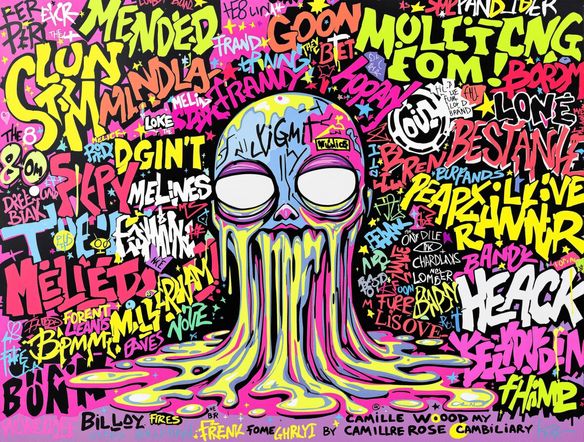
Illustrate a grid of four different t-shirt graphic styles side by side: a vintage retro sun illustration, a clean minimalist mountain line art, a bold streetwear typography design, and a colorful pop-art cartoon robot, each rendered in a distinct screen-print style.

Every style, one place

Free AI T-Shirt Design Generator

NightCafe gives you access to 30+ models including Nano Banana, Flux, and GPT Image so you can match the exact aesthetic your shirt needs — vintage band tee, minimalist icon, streetwear graphic, or retro cartoon. Switch models in a click and compare results side by side without starting over. No Photoshop, no designer required.

Create AI Images

How to Use the Custom T-Shirt Generator

Step 1

Open and start free

No account needed. Open the generator in your browser and start designing with free daily credits instantly.

Step 2

Describe your graphic

Type your concept — theme, style, colours, mood — or upload a reference image to guide the AI generation.

Step 3

Iterate and save

Swap models, tweak your prompt, and regenerate until the graphic is right. Save, download, or share it with the NightCafe community.
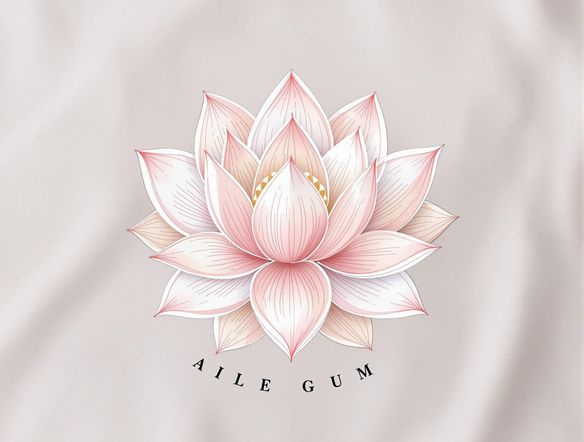
Show a digital workspace with a rough hand-drawn skull sketch on the left transforming into a polished, high-contrast AI-generated graphic tee design on the right, displayed on a clean white t-shirt mockup.

Refine from a reference

Create Custom Shirt Graphics for Merch and More

Upload an existing logo, sketch, or photo and use image-to-image generation to build on it — preserving your composition while shifting the style toward something print-ready. Adjust generation strength to keep key details intact. Great for album merch, small-batch drops, event tees, and one-off gifts that need a personal touch.

Need inspiration?

Check out some of the top creations made by the NightCafe community.

334
Caturday Cool-down
379
2
Where Passion Wore Gold
280
Spooky Tree
191
2
Untitled Creation
291
Journey to the old Fortress
163
The big stretch
189
2
Explore More

Related Tools

Inspirational Quote Generator tool

Inspirational Quote Generator

The inspirational quote generator turns words that matter into beautifully styled AI art images in seconds. Type any motivational phrase, choose a visual mood, and let 30+ AI models render it as a poster, wallpaper, or shareable graphic. Free daily credits, no download or account required to get started.

Etsy Banner Generator tool

Etsy Banner Generator

The Etsy banner generator creates polished, shop-ready header art from a simple text description in seconds. Choose from 30+ AI models, describe your shop's style and products, and refine until it fits your brand. Free daily credits, no download required.

Instagram Logo Generator tool

Instagram Logo Generator

The Instagram logo generator creates polished, on-brand logos and profile images for your Instagram presence in seconds. Choose from 30+ AI models, describe your brand style, and refine until it looks exactly right. Free daily credits included, no download or design experience required.

Badge Generator tool

Badge Generator

The badge generator creates custom badges, emblems, and achievement icons from a text description in seconds. Choose from 30+ AI models, describe your design, and refine the shape, style, and detail until it looks exactly right. Free daily credits, no download or account required to start.

Frequently Asked Questions

Common questions about making custom t-shirt designs with AI on NightCafe

Is the custom t-shirt generator free to use?

Yes. NightCafe provides free daily credits so you can generate t-shirt graphics without entering payment details. Paid plans offer more daily credits and access to premium features if you need higher output.

Can I use the AI-generated t-shirt designs for selling merch or print-on-demand?

Yes, including on the free plan. NightCafe assigns copyright of the generated image to you as the creator, so you can use designs commercially — for merch drops, print-on-demand stores, event tees, or anything similar. You should own or have permission to use any reference images you upload. AI copyright law is still evolving and varies by country, so it is worth checking the rules in your jurisdiction.

Which AI models are available for t-shirt design?

NightCafe offers 30+ image generation models including Nano Banana, GPT Image, Flux, Seedream and more. Different models suit different tee aesthetics — some excel at bold linework and vector-adjacent graphics, others at painterly or photorealistic results. You can switch models without losing your prompt.

Do I need to sign up to generate a t-shirt design?

No account is required to get started. You can generate art immediately using free daily credits. Creating a free account lets you save your designs, build a gallery, and join the NightCafe community to share work and get feedback.

How is NightCafe different from Canva or Midjourney for t-shirt design?

Canva focuses on template-based design editing rather than AI image generation. Midjourney generates images but is Discord-only and has no built-in creative community. NightCafe combines 30+ AI models, image-to-image refinement, and a social community in one place — making it easy to go from idea to shareable tee graphic without switching tools.

What file format will I get, and can I send it to a printer?

NightCafe generates high-quality raster images you can download and send to most print-on-demand services or local printers. For best results on fabric, describe your design with clear contrast and a clean background in your prompt — the generator responds well to those instructions.