

Discord Emoji Generator
The Discord emoji generator creates custom emoji-style icons for your server in seconds. Choose from 30+ AI models, describe a character, expression, or reaction, and get crisp, expressive art sized for Discord. Free daily credits, no download or account required to start.
No payment or credit card required.

As Seen In








Every style, one place
Free Custom Discord Emoji Maker
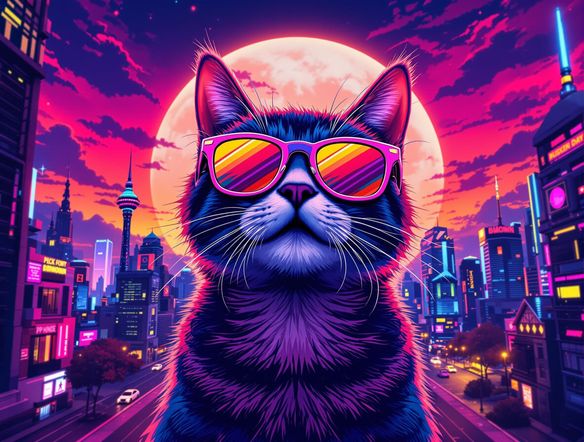
Generate emoji art in any style your server needs, from chunky pixel art and chibi characters to sleek minimalist icons and painterly mascots. NightCafe runs 30+ models including Nano Banana, GPT Image, Flux, and Seedream, so you can compare wildly different looks for the same prompt and pick the one that fits your community's vibe.
How to Make Discord Emojis with AI
Step 1
Open the generator
No account needed. Launch the Discord emoji generator on this page directly in your browser.
Step 2
Describe your emoji
Type the character, expression, or reaction you want. Mention style details like pixel art, chibi, or neon colors.
Step 3
Refine and export
Swap models, tweak the prompt, and generate variations until it pops. Then save and upload to your Discord server.
Built for your server
Design Discord Server Emojis with AI
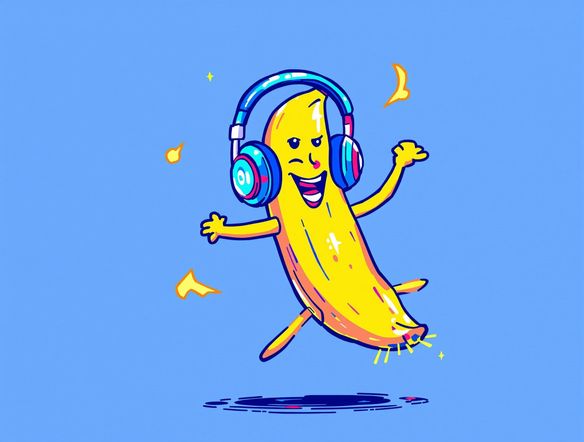
Refine expressions, swap colors, and iterate on your emoji set without starting over each time. Because Discord emojis display at small sizes, NightCafe's high-resolution outputs let you crop and scale without losing the crisp detail that makes a reaction land. Share your emoji pack in the NightCafe community and get feedback before uploading to your server.
Need inspiration?
Check out some of the top creations made by the NightCafe community.


Related Tools

Inspirational Quote Generator
The inspirational quote generator turns words that matter into beautifully styled AI art images in seconds. Type any motivational phrase, choose a visual mood, and let 30+ AI models render it as a poster, wallpaper, or shareable graphic. Free daily credits, no download or account required to get started.

Etsy Banner Generator
The Etsy banner generator creates polished, shop-ready header art from a simple text description in seconds. Choose from 30+ AI models, describe your shop's style and products, and refine until it fits your brand. Free daily credits, no download required.

Instagram Logo Generator
The Instagram logo generator creates polished, on-brand logos and profile images for your Instagram presence in seconds. Choose from 30+ AI models, describe your brand style, and refine until it looks exactly right. Free daily credits included, no download or design experience required.

Badge Generator
The badge generator creates custom badges, emblems, and achievement icons from a text description in seconds. Choose from 30+ AI models, describe your design, and refine the shape, style, and detail until it looks exactly right. Free daily credits, no download or account required to start.
Frequently Asked Questions
Common questions about making Discord emojis with AI