

Embroidery Art Generator
The embroidery art generator creates images that look like hand-stitched textile art using AI, in seconds. With the built-in AI Embroidery Art Generator template, you can easily turn any idea or photo into beautiful hand-stitched textile art by filling in simple fields like subject, fabric background, and frame style. Choose from over 30 models including Flux and GPT Image, upload an optional reference photo, and watch your design come to life as a richly threaded, fabric-style illustration. NightCafe offers free daily credits, with no download or account required to start creating. Get started now using the guided template below.

Create
Text Prompt
AI Model
Choose which AI image generator to use.
Start Image(s)
This model supports prompt-to-edit and multi-image fusion.
This creation will be visible to other users in the newbie feed.
As Seen In








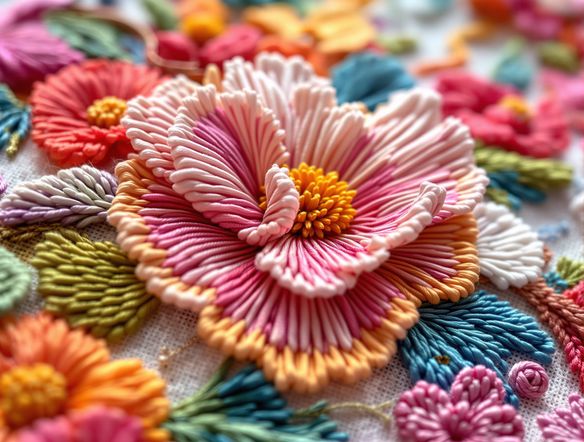
Many styles, one place
Free AI Embroidery Design Generator
NightCafe gives you access to 30+ AI models including Nano Banana, GPT Image, Flux, and Seedream, each rendering thread texture, fabric grain, and stitch density differently. Swap between models to find the look that suits your project, whether that is a dense cross-stitch grid, a loose crewelwork feel, or a folk-art patch aesthetic. No design software needed.
How to Use the Embroidery Art Generator
Step 1
Open the AI Embroidery Art Generator
Launch the tool directly in your browser to access the built-in AI Embroidery Art Generator template. No account or download is required to start.
Step 2
Fill in your design details
Describe your subject, choose a fabric background, and select your frame style. You can also upload an optional reference photo to guide the composition and colors of the stitched pattern.
Step 3
Generate, refine, and share
Click Create to watch the AI weave your design. You can experiment with different models like Flux or GPT Image, save your textile art, and share it with the NightCafe creative community.
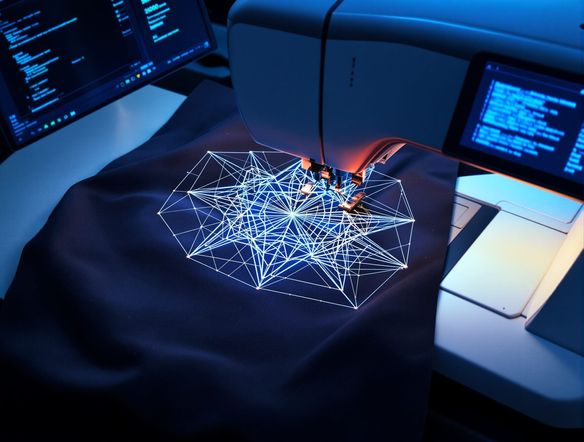
Start from a photo
Turn Any Photo Into Embroidery Art
Upload a reference image and use NightCafe's image-to-image feature to reinterpret it as stitched textile art. Adjust the influence strength to keep recognizable shapes like a pet portrait or landscape while the AI drapes the composition in thread, fabric texture, and stitch patterning. Great for custom hoop art prints, tote bag designs, and personalised patch artwork.
Need inspiration?
Check out some of the top creations made by the NightCafe community.


Related Tools

Na'vi Character Maker
Create stunningly realistic Na'vi characters with our AI generator. Design your unique photorealistic female Na'vi or a compelling realistic avatar character portrait for your next project.

Neon Cyber Noir Generator
The Neon Cyber Noir Generator creates moody, rain-soaked AI art blending neon-lit cyberpunk cityscapes with classic noir atmosphere. Choose from 30+ AI models, describe your scene or character, and get dark, atmospheric art in seconds. Free daily credits, no download required.

Swiss Style Graphic Generator
The Swiss Style Graphic Generator creates crisp, grid-based designs inspired by the International Typographic Style: bold geometry, primary color palettes, and clean modernist composition. Choose from 30+ AI models, describe your layout or subject, and refine until the design clicks. Free daily credits, no download required.

Bauhaus Poster Design Generator
The Bauhaus poster design generator creates bold, geometric AI art in the classic modernist tradition: primary colors, clean sans-serif typography, and balanced form. Choose from 30+ AI models, describe your composition, and iterate until it looks exhibition-ready. Free daily credits, no download or design software required.
Frequently Asked Questions
Common questions about creating embroidery art with AI on NightCafe