AI Art Generators
Create
Anonymous User

Fortnite Thumbnail Generator

The Fortnite thumbnail generator creates bold, click-worthy gaming art for YouTube, Twitch, and social media in seconds. Describe your scene — a Victory Royale moment, a character clutching a weapon, a dramatic storm backdrop — and let 30+ AI models handle the design. Free daily credits, no download required.

No payment or credit card required.

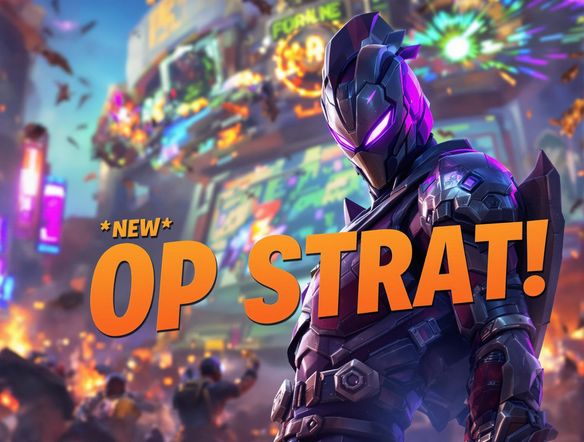
Create a bold Fortnite-style gaming thumbnail with a confident battle royale character in the foreground holding a futuristic weapon, dramatic storm clouds in the background, vibrant neon lighting, and cinematic wide-screen composition with space for text overlay.

As Seen In

msn.com
mashable.com
forbes.com
bbc.co.uk
techcrunch.com
vice.com
aol.com
news.yahoo.com
Illustrate a Fortnite-style YouTube thumbnail in bold cel-shaded style featuring a battle royale player character crouching with a shotgun, intense golden-hour lighting, a collapsed building in the background, and vibrant colors designed to pop on a video grid.

Any art style, any vibe

Free Fortnite YouTube Thumbnail Maker

NightCafe gives you access to 30+ AI models including GPT Image, Flux, Nano Banana, Seedream and more, so you can dial in exactly the style your channel needs. Try hyper-realistic renders for competitive highlight videos, bold cel-shaded looks for casual content, or vivid illustrated styles for seasonal Fortnite events. Each model handles lighting, character detail, and color differently, so switching is the fastest way to find your signature thumbnail look.

Create AI Images

How to Make a Fortnite Thumbnail with AI

Step 1

Open the generator

No account required. Launch the Fortnite thumbnail generator in your browser and start creating immediately.

Step 2

Describe your scene

Type your moment: character, weapon, location, mood, and whether you want space for title text.

Step 3

Generate, refine, and share

Switch models or tweak your prompt for more drama, then save your thumbnail or share it with the NightCafe community for feedback.
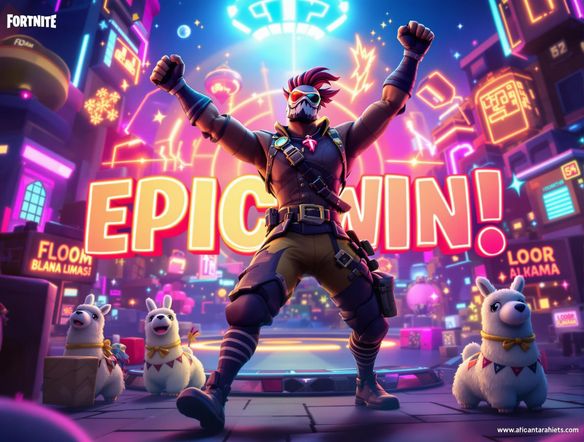
Show a dramatic gaming thumbnail composition of a Fortnite battle royale scene: a lone character parachuting from the sky toward a neon-lit island below, storm wall closing in behind them, cinematic depth of field, bold contrast between warm foreground light and cool purple-toned storm backdrop.

Compositions built to convert

Make Gaming Thumbnails That Get Clicks

Describe the action you want — a solo squad wipe, a sniper shot across the map, a parachute drop into Tilted Towers — and the AI composes a scene with strong foreground focus, dramatic depth, and clean negative space perfect for adding your own channel name or score text. You can also use image-to-image to build on a screenshot from your own gameplay, keeping your real moment while leveling up the visual drama.

Need inspiration?

Check out some of the top creations made by the NightCafe community.

334
Caturday Cool-down
379
2
Where Passion Wore Gold
280
Spooky Tree
191
2
Untitled Creation
291
Journey to the old Fortress
163
The big stretch
189
2
Explore More

Related Tools

Happy Birthday Meme Generator tool

Happy Birthday Meme Generator

Craft hilarious birthday memes instantly with our AI-powered generator! Forget generic greetings, create personalized memes for any birthday. While you're at it, explore our valentine's day card generator and valentines card generator for heartfelt creations.
Birth Certificate Generator tool

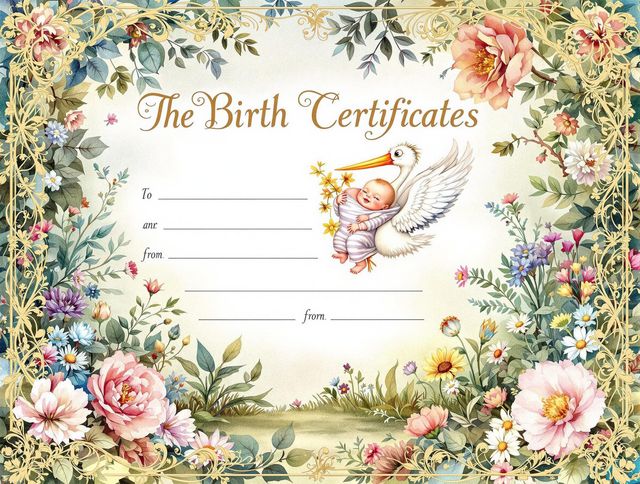
Birth Certificate Generator

Create personalized birth certificates with our easy-to-use website generator. Design unique documents with our site generator, perfect for novelty or commemorative purposes.
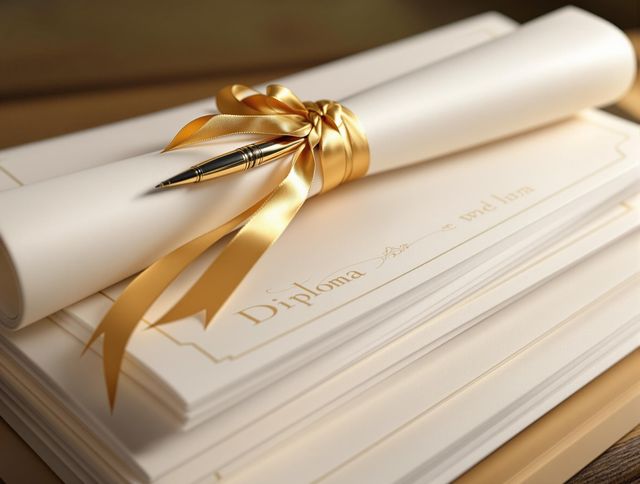
Diploma Generator tool

Diploma Generator

Create personalized diplomas with our AI Diploma Generator. Design professional-looking certificates effortlessly. Great for novelty or creating a cute logo generator based awards.
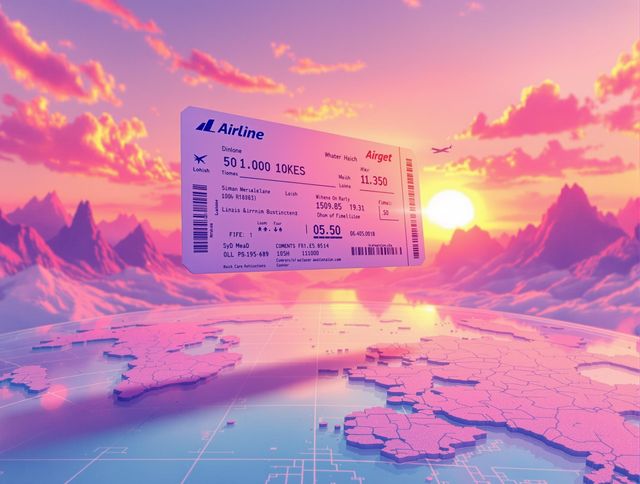
Airline Ticket Generator tool

Airline Ticket Generator

Create unique airline ticket designs with our Airline Ticket Generator. Use our side by side photo generator to include before and after photos of your destination. Perfect for scrapbooking, gifts, or creative projects.

Frequently Asked Questions

Common questions about the AI Fortnite thumbnail generator

Is the Fortnite thumbnail generator free to use?

Yes. NightCafe provides free daily credits so you can generate Fortnite thumbnails without entering payment details. Paid plans offer more daily credits and premium features if you upload frequently or run a high-volume channel.

Do I need to create an account to make a Fortnite thumbnail?

No account is needed to start generating. You can open the tool and create thumbnails right away. Signing up (free) lets you save your creations, revisit past generations, and share them with the NightCafe gaming art community.

Can I use AI-generated Fortnite thumbnails on my YouTube channel commercially?

NightCafe transfers copyright of generated images to you as the creator, including on the free plan, so you can use thumbnails on monetized YouTube or Twitch content. Make sure any reference images you upload are assets you own or have rights to use. AI copyright law is still evolving in some countries, so it is worth checking local rules for your region.

Which AI models work best for Fortnite-style thumbnails?

NightCafe offers 30+ models including GPT Image, Flux, Nano Banana, and Seedream. GPT Image handles detailed scene descriptions well and produces strong cinematic compositions. Flux is popular for bold, high-contrast gaming art. Trying two or three models on the same prompt is the fastest way to find the look that fits your channel.

What should I include in my Fortnite thumbnail prompt for the best results?

Be specific: name the character type or outfit style, the weapon or action, the location or backdrop, the lighting mood (golden hour, storm, night), and whether you need empty space on one side for text. Adding style notes like 'cinematic', 'hyper-detailed', or 'vibrant colors' helps models produce thumbnail-ready results.

How does this compare to making thumbnails in Canva or Photoshop?

Canva and Photoshop require you to source and combine pre-made assets or hand-draw elements. This Fortnite thumbnail generator creates original AI artwork from your description in seconds, with no templates to fit and no design experience needed. You can still export the result and add text in any editor you prefer.