AI Art Generators
Create
Anonymous User

Laptop Mockup Generator

The laptop mockup generator creates photorealistic images of your design displayed on a laptop screen in seconds. Choose from 30+ AI models, describe the scene or upload a screenshot, and get a polished device mockup for portfolios, presentations, or product listings. Free daily credits, no download required.

No payment or credit card required.

Create a photorealistic laptop mockup showing a clean, modern web interface on the screen, placed on a minimal white desk with soft studio lighting, a shallow depth of field, and a professional product-photo composition.

As Seen In

msn.com
mashable.com
forbes.com
bbc.co.uk
techcrunch.com
vice.com
aol.com
news.yahoo.com
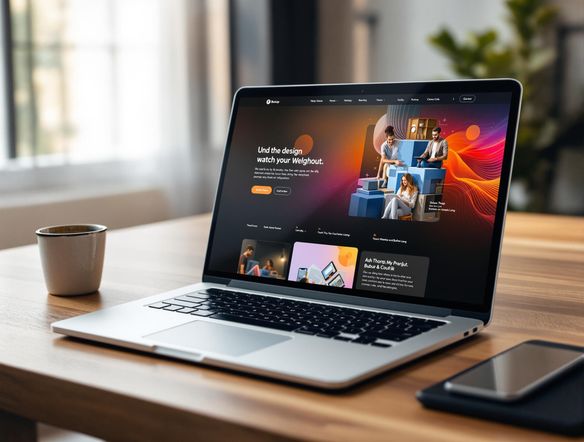
Illustrate a sleek laptop mockup in a cozy café setting, warm afternoon light falling across the keyboard, a design portfolio visible on screen, shot at a slight angle like a professional lifestyle photo.

Set the scene your way

Free Laptop Mockup Generator Online

Choose the environment that surrounds your laptop: a sunlit café table, a dark studio setup with LED accent lighting, or a minimalist white desk. NightCafe runs your prompt across Flux, GPT Image, Seedream, and 30+ other models so you can compare cinematic, editorial, and flat-lay styles before committing to one look. No Photoshop skills required.

Create AI Images

How to Use the Laptop Mockup Generator

Step 1

Open and start free

No account needed. Open the laptop mockup generator in your browser and begin with free daily credits instantly.

Step 2

Describe or upload your design

Type the scene and on-screen content you want, or upload a screenshot for image-to-image mockup generation.

Step 3

Refine, save, and share

Switch models, tweak your prompt, then save your mockup or share it directly with the NightCafe creative community.
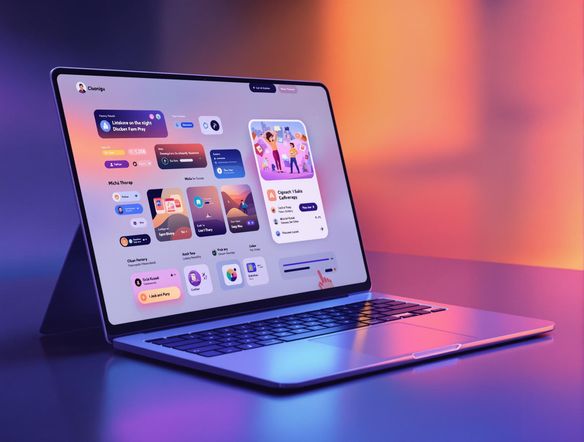
Show an open laptop with a colorful app UI on its screen, placed on a dark wooden desk with a notebook and coffee mug beside it, rendered as a realistic product mockup with sharp screen details and gentle ambient shadows.

Start from your screenshot

Create Website and App Mockups on a Laptop Screen

Upload a screenshot of your website, app UI, or dashboard and use image-to-image generation to place it convincingly inside a laptop frame. Adjust style strength to keep your interface recognizable while the surrounding scene, lighting, and surface are fully AI-generated. Ideal for client decks, app store listings, Behance portfolios, and pitch decks.

Need inspiration?

Check out some of the top creations made by the NightCafe community.

334
Caturday Cool-down
379
2
Where Passion Wore Gold
280
Spooky Tree
191
2
Untitled Creation
291
Journey to the old Fortress
163
The big stretch
189
2
Explore More

Related Tools

Magazine Mockup Generator tool

Magazine Mockup Generator

The magazine mockup generator turns your ideas into realistic, print-style cover art in seconds. Choose from 30+ AI models, describe your editorial concept or upload a reference, and watch a polished magazine cover take shape. Free daily credits included, no download or design software required.

Wall Art Mockup Generator tool

Wall Art Mockup Generator

The wall art mockup generator creates stunning, display-ready artwork and shows you how it looks as a framed print on a real wall. Powered by 30+ AI models including Flux, GPT Image, and Seedream, it lets you design posters, prints, and gallery pieces in minutes. Free daily credits, no download required.

Mug Mockup Generator tool

Mug Mockup Generator

The mug mockup generator creates realistic, stylized mug design concepts from a text prompt in seconds. Choose from 30+ AI models including Flux, GPT Image, and Seedream, describe your artwork or pattern, and refine until the design feels ready. Free daily credits, no download or design software required.

Frequently Asked Questions

Common questions about the AI laptop mockup generator on NightCafe

Is the laptop mockup generator free to use?

Yes. NightCafe provides free daily credits so you can generate laptop mockups without entering a payment method. Paid plans offer more daily credits and access to premium features if you need to produce mockups at higher volume.

Can I use generated laptop mockups commercially?

Yes, including on the free plan. NightCafe assigns copyright of generated images to the creator, so you can use your mockups in client presentations, product listings, app store pages, or sold design assets. You should own or have permission to use any reference screenshots or images you upload. AI copyright law is still evolving and varies by country, so it is worth checking the rules in your own jurisdiction.

Which AI models are available for creating laptop mockups?

NightCafe gives you access to 30+ AI image models including Nano Banana, GPT Image, Flux, Seedream, and more. Each model renders lighting, screen reflections, and surrounding environments differently, so you can compare outputs and pick the style that suits your project.

Do I need to sign up or download software to make a laptop mockup?

Neither. The laptop mockup generator runs entirely in your browser and you can start creating with free credits before creating an account. Signing up unlocks the NightCafe community features, saved creations, and additional daily credits.

How does this compare to using Canva or Photoshop for laptop mockups?

Template-based tools like Canva offer fixed laptop frames you slot a screenshot into. NightCafe generates the entire scene from scratch using AI, so the lighting, environment, and composition are unique to your prompt. You get far more variety and can describe unusual setups that no template library includes, without needing design software skills.

What kinds of projects are laptop mockups useful for?

Laptop mockups are popular for portfolio case studies, SaaS landing pages, app store screenshots, pitch decks, and freelance proposals. Because NightCafe lets you control the background scene, you can match the mockup's aesthetic to your brand or your client's industry in one generation step.