

Name Coloring Page Generator
The Name Coloring Page Generator creates personalized, ready-to-color line-art pages built around any name you choose. By using the built-in Name Coloring Page Generator template on this page, you can quickly enter a name, specify a theme, and let NightCafe's AI models produce bold, clean outlines perfect for printing or coloring digitally. Start creating custom coloring pages instantly with your free daily credits. Get started now using the guided template below.

Create
Text Prompt
AI Model
Choose which AI image generator to use.
Start Image(s)
This model supports prompt-to-edit and multi-image fusion.
This creation will be visible to other users in the newbie feed.
As Seen In








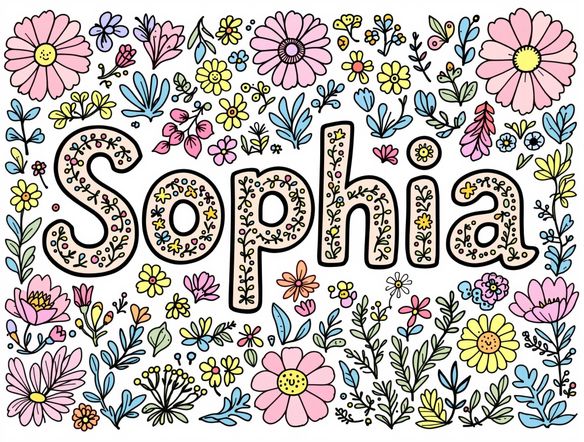
Any style, any name
Free Name Coloring Page Generator Online
Generate name coloring pages in dozens of styles, from chunky bubble letters to elegant serif fonts wrapped in decorative borders. NightCafe gives you access to Nano Banana, GPT Image, Flux, Seedream, and 30+ other models, so you can compare results and pick the style that suits your name perfectly. Every output is clean black-and-white line art optimized for printing.
How to Use the Name Coloring Page Generator
Step 1
Open the template
Access the Name Coloring Page Generator template directly on this page to begin creating with your free daily credits.
Step 2
Fill in the name and theme
Type your chosen name into the template field, then describe your desired theme and decorations, such as bubble letters, animals, or floral borders.
Step 3
Generate and print
Click generate to create your clean, black-and-white line art, then download the image to print at home or share it with the NightCafe community.

Personalized for every child
Make a Custom Name Coloring Page for Kids
Wrap any name in a themed scene tailored to a child's interests: dinosaurs, unicorns, sports, underwater worlds, or seasonal holiday designs. Describe the theme alongside the name and the AI weaves them into a single cohesive coloring sheet. Great for birthday gifts, classroom name tags, party activity packs, and personalized keepsakes.
Need inspiration?
Check out some of the top creations made by the NightCafe community.


Related Tools

Happy Birthday Meme Generator
Craft hilarious birthday memes instantly with our AI-powered generator! Forget generic greetings, create personalized memes for any birthday. While you're at it, explore our valentine's day card generator and valentines card generator for heartfelt creations.
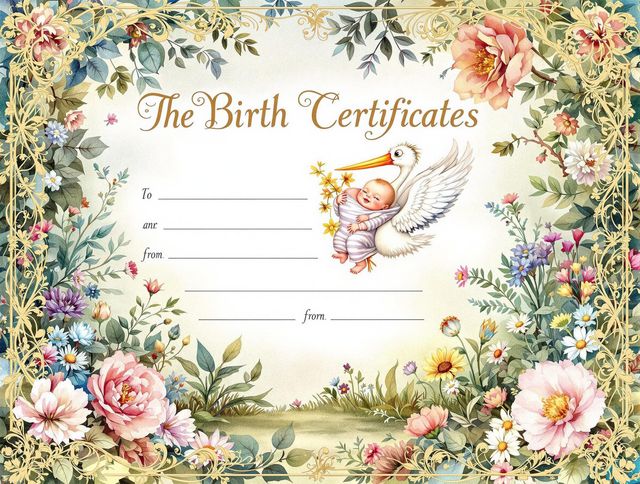
Birth Certificate Generator
Create personalized birth certificates with our easy-to-use website generator. Design unique documents with our site generator, perfect for novelty or commemorative purposes.

Diploma Generator
Create personalized diplomas with our AI Diploma Generator. Design professional-looking certificates effortlessly. Great for novelty or creating a cute logo generator based awards.
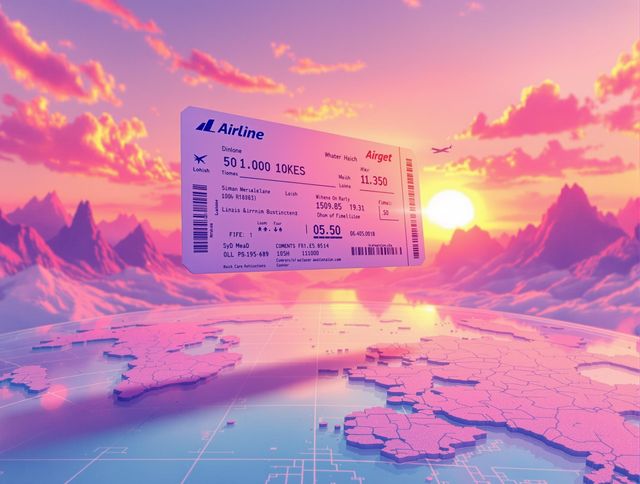
Airline Ticket Generator
Create unique airline ticket designs with our Airline Ticket Generator. Use our side by side photo generator to include before and after photos of your destination. Perfect for scrapbooking, gifts, or creative projects.
Frequently Asked Questions
Common questions about the AI name coloring page generator