

Party Flyer Generator
The Party Flyer Generator tool on NightCafe lets you design bold, eye-catching event art in seconds using our built-in template. Simply fill in your event title, vibe, and details on this page to generate professional flyers with 30+ AI models like Flux, GPT Image, and Seedream. Start creating with free daily credits, no download or design experience required. Get started now using the guided template below.

Create
Text Prompt
AI Model
Choose which AI image generator to use.
Start Image(s)
This model supports prompt-to-edit and multi-image fusion.
This creation will be visible to other users in the newbie feed.
As Seen In








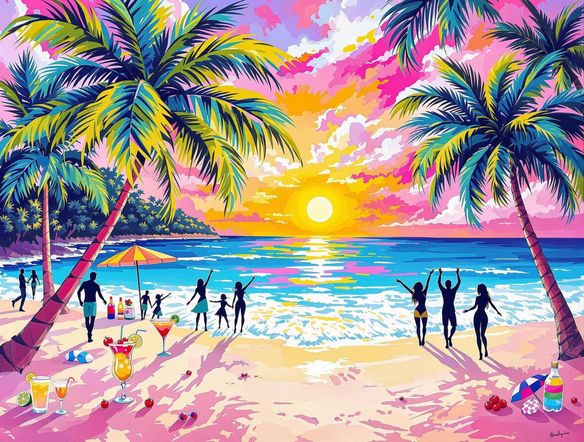
Every event, every vibe
Free Party Flyer Maker Online
From kids' birthday parties to warehouse raves, the style range across NightCafe's 30+ models covers every aesthetic. Try Nano Banana for bold graphic pop, Flux for cinematic lighting, or Seedream for illustrated party scenes. Switch models in one click and compare results side by side without starting over, so you nail the look before committing.
How to Make a Party Flyer with AI
Step 1
Fill in the Party Flyer Generator template
Enter your event title, vibe, and details directly into the template fields on this page. You can also upload a logo or reference image to guide the layout.
Step 2
Select a model and generate
Choose from over 30 AI models, such as Flux, GPT Image, or Seedream, then watch the reasoning model handle your typography and layout.
Step 3
Refine, save, and share
Tweak your template inputs, experiment with different AI models, then download your high-quality flyer or share it with the NightCafe community.
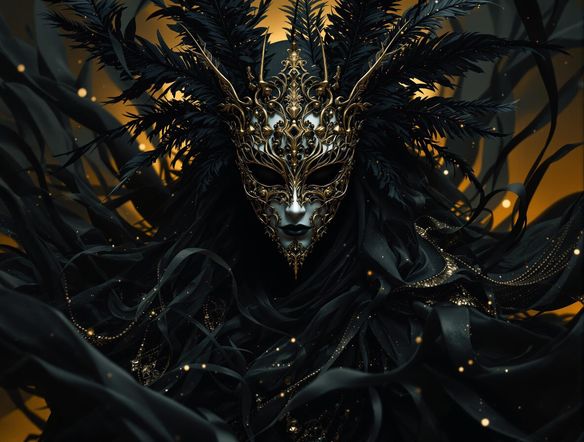
Print-ready and shareable
Make Custom Event Posters with AI
Describe your event details, color palette, and mood and the generator composes a complete poster layout ready to post on social or send to a printer. Use image-to-image to build on an existing flyer concept, adjusting style strength to keep your branding while refreshing the artwork. Portrait aspect ratio keeps outputs optimized for both A4 print and mobile story sharing.
Need inspiration?
Check out some of the top creations made by the NightCafe community.


Related Tools

Inspirational Quote Generator
The inspirational quote generator turns words that matter into beautifully styled AI art images in seconds. Type any motivational phrase, choose a visual mood, and let 30+ AI models render it as a poster, wallpaper, or shareable graphic. Free daily credits, no download or account required to get started.

Etsy Banner Generator
The Etsy banner generator creates polished, shop-ready header art from a simple text description in seconds. Choose from 30+ AI models, describe your shop's style and products, and refine until it fits your brand. Free daily credits, no download required.

Instagram Logo Generator
The Instagram logo generator creates polished, on-brand logos and profile images for your Instagram presence in seconds. Choose from 30+ AI models, describe your brand style, and refine until it looks exactly right. Free daily credits included, no download or design experience required.

Badge Generator
The badge generator creates custom badges, emblems, and achievement icons from a text description in seconds. Choose from 30+ AI models, describe your design, and refine the shape, style, and detail until it looks exactly right. Free daily credits, no download or account required to start.
Frequently Asked Questions
Common questions about AI party flyer design on NightCafe