

Sticker Generator Free
The free sticker generator lets you design bold, print-ready AI sticker art in seconds using our built-in Sticker Generator template. Simply fill in your sticker subject and choose a style, like kawaii, cartoon, or retro, to automatically apply a clean white border and vector styling. With 30+ AI models and free daily credits, NightCafe is the perfect creative home base to brainstorm, iterate, and share your custom sticker designs. Get started now using the guided template below.

Create
Text Prompt
AI Model
Choose which AI image generator to use.
Start Image(s)
This model supports prompt-to-edit and multi-image fusion.
This creation will be visible to other users in the newbie feed.
As Seen In








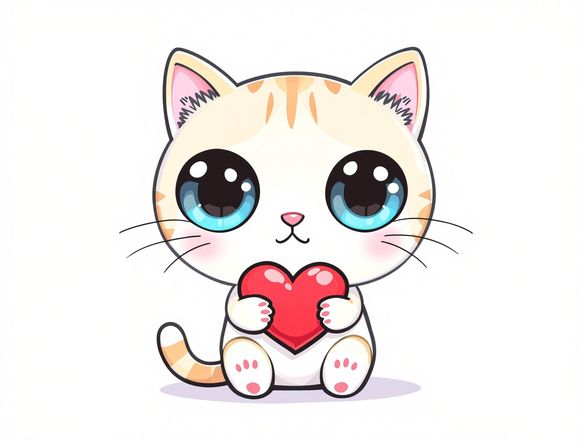
Every style, one place
Free AI Sticker Maker Online
Generate stickers in dozens of styles — kawaii, retro cartoon, bold graphic, holographic, or hand-drawn line art — by choosing from models like Nano Banana, GPT Image, Flux, Seedream and more. Each model handles color saturation and edge definition differently, so swapping models is the fastest way to find the look that matches your idea. No design software needed.
How to Make Stickers with AI
Step 1
Open the Sticker Generator template
Launch the free sticker generator directly in your browser. The built-in Sticker Generator template is ready to use right on this page with no downloads required.
Step 2
Enter your subject and style
Fill in the template fields by typing your sticker subject, such as a cute animal or character, and selecting a style like kawaii, retro, or 3D clay. The template automatically adds a clean white border and vector styling.
Step 3
Generate and refine
Click generate to see your design pop. You can easily tweak your fields, experiment with 30+ AI models, and download your print-ready sticker art or share it with the NightCafe community.
Print and cut ready
Create Custom Stickers with Transparent Backgrounds
Prompt for a clean white outline or isolated subject and the sticker generator produces artwork optimised for die-cut printing, merch uploads, or messaging app packs. Refine the composition by adjusting your prompt until edges are crisp and the subject reads clearly at small sizes. Works great for Etsy and Redbubble shops or personal print-at-home sheets.
Need inspiration?
Check out some of the top creations made by the NightCafe community.


Related Tools

Inspirational Quote Generator
The inspirational quote generator turns words that matter into beautifully styled AI art images in seconds. Type any motivational phrase, choose a visual mood, and let 30+ AI models render it as a poster, wallpaper, or shareable graphic. Free daily credits, no download or account required to get started.

Etsy Banner Generator
The Etsy banner generator creates polished, shop-ready header art from a simple text description in seconds. Choose from 30+ AI models, describe your shop's style and products, and refine until it fits your brand. Free daily credits, no download required.

Instagram Logo Generator
The Instagram logo generator creates polished, on-brand logos and profile images for your Instagram presence in seconds. Choose from 30+ AI models, describe your brand style, and refine until it looks exactly right. Free daily credits included, no download or design experience required.

Badge Generator
The badge generator creates custom badges, emblems, and achievement icons from a text description in seconds. Choose from 30+ AI models, describe your design, and refine the shape, style, and detail until it looks exactly right. Free daily credits, no download or account required to start.
Frequently Asked Questions
Common questions about the free AI sticker generator on NightCafe