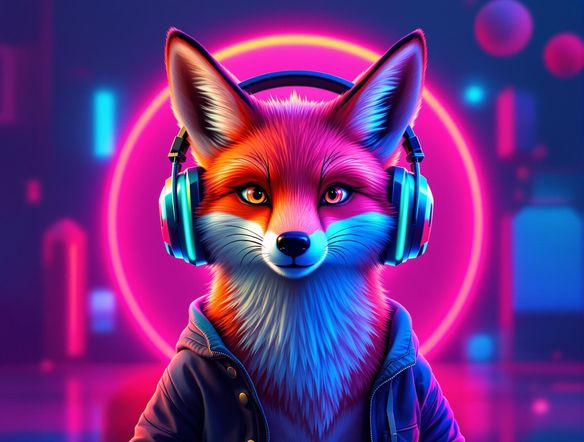
AI Art Generators
Create
Anonymous User

Twitch Logo Generator

The Twitch logo generator creates custom, eye-catching channel logos in seconds using AI. Describe your streaming identity, pick a style from 30+ models including Flux, GPT Image, and Seedream, and get a logo sized perfectly for your Twitch profile. Free daily credits, no download or design skills required.

No payment or credit card required.

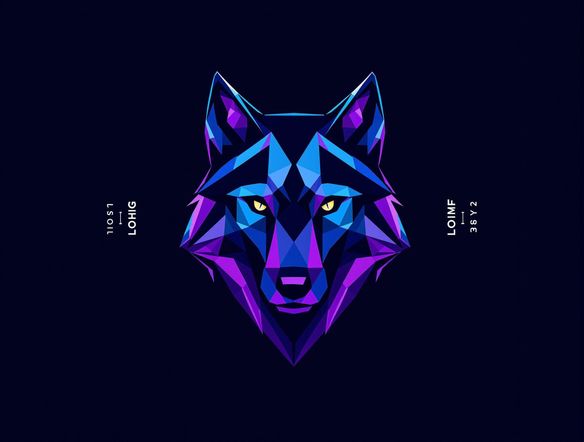
Create a bold, vibrant gaming logo for a Twitch streamer: a stylized wolf mascot with glowing purple and teal neon highlights on a dark background, clean vector-inspired design with strong contrast, square composition.

As Seen In

msn.com
mashable.com
forbes.com
bbc.co.uk
techcrunch.com
vice.com
aol.com
news.yahoo.com
Show a grid of four distinct Twitch-style channel logos: a pixel art robot, a minimalist geometric emblem, a cartoon fire-breathing dragon mascot, and a neon-outlined skull, all on dark square backgrounds.

Any style, any vibe

Free Twitch Logo Maker Online

Generate logos in dozens of styles — neon cyberpunk, pixel art, hand-drawn cartoon mascots, minimalist emblems, or photorealistic renders — without touching design software. NightCafe gives you access to 30+ AI models including Nano Banana, Flux, and GPT Image, so you can compare looks and lock in the one that matches your channel's personality.

Create AI Images

How to Make a Twitch Logo with AI

Step 1

Open the generator

No account required. Launch the Twitch logo generator directly in your browser and start creating immediately.

Step 2

Describe your channel

Type your streamer name, mascot idea, colour scheme, and vibe — or upload a reference sketch for image-to-image styling.

Step 3

Refine and use it

Swap models, tweak your prompt, and regenerate until the logo feels right. Save, share with the NightCafe community, or download.
Illustrate a before-and-after concept: on one side, a loose pencil sketch of a fox mascot; on the other, a vibrant polished logo version with bold outlines, purple and orange colouring, and a glowing gaming aesthetic.

Start from a sketch

AI Gaming and Streaming Logo Design

Upload a rough mascot sketch, a doodle, or an existing graphic and use image-to-image generation to transform it into a polished streaming logo. Dial the strength setting up or down to keep your original concept recognizable while the AI sharpens lines, adds colour, and gives it the high-contrast look that pops on a Twitch profile page.

Need inspiration?

Check out some of the top creations made by the NightCafe community.

341
Caturday Cool-down
381
2
Where Passion Wore Gold
280
Spooky Tree
291
Journey to the old Fortress
Feeling Bluetiful
141
2
Down the Bookhole
301
2
130
2
Explore More

Related Tools

Inspirational Quote Generator tool

Inspirational Quote Generator

The inspirational quote generator turns words that matter into beautifully styled AI art images in seconds. Type any motivational phrase, choose a visual mood, and let 30+ AI models render it as a poster, wallpaper, or shareable graphic. Free daily credits, no download or account required to get started.

Etsy Banner Generator tool

Etsy Banner Generator

The Etsy banner generator creates polished, shop-ready header art from a simple text description in seconds. Choose from 30+ AI models, describe your shop's style and products, and refine until it fits your brand. Free daily credits, no download required.

Instagram Logo Generator tool

Instagram Logo Generator

The Instagram logo generator creates polished, on-brand logos and profile images for your Instagram presence in seconds. Choose from 30+ AI models, describe your brand style, and refine until it looks exactly right. Free daily credits included, no download or design experience required.

Badge Generator tool

Badge Generator

The badge generator creates custom badges, emblems, and achievement icons from a text description in seconds. Choose from 30+ AI models, describe your design, and refine the shape, style, and detail until it looks exactly right. Free daily credits, no download or account required to start.

Frequently Asked Questions

Common questions about making Twitch logos with AI

Is the Twitch logo generator free to use?

Yes. NightCafe provides free daily credits so you can generate Twitch logos without entering payment details. Paid plans offer more daily credits and access to premium features if you want to create more without waiting for your credits to refresh.

Can I use my AI-generated Twitch logo commercially on my channel?

Yes, including on the free plan. NightCafe assigns copyright of generated images to the creator, so you own your logo and can use it on your Twitch channel, merchandise, social media, or anywhere else. Make sure you own any reference images you upload, and check your local copyright laws — AI copyright rules are still evolving in some jurisdictions.

Which AI models work best for Twitch and gaming logos?

It depends on the style you want. Flux handles bold graphic compositions and strong contrast well, making it popular for esports-style logos. GPT Image excels at following detailed text descriptions, which is great if you have a specific mascot concept. Nano Banana and Seedream offer their own distinctive looks. Trying two or three models side by side on NightCafe is the fastest way to find your preferred result.

Do I need to create an account to generate a logo?

No account is needed to start generating. You can open the Twitch logo generator and create straight away. Signing up (free) lets you save your creations, access your generation history, and participate in the NightCafe creator community.

What size should a Twitch logo or profile picture be?

Twitch recommends a profile picture of at least 256x256 pixels, with a 1:1 square ratio. The AI Twitch logo generator on NightCafe defaults to a square 1:1 aspect ratio, so your output is already the right shape. You can upscale or refine the image further before downloading.

How does NightCafe compare to Midjourney or Canva for making a Twitch logo?

Canva uses templates rather than AI generation, so results look similar to other streamers using the same templates. Midjourney requires a Discord account and subscription. NightCafe gives you generative AI with 30+ models, free daily credits, no subscription required to start, and a creative community where you can get feedback on your logo before going live.