

Wedding Logo Generator
The Wedding Logo Generator on NightCafe lets you instantly design elegant, personalized couple logos and monograms using a specialized on-page template. Simply fill in the fields with your initials, preferred logo style, color palette, and decorative elements like wreaths or geometric borders to generate a custom design. With access to 30+ leading AI models, including Flux and GPT Image, NightCafe serves as your creative home base where you can brainstorm, iterate, and refine your wedding branding with free daily credits and no download required. Get started now using the guided template below.

Create
Text Prompt
AI Model
Choose which AI image generator to use.
Start Image(s)
This model supports prompt-to-edit and multi-image fusion.
This creation will be visible to other users in the newbie feed.
As Seen In








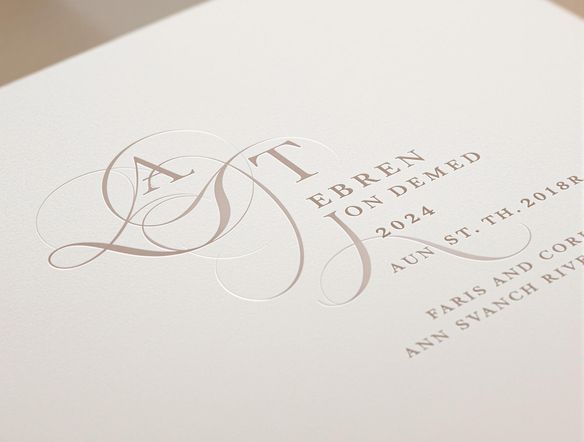
Every style, one place
Free Wedding Logo Maker Online
From classic floral crests and art deco monograms to modern minimalist lettermarks, NightCafe gives you access to 30+ AI models including Nano Banana, Flux, and Seedream so you can explore completely different visual directions without switching apps. Each model interprets flourishes, typography, and negative space differently, letting you find the aesthetic that matches your wedding theme.
How to Make a Wedding Logo with AI
Step 1
Open the Wedding Logo Generator template
Access the specialized template directly on this page to start designing your custom wedding monogram in seconds without needing a separate download.
Step 2
Fill in your design details
Enter your initials, choose an aesthetic style, select your wedding color palette, and specify decorative elements like floral wreaths or geometric borders in the template fields.
Step 3
Generate and refine your logo
Click generate to see your custom design, then swap AI models, tweak your details, and save your perfect wedding logo for invitations, signage, or stationery.
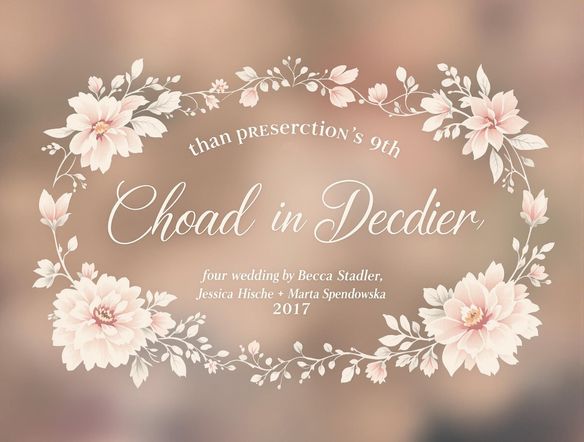
Refine to perfection
Create a Custom Wedding Monogram with AI
Upload a rough sketch, a favorite invitation detail, or a color swatch and use image-to-image generation to steer the AI toward your exact vision. Adjust style strength to keep your chosen composition while shifting the mood from rustic to formal to whimsical. The result is a unique wedding monogram ready for invitations, welcome signage, cake toppers, and social media.
Need inspiration?
Check out some of the top creations made by the NightCafe community.


Related Tools
AI Soccer Logo Generator
Create professional soccer logos instantly with our AI Soccer Logo Generator. Perfect for teams and clubs. Use our unblur image generator to refine and unblur generator outputs for crisp, high-quality designs.

Church Logo Generator
The church logo generator creates professional, faith-inspired logos in seconds using AI. Describe your ministry's name, symbols, and style, and choose from 30+ models to produce crosses, doves, flames, and more. Free daily credits, no account or download required to get started.

Neon Logo Generator
The neon logo generator creates vivid, glowing logo art from a text description in seconds. Choose from 30+ AI models, dial in your color palette and style, and get retro neon, cyberpunk, or synthwave results without any design software. Free daily credits included, no download required.

Circle Logo Generator
The circle logo generator creates polished round logos, badges, and emblems from a text prompt in seconds. Choose from 30+ AI models, describe your icon, style, and color scheme, then refine until the design feels right. Free daily credits, no download required.
Frequently Asked Questions
Common questions about the AI wedding logo generator