

AI Face Generator
Generate realistic faces with AI. Choose the defining characteristics and generate a face in seconds for free - no login required.
Create
Text Prompt
AI Model
Choose which AI image generator to use.
Start Image(s)
This model supports prompt-to-edit and multi-image fusion.
This creation will be visible to other users in the newbie feed.
As Seen In








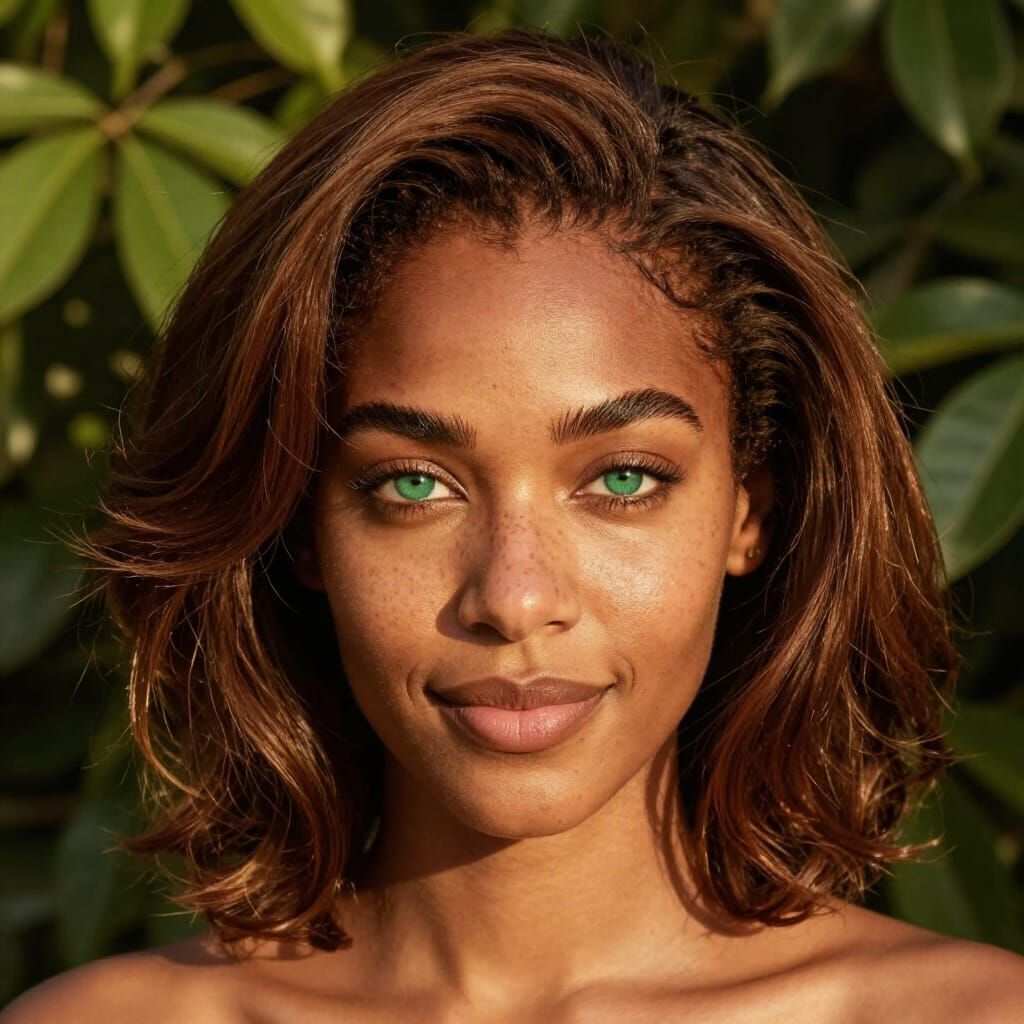
AI Face Generator by NightCafe
An AI face generator turns text descriptions into portrait images — realistic headshots, stylized characters, and imaginative faces that do not belong to a real person. Describe who you want to see, and modern image models handle lighting, skin texture, and expression.
NightCafe's guided template on this page is built for face generation: pick a look, refine the prompt, and create. No photo upload required — you are generating new faces from scratch, not inserting yourself into artwork.
Millions of creators use NightCafe to prototype characters, explore portrait styles, and produce shareable AI art.
Creations made with AI Face Generator
See portraits and faces other NightCafe users have generated.


AI Face Generator Features
Everything you need to create faces and portraits with AI.
Realistic & Artistic Faces
Generate photorealistic portraits, painterly characters, and stylized faces from a single text prompt. Tweak the description until the face matches your vision.
Results in Seconds
Modern AI image models produce high-quality faces quickly. Iterate on age, expression, lighting, and style without leaving the page.
Free AI Face Generator
Get free credits every day to use the AI face generator without paying. No credit card required to get started.
No Login Required
Try the AI face generator right on this page without signing up. Create a free account any time to save and share your portraits.
How to Use the AI Face Generator
Create a face from text in three simple steps.
Step 1. Describe the face
Enter a text prompt — for example "elderly man with a kind smile", "young woman CEO headshot", or "fantasy elf warrior portrait". Be specific about age, mood, and style for better results.
Step 2. Use the face template
The NightCafe AI face generator template sets sensible defaults for portrait generation. Adjust the prompt or model settings if you want a different look.
Step 3. Generate your portrait
Hit Create and the AI face generator will produce your image in seconds. Download it, refine the prompt, or open the full studio for more control.
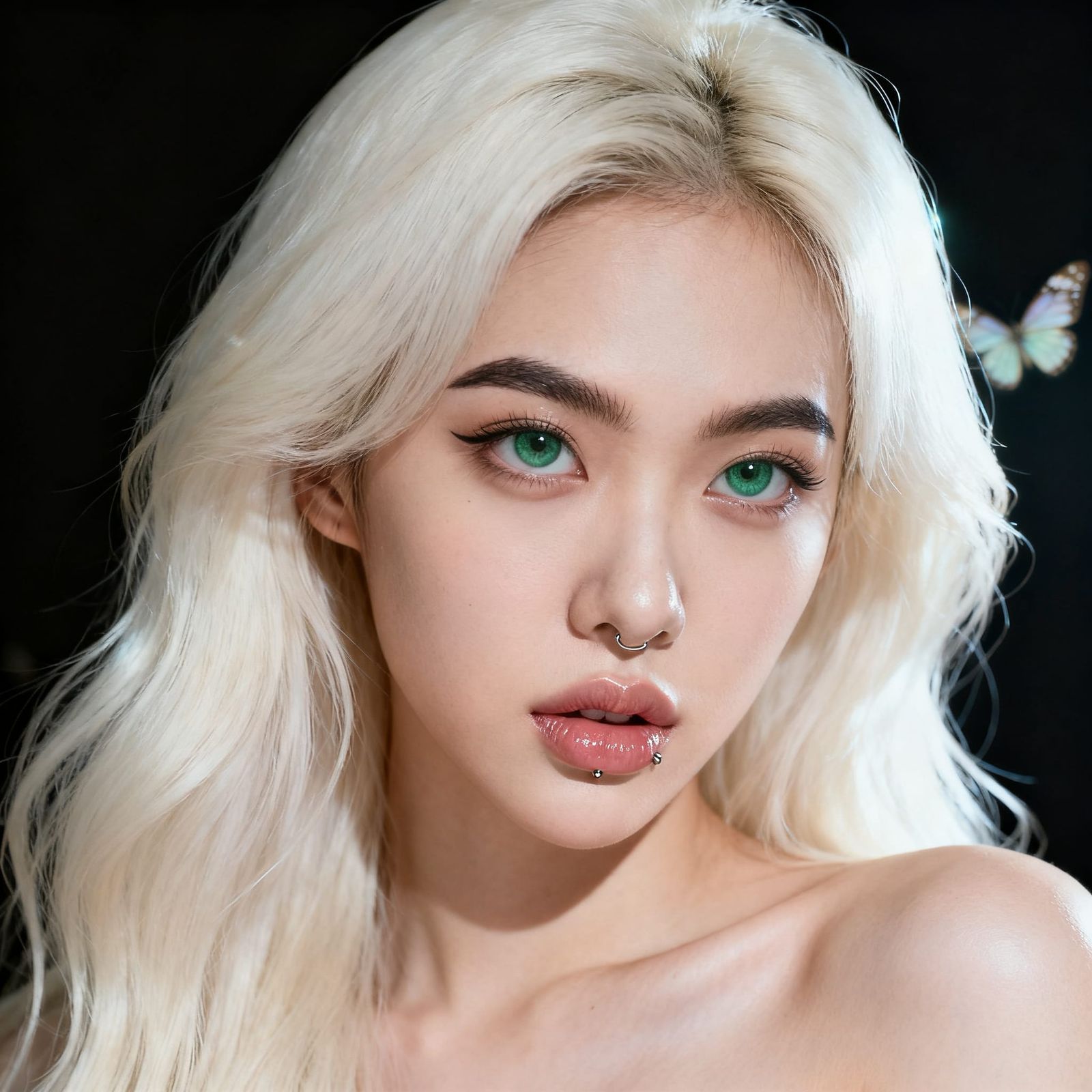
What Can You Create?
Character and game art
Prototype NPCs, heroes, and villains for games, tabletop RPGs, and storyboards. Generate a face, then iterate on costume and mood.
Marketing and design mockups
Placeholder portraits for ads, app UI, and presentation decks when you need a believable face without stock-photo licensing hassles.
Creative portraits
Explore oil-painting, watercolor, cinematic, and illustration styles. The AI face generator is a fast way to study portrait composition and lighting.
Social and personal projects
Share AI-generated faces for fun, fan art, and community challenges. You own the images you create on NightCafe.
AI Face Generator FAQs
Common questions about generating faces with AI
🎨 What is an AI face generator?
An AI face generator uses machine learning image models to create portrait images from text descriptions. You describe the person you want — age, expression, style — and the AI produces a new face that is not a photograph of a real individual.
📝 Do I need to upload my own photo?
No. This AI face generator creates faces from text prompts alone. You do not need to upload selfies or train a model on your appearance — just describe the face you want and click Create.
💸 Is the AI face generator free?
Yes! NightCafe gives you up to 5 free creations per day. You can use the AI face generator without a subscription. Paid plans offer more credits and access to additional models.
🧠 Do I need to log in?
No login is required to try the AI face generator on this page. Sign up for a free account when you want to save your portraits, build a gallery, or join the NightCafe community.
🤖 Can I use AI-generated faces commercially?
Yes — NightCafe assigns copyright of your creations to you. You can use AI-generated faces in marketing, design, and personal projects. Do not use them to impersonate real people or mislead others.
📱 Can I use the AI face generator on my phone?
Yes. NightCafe runs in your mobile browser on iPhone, Android, and tablets. Add NightCafe to your home screen for quick access to the AI face generator wherever you are.
Ready to generate a face with AI?
Use the AI face generator free on this page — no login required.