Create your own image mashups with AI
Easily create your own unique mashup images with our free AI image generator

2 years ago
Mashup - Inpainting!
Created 2 years ago · 11 comments· 0 likes
Dreamshaper XL Lightning
Welcome to a new Mashup!
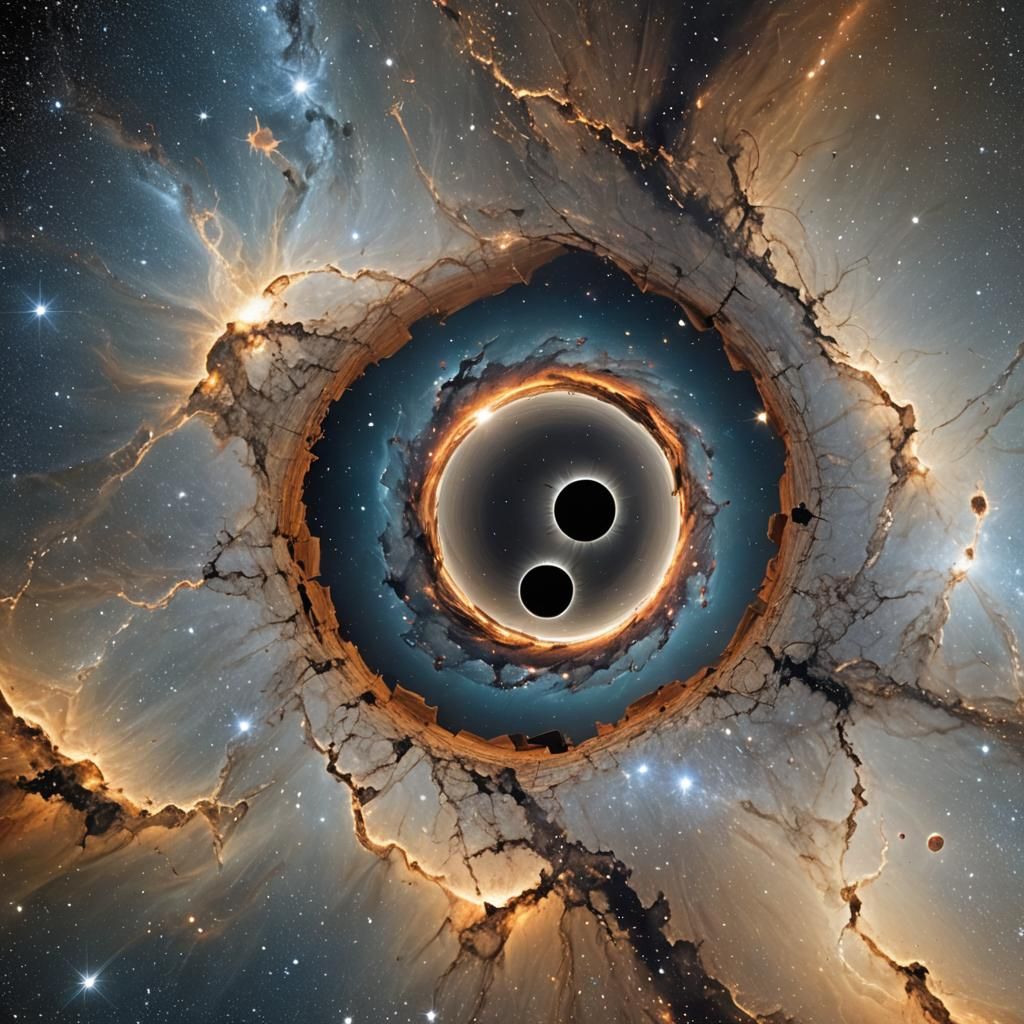
It has come to my attention that some of you have never used inpainting before. So this challenge is to show you the basics! So we'll create new scenes within this scene!
- Click on the helix evolve button (looks like an hourglass)
- Scroll to Start Image and click on Start Image Settings
- Go to Inpainting and select Choose / Create Mask
- Create a new mask
- Click on the icon to the right of the feather, and put it at roughly 90% to get the size of the hole
- Cover the hole with your mask! You can use the eraser tool to fix mistakes
- Click done. Easy to miss on computer
- Adjust the noise - for this one I used 100%.
- Replace the entire prompt with whatever prompt you would like - this will only change the area you masked
Please let me know if you have any questions!
Challenge:
Examples below!
11 Comments
Join the conversation

Yumi @Yumi1991-
J'ai obtenu ceci MoogleMeg, je ne sais créér une image dans l'espace noir 😒
2024-08-26T05:59:01.501ZReply
Neat challenge and tutorial. 🫶 As an as of yet non-inpainter, curious to see how this goes.
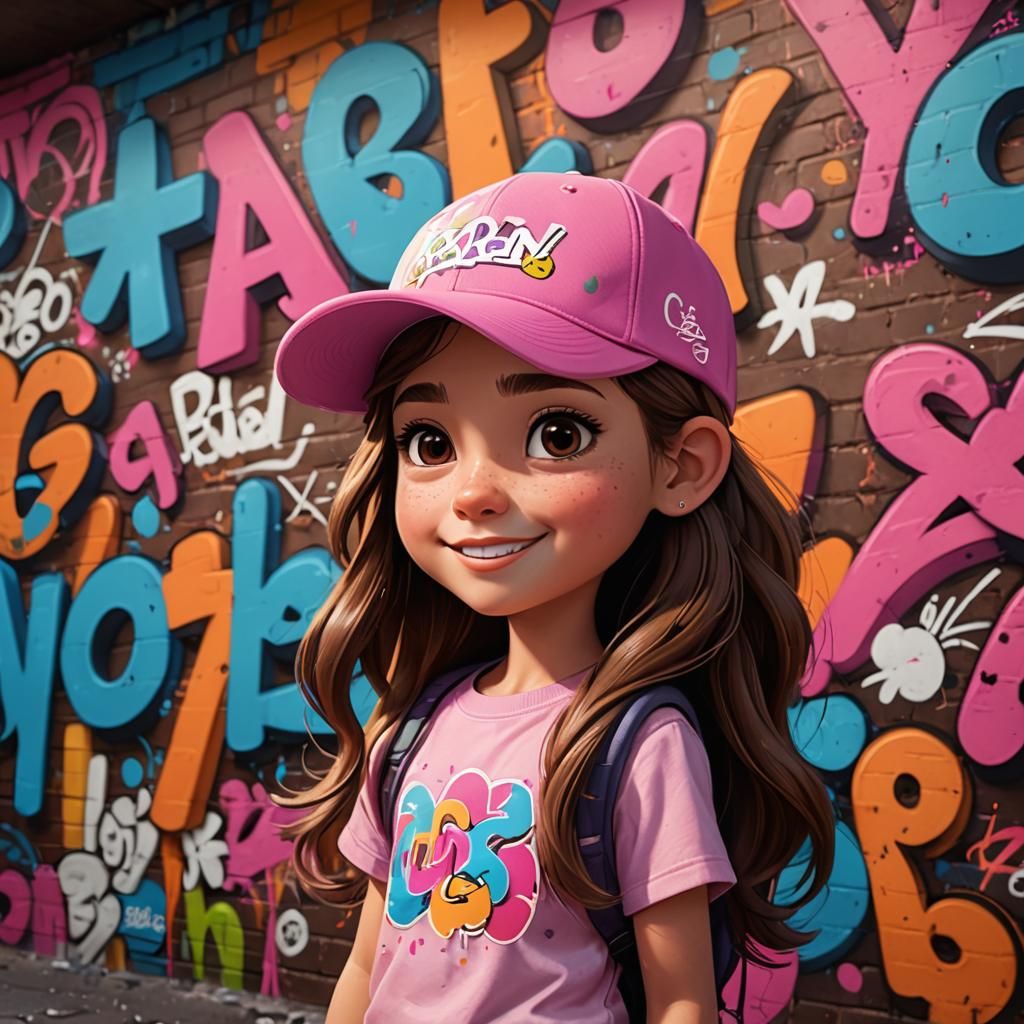
I really love your challenges! Thank you so much for creating them for us ❤️
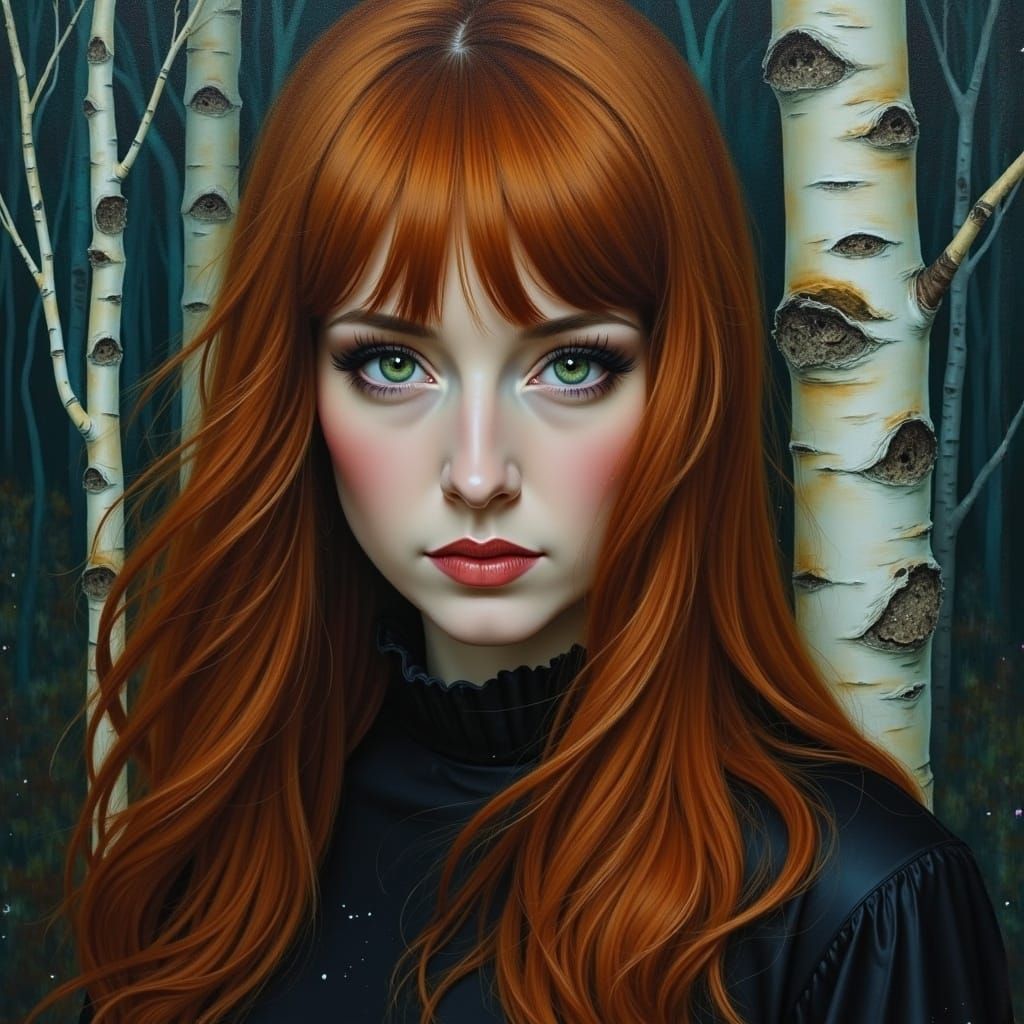
Creation Settings
- Text Prompts
- beautiful hole in spaceWeight: 1
- Model
- Initial Resolution
Medium
- Aspect Ratio
1:1
- Runtime
Short