

- Galleries
- Anime Picture Gallery
Generate Stunning Anime Pictures with AI
Create stunning anime pictures with NightCafe's AI Anime Picture Generator. Transform your ideas into vibrant anime art. Explore diverse styles and create unique characters and scenes. Browse anime picture examples or create your own.

Create your own Generate Stunning Anime Pictures with AI images
Discover the magic of Text to Image AI by creating your own unique images. Edit the prompt below to customize your creation.
No payment or credit card required.
As Seen In








Anime Picture Gallery


Didn't find what you were looking for? Create your own below!

Personalize Your Art
Create Unique Anime Art
Dive into the world of personalized anime art. Our AI Anime Picture generator lets you craft unique characters and scenes, perfectly tailored to your vision. Whether you're a seasoned artist or a beginner, creating stunning anime pictures has never been easier. Explore endless possibilities today!
How to Generate Anime Pictures With AI
Step 1
Describe Your Anime Vision
Start by typing a detailed description of the anime picture you envision into the prompt box. Include details about the characters, setting, art style, and any specific elements you'd like to see. The more descriptive you are, the better the AI can capture your vision!
Step 2
Generate Your Anime Picture
Once you've crafted your perfect prompt, click the 'Generate' button. Our AI will then process your request and create a unique anime picture based on your input. This might take a few moments, so sit back and watch the magic happen!
Step 3
Share Your Anime Creation
Once your anime picture is generated, you can download it in high resolution and share it with the world! Show off your creation to the NightCafe community and get inspired by other artists, or simply save it for your personal enjoyment.

Beautiful Backgrounds
Create Anime Scenery With AI
Transport your characters to breathtaking worlds with our AI-powered anime scenery generator. Create Anime Scenery with AI using detailed landscapes, serene cityscapes, or fantastical realms. Craft the perfect backdrop for your stories and bring your anime visions to life with stunning visuals and atmospheric depth.
More Galleries

AI LinkedIn Profile Picture Generator
Create the perfect LinkedIn profile picture with our AI generator. Stand out and make a lasting impression with a professional, AI-generated image. Browse examples or create your own.
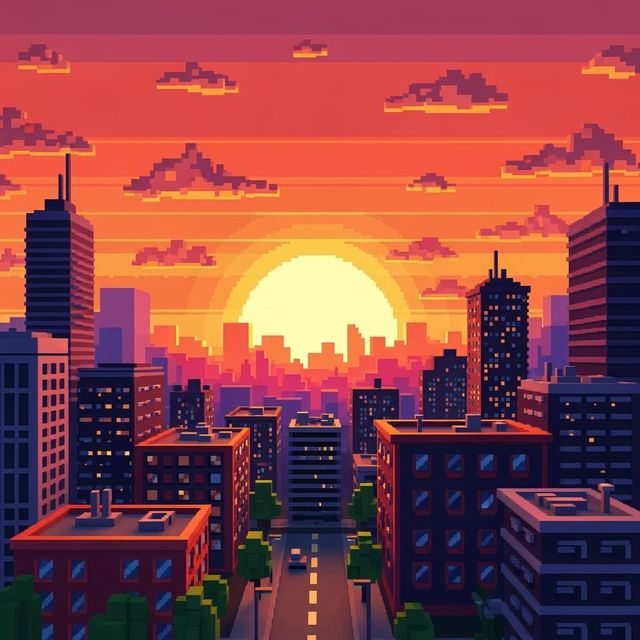
Create a Pixel Art Background
Create unique pixel art backgrounds with NightCafe AI Image Generator. Whether for games, websites, or digital art, our tool turns your ideas into stunning 8-bit visuals. Explore the gallery or start creating now.
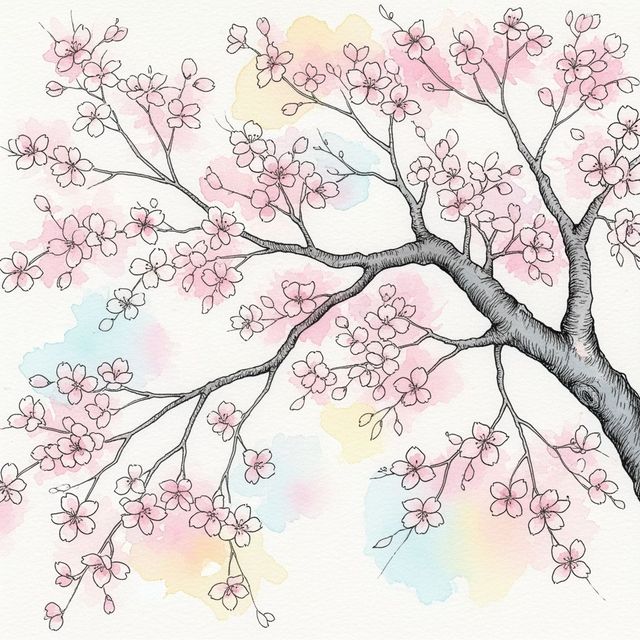
AI-Generated Cherry Blossom Tree Drawing
Explore the beauty of spring with AI-generated cherry blossom tree drawings. Transform simple prompts into stunning digital artwork. Create your own or browse the gallery.
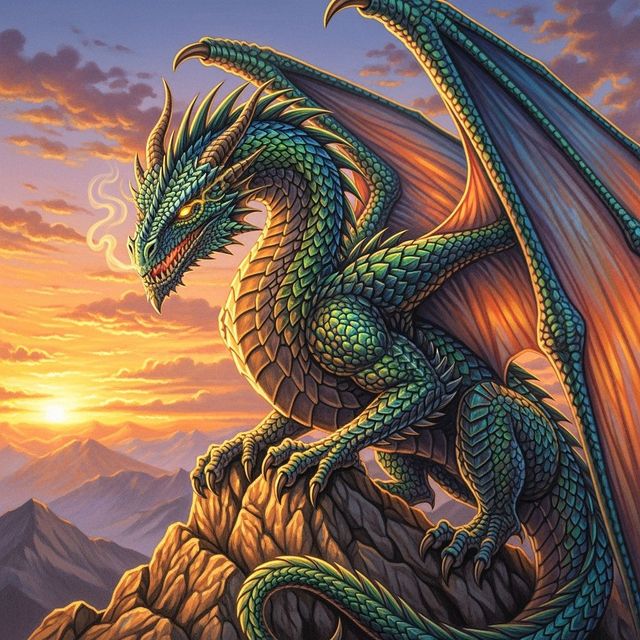
Generate a Realistic Dragon Drawing
Unleash your inner artist with NightCafe's AI Realistic Dragon Drawing generator. Create detailed and stunning dragon drawings that capture the imagination. Browse realistic dragon drawings or create your own.
Frequently Asked Questions
Frequently Asked Questions About Generating Anime Pictures with AI