

Sketch Generator
The sketch generator turns your ideas into pencil drawings, line art, and charcoal studies using AI in seconds. By using the built-in AI Sketch Generator template on NightCafe, you can instantly fill in your subject, choose a sketch style, and define your line and shading details. You can also upload a photo to convert it directly into a hand-drawn masterpiece using over 30 top AI models with free daily credits. Get started now using the guided template below.

Create
Text Prompt
AI Model
Choose which AI image generator to use.
Start Image(s)
This model supports prompt-to-edit and multi-image fusion.
This creation will be visible to other users in the newbie feed.
As Seen In








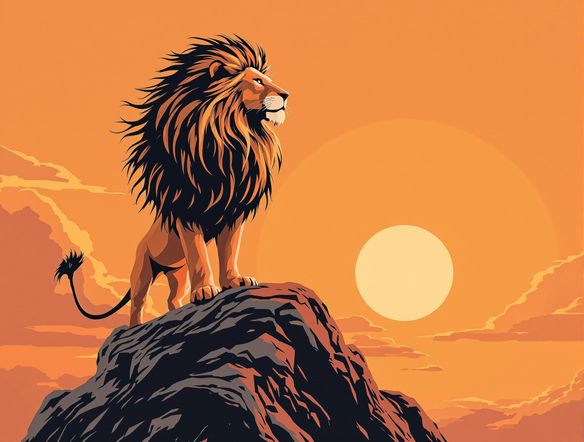
Every sketch style covered
Free AI Sketch Generator Online
NightCafe gives you access to 30+ AI models including Nano Banana, GPT Image, Flux, and Seedream, each rendering line weight, cross-hatching, and paper texture differently. Whether you want a tight architectural line drawing, a loose gestural figure study, or a gritty charcoal portrait, switching models lets you compare styles side by side without starting over.
How to Use the Sketch Generator
Step 1
Launch the AI Sketch Generator template
Open the built-in AI Sketch Generator template right on this page. No account is needed to start experimenting with your free daily credits.
Step 2
Fill in your sketch details
Type your subject, select a sketch style like pencil or charcoal, and specify your line and shading preferences. You can also upload a reference photo to convert it directly.
Step 3
Generate, refine, and share
Click generate to watch the AI translate your inputs into a hand-drawn masterpiece. Switch models, adjust your settings, and share your final sketch with the NightCafe creative community.
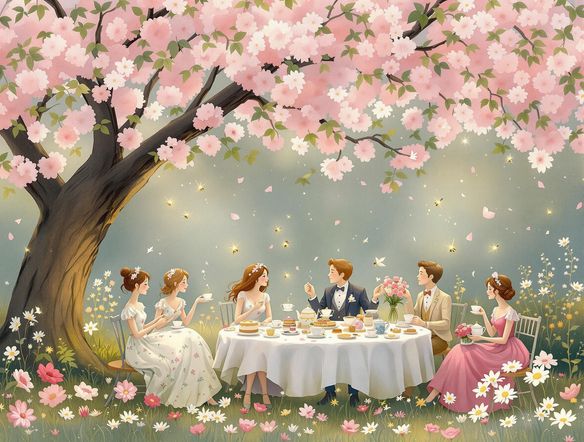
Start from a photo
Turn Any Photo Into a Pencil Sketch
Upload a reference image and use image-to-image generation to translate it into a pencil or charcoal sketch while keeping the original composition intact. Adjust the style strength to control how much of the source photo is preserved, keeping faces or key details recognizable as the AI strips color back to expressive lines and tonal shading.
Need inspiration?
Check out some of the top creations made by the NightCafe community.


Related Tools

AI Image Generator Combine Images
The AI image combiner merges two or more images into a single cohesive piece using AI — blending compositions, styles, and subjects in seconds. Choose from 30+ models, upload your references, describe the result you want, and refine until the mashup is exactly right. Free daily credits, no download required.

Black And White Generator
The black and white generator creates striking monochrome AI art from a text prompt or uploaded photo in seconds. Choose from 30+ AI models to produce film noir portraits, bold graphic illustrations, grayscale landscapes, or high-contrast sketches. Start with free daily credits, no download required.

Anime Generator From Photo
The anime generator from photo converts your pictures into expressive anime-style art using AI. Upload a portrait, selfie, or scene, choose from 30+ models including Flux, GPT Image, and Seedream, and adjust style strength to keep your likeness while shifting into anime. Free daily credits, no download required.

AI Cartoon Generator
The AI cartoon generator turns text prompts or photos into vibrant cartoon art in seconds. Choose from 30+ AI models, describe your character or scene, and watch it render as a bold cartoon illustration. Free daily credits are included with no download required.
Frequently Asked Questions
Common questions about AI sketch generation on NightCafe